All product image guides Product detail photography

Show the detail that answers the buying question.

A close-up is useful when it resolves a specific uncertainty: the clasp, seam, printed label or actual wear. Decide which fact needs evidence, capture that feature on the real item, and keep its connection to the whole product clear.

Explore a scene beside your factual detail views Two free credits when you sign up. Review the result before publishing.
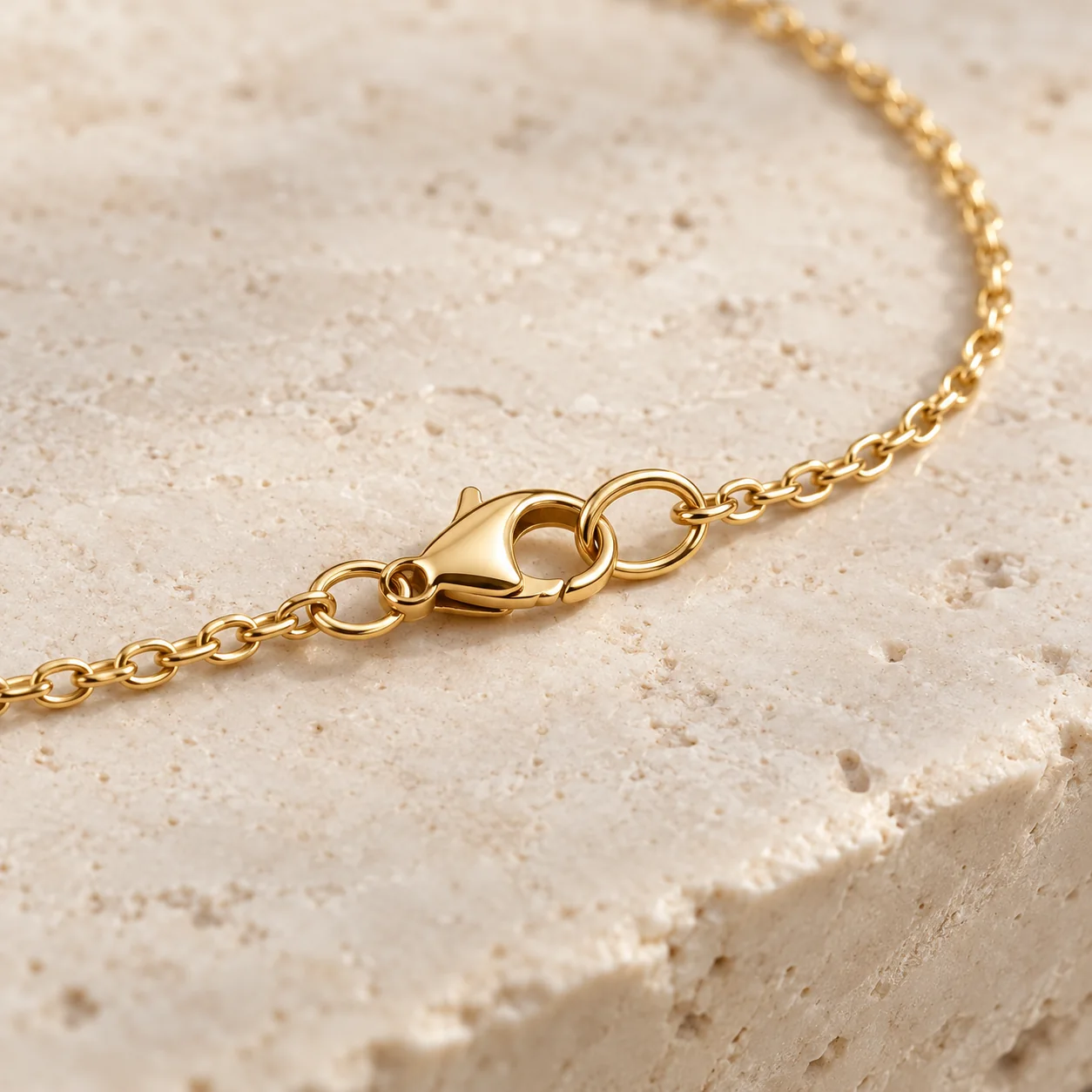
Editorial macro concept of a gold-tone chain necklace with a lobster clasp and connecting rings
EDITORIAL CONCEPTA concept showing a detail-led composition. Verify closure construction and material using your own real photograph. Not a Fayvoro output or customer product.
01 / EXAMPLEILLUSTRATIVE CONCEPT
What this shows

A detail view needs a product identity.

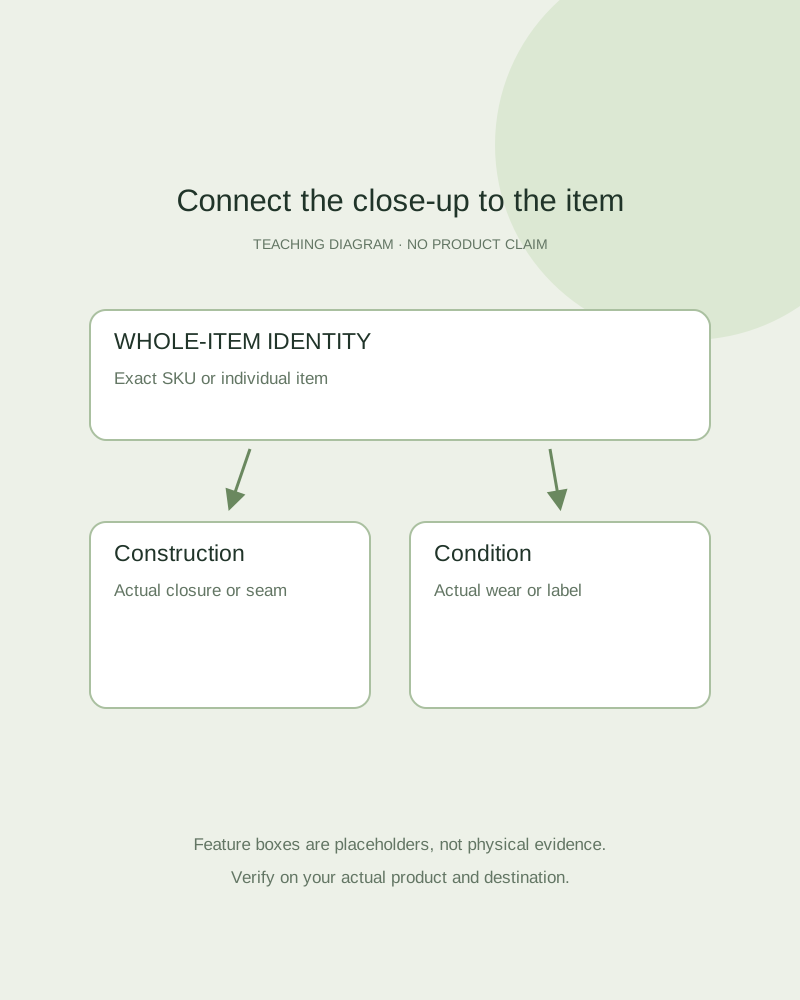
The diagram connects a factual whole view with targeted close-ups. It does not reveal real hidden construction or demonstrate that generation preserves seams, text or surface condition.

Teaching diagram linking a whole-item identity photo to labeled construction and condition close-ups
Editorial conceptOriginal teaching diagram, not a product photograph, Fayvoro generation or customer result. Feature boxes are illustrative placeholders, not real macro photographs or product evidence.

This image is an editorial concept made for the site. It is not a Fayvoro generation or customer result. AI can change product shape, color, packaging, labels, and text. Check every important detail against the real item.

02 / A PRACTICAL WORKFLOWSTART WITH YOUR PHOTO
01

Turn a buyer question into a capture

List the question and the feature that can answer it. “How does it close?” needs the actual closure; “is there wear?” needs the real condition area. Separate a product claim requiring specifications from a visible feature that a photograph can show.

Use the exact SKU or individual resale item, and keep a whole-item view beside the close-up so the feature can be located. Capture the reverse, inside or underside directly when it matters. A front reference cannot establish an unseen interior, hallmark or tread pattern.

Crochet stitches and delivered items — Show the real reverse, joins and closure, and distinguish a finished item from a pattern or kit.

Show pet-accessory fit details — Record the actual width, closure, size option and supplied pieces before scene exploration.

3D Printed Product Photography — Photograph real 3D printed items with visible layer lines, support-contact areas, seams and supplied parts.

Acrylic Keychain Product Photography — Show acrylic charm front and back designs, clear edges, actual hardware and protective-film status.

Plush Toy Product Photography — Photograph a plush toy’s actual face, limb arrangement, seams and stated size basis.

Greeting Card Product Photography — Show the actual greeting card front, inside wording, fold and included envelope.

02

Make the feature inspectable

Light and frame the feature so it is visible without glare, motion blur or a distracting prop. Check focus on the required area and keep a wider context view when an extreme close-up becomes ambiguous. If one frame cannot show everything, take separate real detail views.

Shopify’s product-page guidance discusses multiple angles and close-ups for texture, stitching and other features. Use that principle to answer your own product’s questions. A picture of shine does not establish material composition or durability; those claims need their own verified information.

Photograph the exact watch — Keep a readable dial, model reference and actual wear beside a new scene.

Enamel Pin Product Photography — Plan enamel pin photos that show the front artwork, actual post layout, included clutch and finish.

Fountain Pen Product Photography — Show an actual fountain pen, readable nib markings, cap construction and a separately documented writing sample.

Sticker Sheet Product Photography — Show the actual sticker sheet, kiss-cut boundaries, backing liner and one real peeled or applied sample. Keep styled stationery scenes separate from adhesion claims.

Makeup Brush Product Photography — Show the real makeup brush head from front and side, bristle appearance, model marking and supplied count.

Plan keyboard product photographs — Photograph the actual keyboard layout, key legends, side controls and included accessories. Keep AI desk scenes separate from layout and connectivity verification.

03

Keep scene creation out of factual recovery

Publish accurate detail images alongside a reviewed lifestyle candidate where the channel permits. If a real detail is missing, obscured or out of focus, request another capture instead of asking a generator to guess it. Do not remove actual resale wear merely to make the scene more attractive.

Fayvoro is a scene generator, not a macro evidence-recovery tool or an exact construction editor. It may alter stitching, labels, stone count and closure geometry. Keep original detail files and verify that each gallery image belongs to the selected variant or individual item.

Show the ports on the actual model — Photograph connector positions and supplied accessories rather than inventing technical specifications.

Notebook Product Photography — Plan notebook and stationery photographs that show the selected layout, binding, cover and actual writing evidence. Try a separate desk scene from a real product photo.

Embroidered Patch Product Photography — Show embroidered patch texture, border construction and the actual backing option. Keep application examples separate from attachment or durability evidence.

Cutting Board Product Photography — Show the actual cutting board grain, thickness, grooves, handles and underside.

Hair Claw Clip Product Photography — Show the actual hair claw clip closed and open, tooth layout, hinge and supplied count.

Practical decision card

Connect the question to the real close-up

Choose the physical evidence needed for the shopper’s question, not a decorative macro image.

Manual planning and review; no automatic product inspection.
QuestionUseful captureLimit to state
How does it close?Actual clasp, zipper, hinge or closureA front scene cannot establish the hidden mechanism.
What is the construction?Real seams, joins or relevant undersideAppearance alone does not prove material or durability.
What condition will arrive?The actual resale wear or defect areaDo not use generative repair to conceal condition.
What does the label say?A readable real packaging or marking viewInvented generated text is not product evidence.
Keep a whole-item identity view with the detail. Use a new real capture for obscured or missing facts.
Direction to try

A useful starting note.

Use this as a starting point, then adjust it for your own product. No prompt can guarantee exact product details.

Use my actual whole-item photograph for one simple supporting scene, leaving the outline and closure unobscured. Do not invent hidden features or packaging text. I will retain separate real close-ups for construction, condition and labels.
Before you publish

Check the details.

  • Each close-up answers a specific buyer question.
  • The view is linked to the exact SKU or individual item.
  • Hidden construction is captured directly rather than inferred.
  • Original construction, condition and label evidence remains in the gallery.
Common questions

A few things to know.

Can AI reveal a detail outside my reference photo?

It can invent plausible detail but cannot establish the genuine feature. Capture the actual side or interior directly.

Should I remove a scratch from a resale photo?

Do not hide the actual condition of the item being sold. Keep a truthful condition view and description.

Is a generated close-up proof of craftsmanship?

No. Use real close-ups of the product and independently verified specifications for factual claims.

Make your image
with intention.

Explore a scene beside your factual detail views