02 / A PRACTICAL WORKFLOWSTART WITH YOUR PHOTO
01Make the deliverable unmistakable
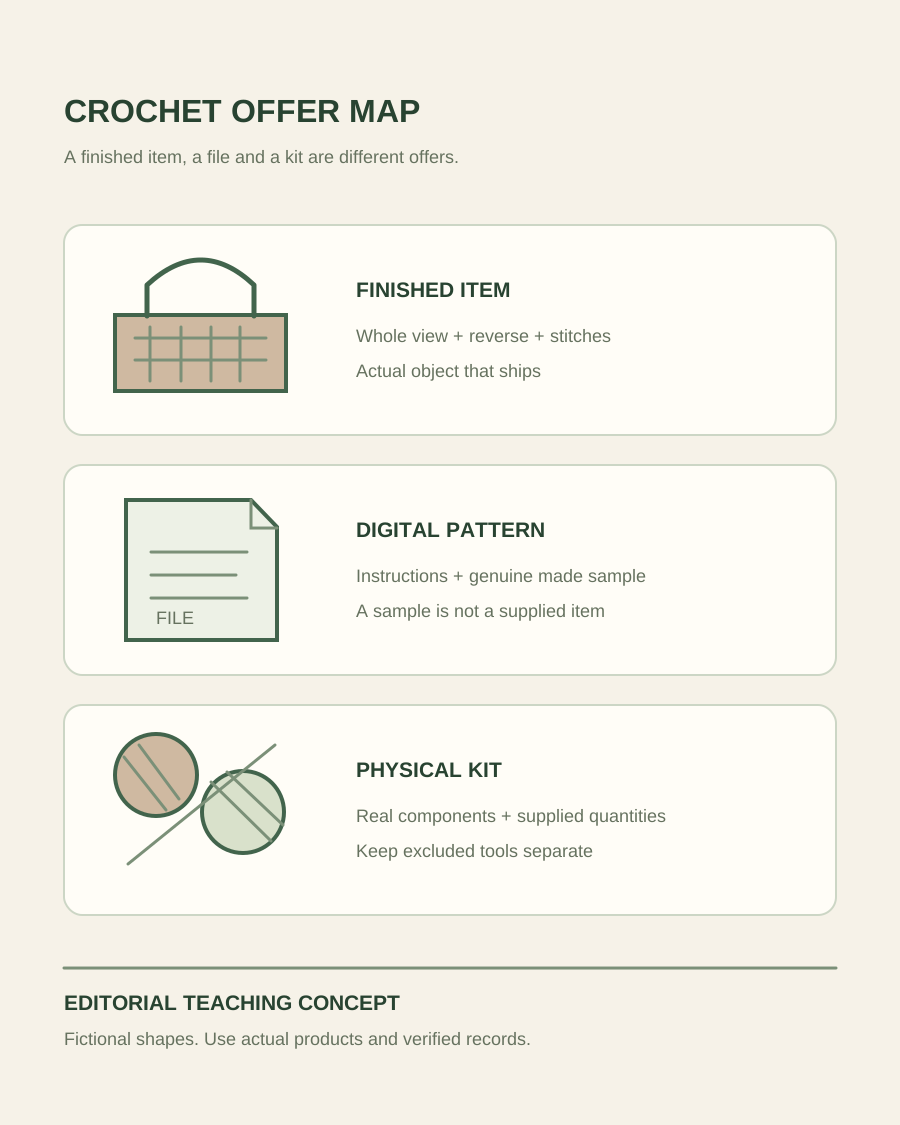
Write down what the buyer receives before making a cover image: one finished bag, a kit with specified contents or a file containing instructions. Use a real completed sample for a physical product and a truthful sample made from the instructions for a pattern illustration. A pretty imagined object does not establish that the pattern produces it. Keep the listing type, title, description and image context aligned so a buyer does not mistake a sample for a finished item included in the purchase.
Etsy’s digital-purchase help describes delivered files separately from physical products. Use that distinction to check your own listing workflow rather than relying on an image caption alone. For a kit, count the actual yarn, tools and supplied components and photograph the contents. For a finished item, keep decorative yarn balls and hooks separate from the offer. Do not use the presence of materials in a styled image to imply a yarn composition or a supplied accessory that you have not verified.
Yarn Product Photography — Photograph yarn colorways, actual dye-lot labels, skein texture and a separate real knitted swatch.
Capture stitches, joins and size on the real sample
Make a whole-item photograph with the object in its normal resting shape. Add a close view that shows the stitch texture without blur, and capture the reverse, seam, closure, lining or strap attachment when those features affect the purchase. For a bag, show its genuine opening and interior instead of filling it with props that conceal construction. For a soft ornament, show both faces and the actual attachment points. Keep the sample identity attached to its detail files.
Use a real scale reference or measured view appropriate to the item. A stretched fabric and a relaxed fabric can look different, so state how the dimension was taken and avoid letting a styling arrangement imply an unverified fit. Keep lighting and color treatment consistent enough to compare the actual yarn variants. Examine joins and loose areas before choosing the final file, but do not digitally invent denser stitches, replace real construction or hide condition that a shopper needs to understand.
- Capture the delivered object or a genuine sample made from the sold instructions.
- Keep reverse, lining and closure views beside the attractive front view.
Use scene generation only after the sample is documented
Fayvoro can explore one new flat scene candidate from a clear whole-item reference. Describe a quiet surface or room and leave the crochet object visible. It does not simulate a working stitch pattern, repair the construction or guarantee a product’s shape. A text-generated crochet object is an imaginary concept; do not present it as proof of what your customers can make from a particular pattern.
Compare stitch spacing, edging, strap length, motif count, buttons and the silhouette against the original. A candidate can quietly add a lining, change a granny-square design or attach a different closure. Reject those changes when they alter the actual offer. Keep a real primary view and the genuine detail set if construction remains uncertain. When a customer asks a question that the gallery cannot answer, take another photograph of the sample rather than generating the missing backside or interior.