02 / A PRACTICAL WORKFLOWSTART WITH YOUR PHOTO
01Create a record for this exact watch
Before setting the lights, write down the item identifier, documented model or reference, dial color, strap or bracelet, and what comes in the sale. Keep box, papers, spare links and other accessories in separate rows with an included or excluded status. A family resemblance to another model is not enough to reuse its gallery. If a reference is uncertain, resolve it from the owner's records rather than inventing lettering in an image.
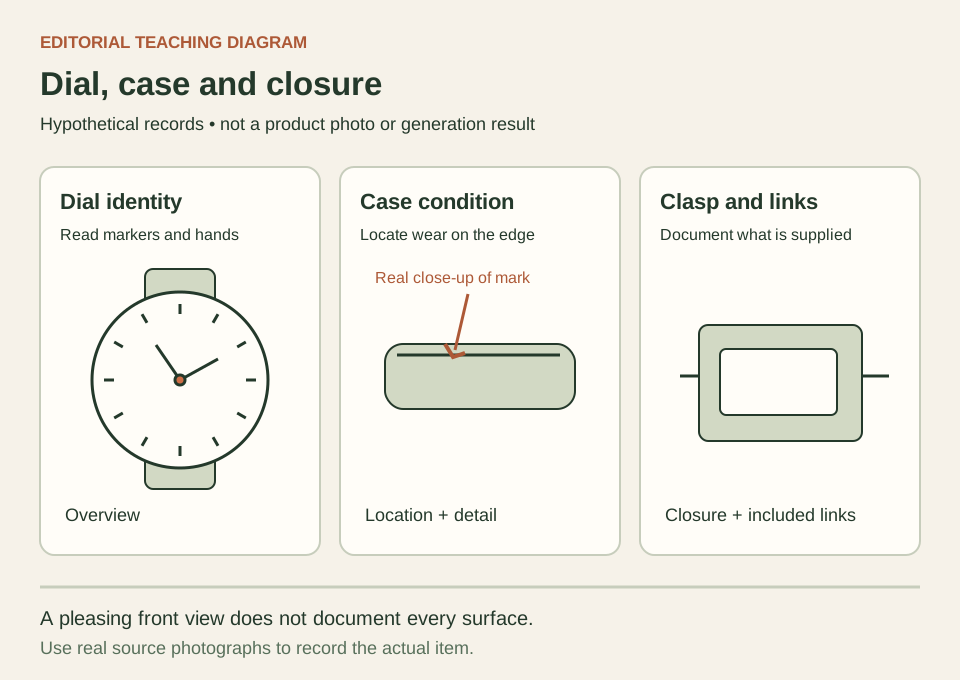
Make a front view, both case sides, case back, closure and strap or bracelet view. Add close-ups for visible wear, changed parts or details a buyer has asked about. Chrono24's seller FAQ specifically asks for high-quality views from different angles with scratches or dents clearly visible, and explains that references identify a model or variant. Those are marketplace instructions; this shot plan is a practical way to organize the factual photographs.
- Assign one exact inventory ID to every source file and condition note.
- Photograph included accessories together, then retain a separate unobstructed watch view.
Separate glare from the surface underneath
Set the watch on a stable support and take one trial before batching the gallery. Move a broad light or white card while keeping the camera and watch position fixed. Compare whether the hands, indices and date window become readable. Changing everything at once makes it difficult to tell which adjustment helped. A dark reflection can describe the case shape, but it should not conceal the very edge you need to show.
Take an additional condition view with light that reveals the relevant area, even when that image is less dramatic. Compare the same scratch in an overview and a closer frame so a buyer can locate it. Do not smooth a dent, repaint a dial mark or polish a worn bracelet digitally for the factual listing. Keep contrast changes modest enough that the condition photograph still agrees with the item in front of you.
Give a scene candidate a limited, reviewable role
Once the real gallery is complete, choose one rights-cleared source with a readable whole watch for a Fayvoro scene attempt. Describe a quiet surface, soft light and empty space around the subject. Fayvoro works from one uploaded image in this attempt; it does not combine your case, clasp and dial views into a certified reconstruction. The other photographs remain independent references for your own manual comparison.
Inspect the result for changed hands, duplicated markers, invented dial text, case proportions, crown location, missing links and a different closure. If any fact is unclear, keep that candidate out of the sales gallery. A request to preserve the watch is direction, not a guarantee. Confirm the destination marketplace's current image rules, retain the original condition photos, and use an explicitly identified concept only where that role is permitted.