Bring a clear portrait and explore a different light, setting or visual style. See how one fictional adult reference becomes two distinct portraits, then shape a direction for your own photo.
JPG, PNG or WebP · Up to 10 MB
Review the prompt and credit cost in the studio before generating.
An AI-created edit of the fictional reference shown here. Compare the face, structure and details before using your own result.
A FEW WAYS IN
Find your direction. Change the details.
Open a prompt to see the starting idea. You choose when to generate.
AI INSPIRATION
REFERENCE
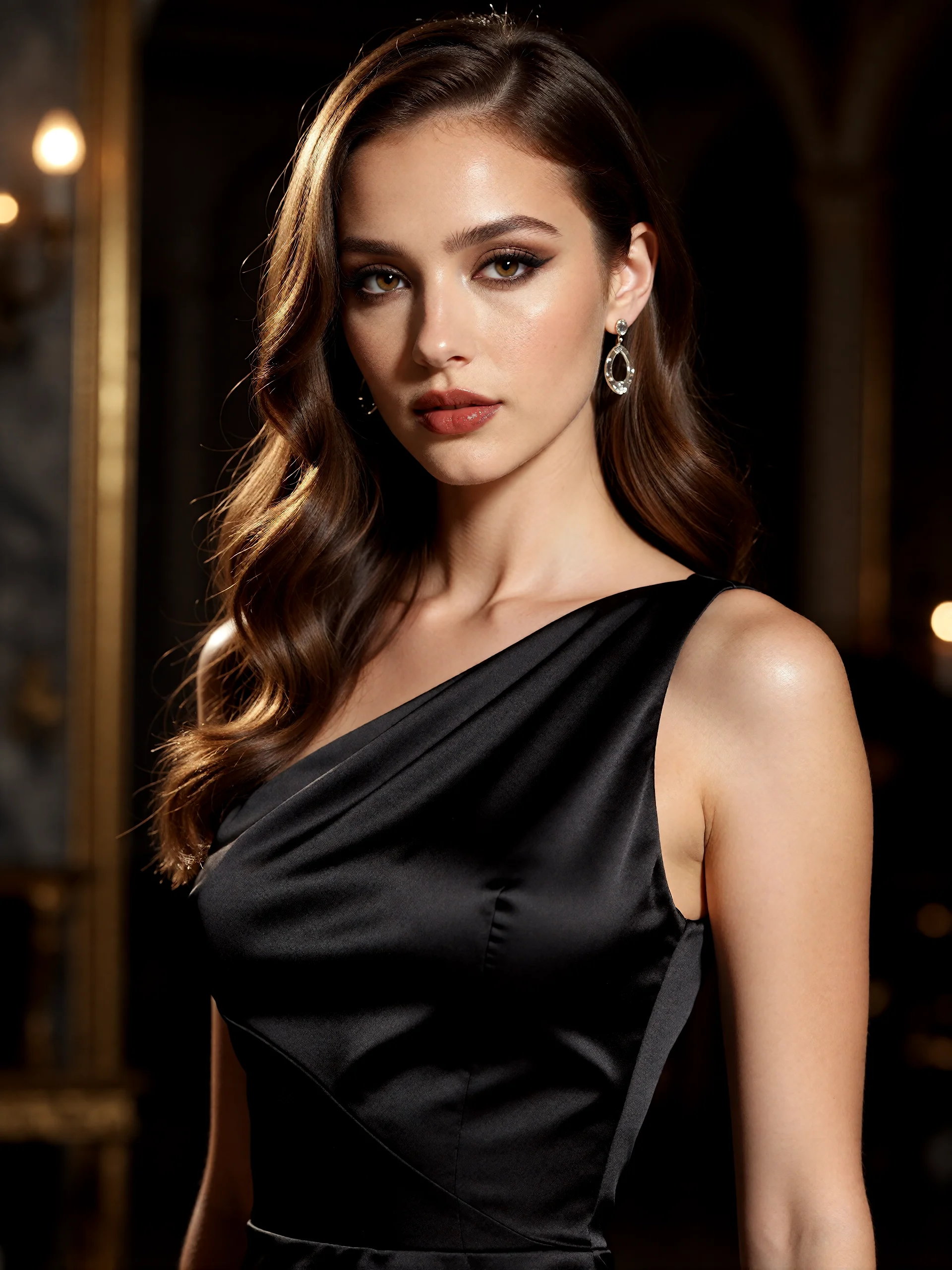
From a reference to a cover story
An AI-created edit of the fictional reference shown here. Compare the face, structure and details before using your own result.
Explore the prompt
Reimagine this adult woman as a polished color fashion editorial. Preserve her recognizable face, dark waves and adult age. Dress her in an opaque sculptural crimson satin evening dress, elegant neckline, one hand lifting a fold of fabric. Strong direct gaze, luminous skin, rich red lipstick. Cyan glass reflections and amber side light in a dark architectural studio. Waist-up diagonal composition, striking magazine photography, no text or logos.
AI INSPIRATION
REFERENCE
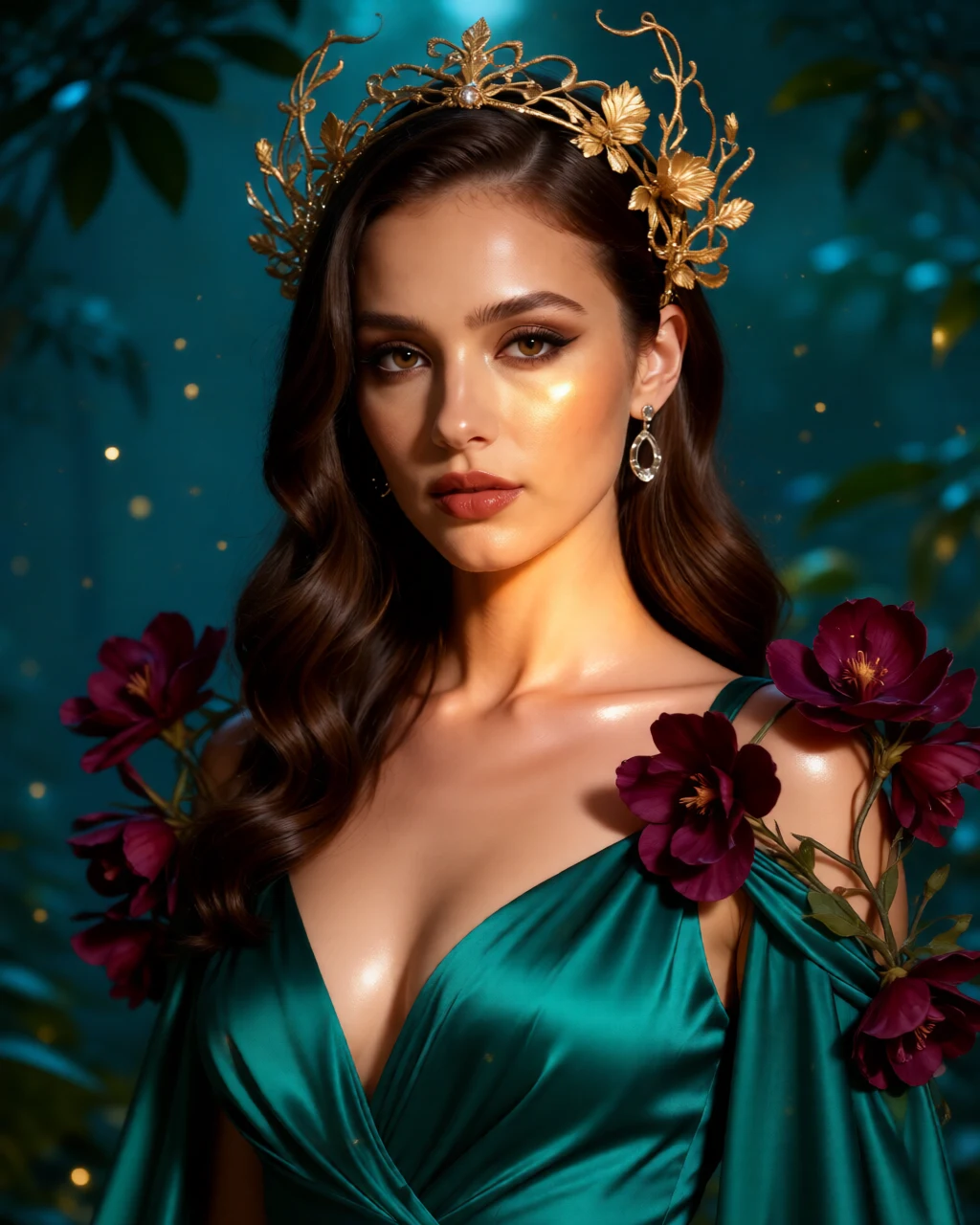
A portrait in full bloom
An AI-created edit of the fictional reference shown here. Compare the face, structure and details before using your own result.
Explore the prompt
Transform this adult woman into a jewel-toned botanical fantasy portrait while preserving her recognizable face, dark waves and adult age. Opaque emerald silk gown, sculptural antique-gold botanical headpiece, deep plum orchids framing her shoulders. Arresting direct gaze, warm luminous skin, delicate floating golden pollen against a deep teal garden. Close portrait with dramatic dimensional light and exceptional material detail. No text or logos.
MAKE IT MORE YOURS
A little intention. A different image.
01
Start with a face the reference can clearly show
Use a well-lit portrait with the eyes visible and enough space around the head for the crop you want. A simple background and a single person make the brief easier to focus. If you want a head-and-shoulders result, use a reference that includes the shoulders rather than asking a tight face crop to supply the whole pose.
02
Choose the portrait’s visual language
For an editorial direction, describe the fabric, color and lighting. For botanical fantasy, describe the flowers, clothing and imagined setting you want to explore. Keep the first brief focused on one direction; mixing unrelated costumes, lighting and decorative effects can make the face less central.
A 4:5 frame is a useful starting point for a head-and-shoulders portrait. Ask for room above the head and around any distinctive clothing or accessories. If you want a square avatar, switch to 1:1 and check that the face remains readable when the image is viewed small or cropped into a circle.
04
Review likeness before you choose a favorite
Compare the eyes, face shape, hairline, expression and any visible hands with the reference. A visually striking result can still change details that matter to you. Refine the prompt if the styling overwhelms the subject, and use the result only when you are comfortable with the interpretation.
BEFORE YOU BEGIN
A few useful answers.
Does this portrait generator start from my photo?+
Yes. This page opens the canvas in photo mode with a portrait prompt prepared. Upload your reference, review the creative direction and format, then choose when to generate.
Will it preserve my face exactly?+
Facial features and expression can change. The photo guides the generation, but exact likeness is not guaranteed. Compare the result with the reference, especially if recognizability matters.
Can I use it to make a professional headshot?+
You can explore a clean portrait with simple lighting, clothing and background. Review likeness and realism carefully before using it professionally; generated facial details, accessories or clothing may need another attempt.
Are these example portraits photographs of a real customer?+
The reference depicts a fictional adult created for this demonstration. The editorial and botanical images are AI-created photo edits made from that same reference.