02 / A PRACTICAL WORKFLOWSTART WITH YOUR PHOTO
01Map the selected cover to its real page layout
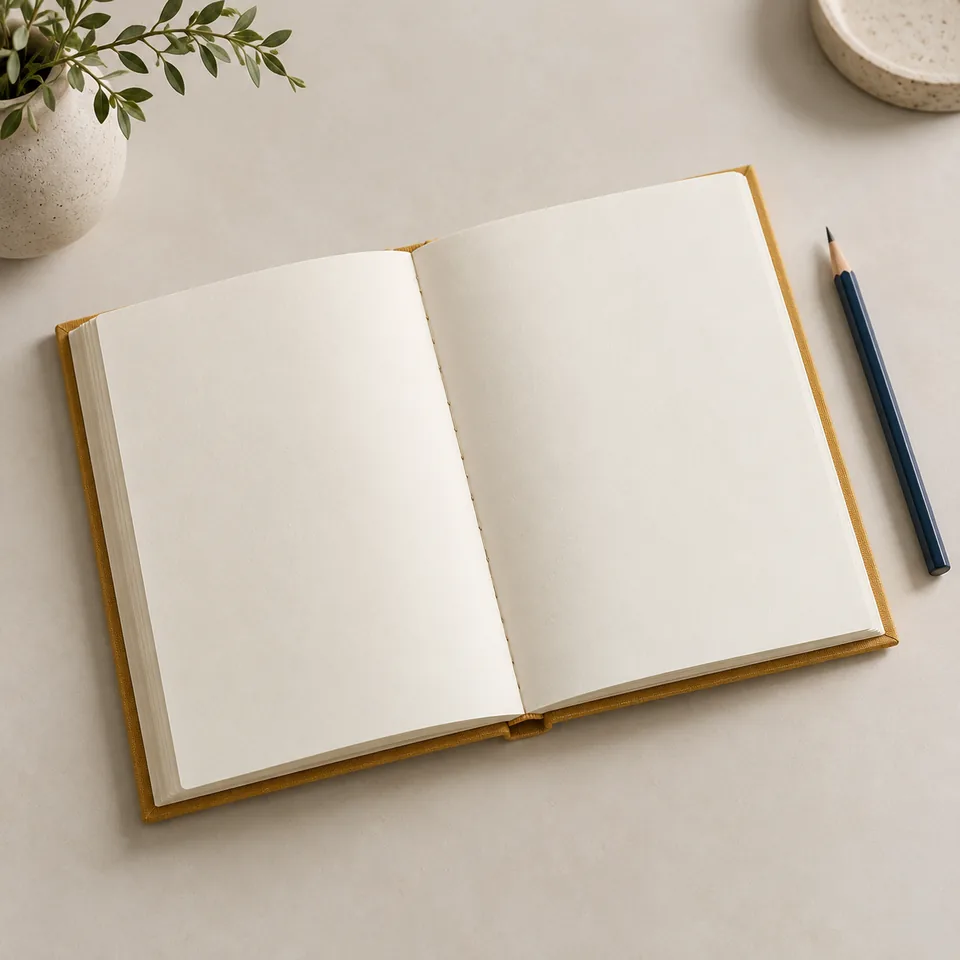
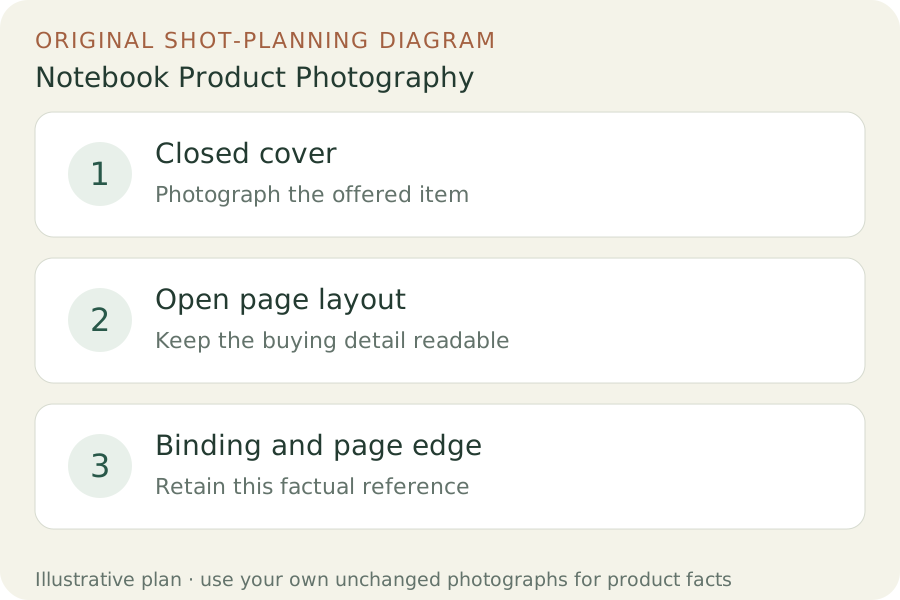
Record the size, cover type, page layout and edition you are photographing. Open the actual notebook to a representative spread and show the printed ruling, dots, grid or plain page clearly. Keep a clean closed-cover view beside it. Do not substitute the interior of a larger notebook just because the cover color and product family are the same.
Moleskine offers separate size and layout choices on its Classic Notebook page. That illustrates why an interior photograph belongs to a specific selection. Build your own listing around the variants you actually sell, with captions that name the layout. A styled open-book photograph must not silently replace the ruled version selected in the purchase controls.
Photograph construction before staging a writing desk
Make one side-on page-edge frame and a closer binding view at a comfortable opening angle. Do not force the notebook flatter than it naturally rests just to simplify the composition. Show an elastic closure, ribbon or pocket in separate real views when included. Take a top-down spread with the camera parallel to the pages so perspective does not make one page look smaller.
If buyers ask about ink bleed-through or paper behavior, make a real test using the stated pen and ink, then photograph the writing side and reverse under the same light. A blank ivory page does not prove ink resistance. Keep sample handwriting separate from untouched sale stock and explain the sample. A generated writing sample cannot establish actual line quality or paper performance.
Keep a desk scene focused on the notebook
Upload one real notebook photograph for a Fayvoro scene candidate. Choose a closed-cover or open-spread source according to the composition you need. Ask for a quiet desk with the notebook fully in frame and no invented page text. Props can help set the context, but buyers must not mistake a pencil, dish or plant for included stationery.
Review cover texture, spine construction, page thickness, layout, page count implications and closure placement. Reject an image that turns dotted pages into plain paper, adds a pen loop or fills the page with invented branding. The generated scene is an optional visual after review; it does not replace the factual interior or any real writing test.