All product image guides Product bundle photography

Show the package the customer is buying.

A beautiful group image can turn one item into a misleading offer. Start from the exact contents and quantities, capture the real group, and keep styling props distinct from anything included in the purchase.

Explore a scene from a reviewed group photo Two free credits when you sign up. Review the result before publishing.
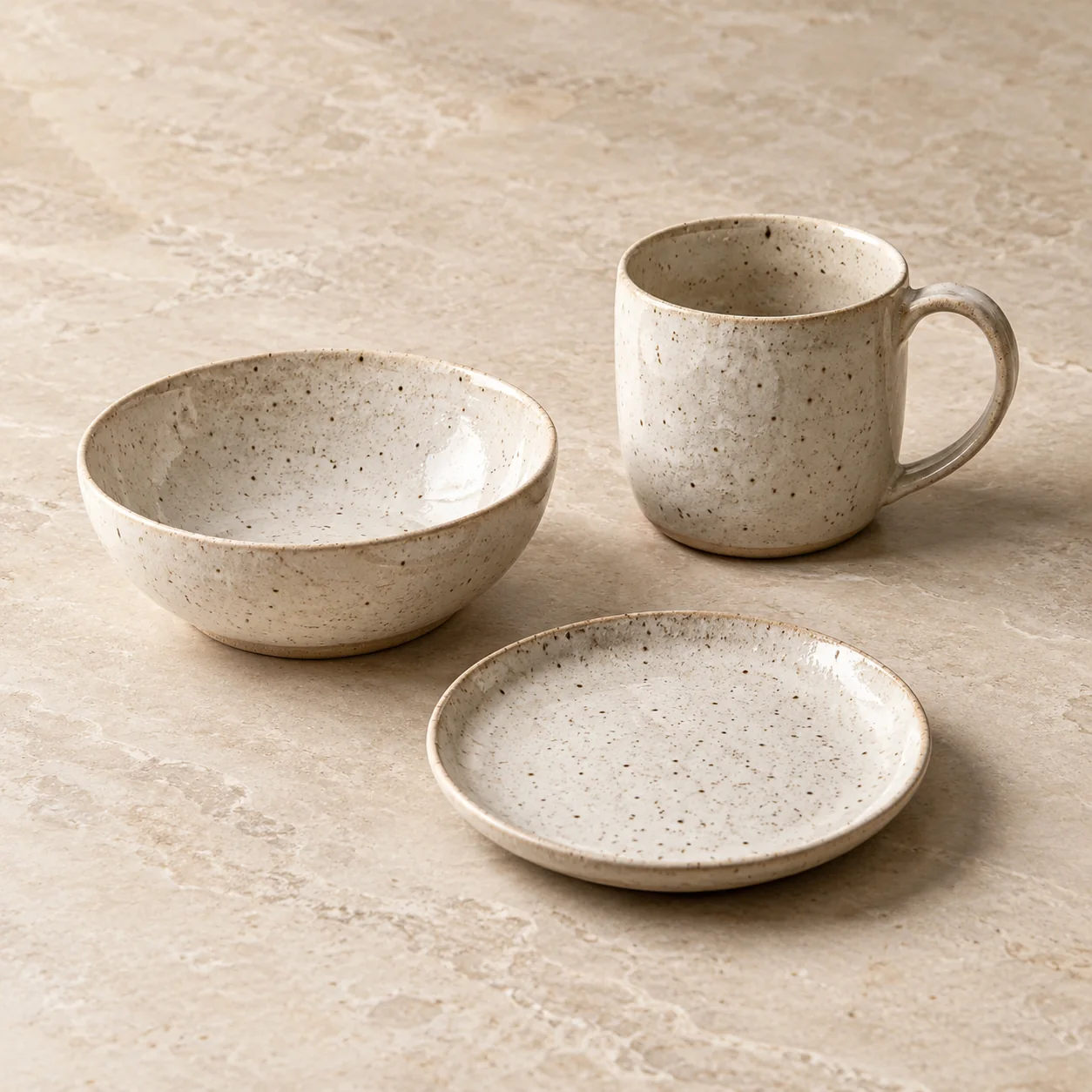
Editorial concept with exactly three speckled ceramic pieces: a mug, bowl and side plate
EDITORIAL CONCEPTA fictional three-piece set for composition reference. Count the real contents of your own offer. Not a Fayvoro output or customer bundle.
01 / EXAMPLEILLUSTRATIVE CONCEPT
What this shows

Count the offer before styling it.

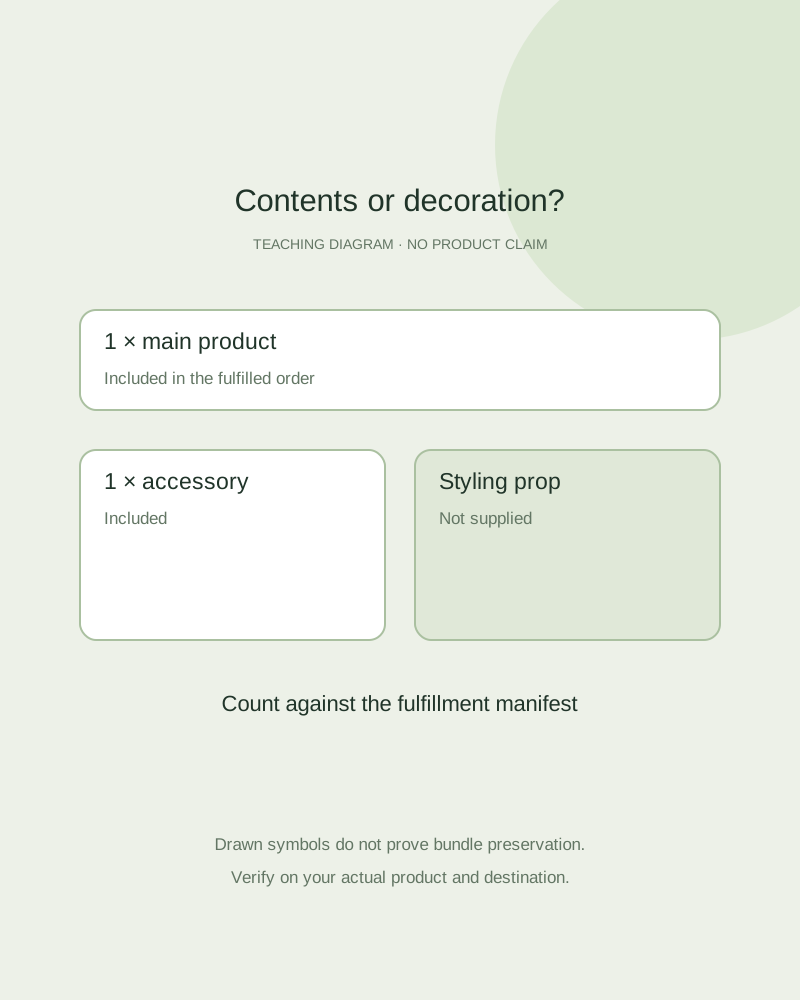
This inclusion diagram shows how an operator can separate the main item, included accessories and a decorative prop. It is not an example of accurately generated multiple products.

Teaching diagram of an inclusion manifest with a main item, included accessory and excluded prop
Editorial conceptOriginal teaching diagram, not a product photograph, Fayvoro generation or customer result. The drawn pieces are fictional planning symbols; no bundle fidelity has been tested.

This image is an editorial concept made for the site. It is not a Fayvoro generation or customer result. AI can change product shape, color, packaging, labels, and text. Check every important detail against the real item.

02 / A PRACTICAL WORKFLOWSTART WITH YOUR PHOTO
01

Write an inclusion manifest

List every physical item and count, the condition, optional choices and anything the customer must buy separately. Include packaging only if that packaging is supplied. Agree on the manifest with whoever fulfills the order; a styling reference is not the packing specification.

Identical units sold together and a main product with different accessories are different offer structures. Google Merchant Center documents multipacks and bundles separately. Check the applicable product-data requirements in the current destination rather than inferring the classification from the photograph.

Single bars and soap gift sets — Photograph the supplied quantity and distinguish optional dishes or bathroom props.

Board Game Product Photography — Plan board game photographs for the actual edition, box and included components. Keep staged play scenes separate from complete-set and condition evidence.

Towel Product Photography — Plan bath towel photographs with real loop texture, border, size and supplied count. Keep stacked bathroom scenes separate from absorbency and fabric-weight claims.

Plan storage jar product photographs — Photograph storage jar body, opening, real lid and seal components. Keep capacity, closure and food-storage claims separate from pantry scene concepts.

02

Make one truthful contents view

Arrange the actual pieces so each can be counted without another item hiding it. Keep a real unpacked contents photograph even if the packaged view is more attractive. For nested or tiny parts, add a real detail image; do not ask a generator to reveal components it cannot see.

If a decorative cup, plant or display block is not supplied, keep it out of the contents view. In a separate lifestyle image, make the offer clear with nearby product copy and a factual gallery view. Do not rely on a small disclaimer to correct an image that plainly shows extra included units.

Show the ports on the actual model — Photograph connector positions and supplied accessories rather than inventing technical specifications.

Bouquet Product Photography — Plan florist bouquet photographs for actual arrangements, size options and wrapping. Keep representative seasonal bouquets and display concepts clearly identified.

Plan water bottle product photographs — Photograph water bottle lids, mouth openings, straw parts and actual capacity information. Explore a secondary bottle scene without inventing leak or insulation evidence.

03

Review generation as a new group image

Fayvoro takes one photo reference and creates one new image per attempt. This page does not establish reliable bundle, accessory or repeated-item preservation. Count each candidate against the manifest, check which parts belong together, and reject duplicated or missing pieces.

A secondary scene may be worth trying when every component is clearly visible in the reference. When the exact group cannot be verified, use the real group photograph. Google’s bundle guidance asks the image, title and description to account for the entire bundle; check all three together before submission.

Match images to the current box — Separate the current contents list from past editions and packaging props.

Chocolate Product Photography — Show the real chocolate selection, decoration and a separately photographed cut filling.

Plan zipper pouch product photographs — Capture zipper pouch opening, interior lining, gusset and actual dimensions. Separate empty construction, illustrative loading and secondary AI scenes.

Practical decision card

Build an inclusion manifest

The examples below are fictional. Replace them with what your fulfillment team actually supplies.

Manual planning and review; no automatic product inspection.
Item statusWhat to recordImage action
Main itemExact identity and supplied unit countShow the actual main item clearly.
Included accessoryIdentity, quantity and whether it is optionalShow it in the real contents photo without overlap.
PackagingWhether this packaging reaches the customerAvoid implying a gift box that is not supplied.
DecorationNot included; one explicit styling purposeKeep it out of the factual contents view.
The manifest is separate from destination bundle attributes. No image counting or bundle classification is performed here.

Enter valid whole-unit counts from your own manifest and inspection.

This arithmetic does not identify items, inspect a photo or classify a bundle. Equal totals can still conceal one missing and one duplicated accessory.
Direction to try

A useful starting note.

Use this as a starting point, then adjust it for your own product. No prompt can guarantee exact product details.

Use my real group photo as the reference for one secondary scene. Keep all supplied pieces visible with no added or repeated products and no decorative accessories. I will compare every item and count with my fulfillment manifest before use.
Before you publish

Check the details.

  • The fulfillment manifest names every supplied item and count.
  • A truthful real contents photograph is retained.
  • Styling props are separate from purchased contents.
  • Image, title, description and applicable bundle data agree.
Common questions

A few things to know.

Does Fayvoro guarantee the count of items in a bundle?

No. Multiple objects may be changed, repeated or omitted. Use a real contents photograph if the candidate cannot be verified.

Is a multipack the same as a bundle?

Google treats retailer-grouped identical products and a main item with different accessories differently. Check its current definitions for your offer.

Can an accessory appear as a prop?

Only when the image and surrounding offer make its status clear. The contents view should show what is actually supplied.

Make your image
with intention.

Explore a scene from a reviewed group photo