All product image guides Product photography props

Give each prop a reason to be there.

Props can suggest a setting, color or occasion. They can also hide the product or imply an accessory, ingredient or quantity that is not sold. Choose a restrained supporting role before making the scene.

Explore a restrained scene Two free credits when you sign up. Review the result before publishing.
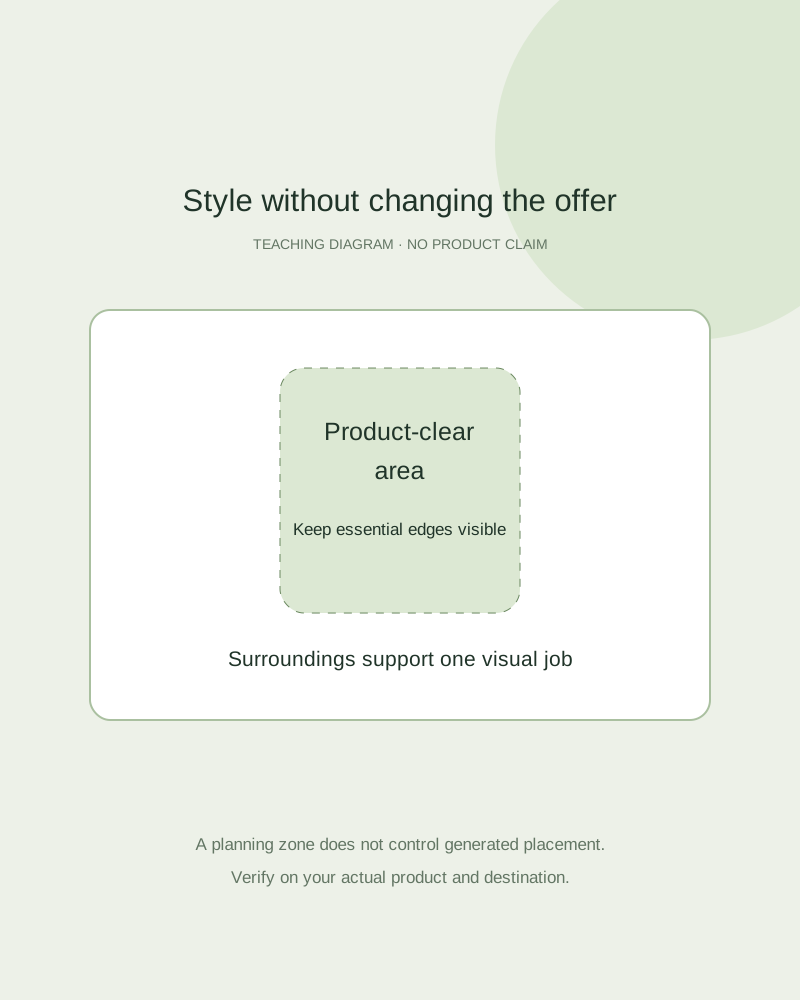
Teaching scene plan showing a product-clear area, background prop area and factual contents record
EDITORIAL CONCEPT
01 / EXAMPLEILLUSTRATIVE CONCEPT
What this shows

The product needs an unobstructed area.

The diagram provides a planning distinction between a subject area and supporting atmosphere. It is not an observed generated composition, measured safe zone or guarantee of prop placement.

Teaching scene plan showing a product-clear area, background prop area and factual contents record
Editorial conceptOriginal teaching diagram, not a product photograph, Fayvoro generation or customer result. The composition zones are illustrative; they do not guarantee control of generated object placement.

This image is an editorial concept made for the site. It is not a Fayvoro generation or customer result. AI can change product shape, color, packaging, labels, and text. Check every important detail against the real item.

02 / A PRACTICAL WORKFLOWSTART WITH YOUR PHOTO
01

Choose a single supporting job

Describe whether the prop adds texture, context or a subtle occasion cue. Pick one job and make a prop-free reference first. If you cannot explain what the object contributes beyond filling the frame, remove it and compare the simpler arrangement.

Shopify’s ecommerce-photography guide discusses props as a styling choice. Your own offer still decides what is truthful. A decorative botanical branch does not establish an ingredient, a cloth does not prove material composition, and a tool beside an item does not show that the tool is supplied.

Soap packaging and styling — A botanical prop can imply a formulation or scent, so keep the bar and approved label authoritative.

02

Keep contents and scale explicit

List supplied accessories separately from decorative items before the shoot. Avoid using a second product as casual decoration when the photograph could be read as a pair or bundle. Keep the full outline, closure and essential label visible; props should not conceal an unresolved product detail.

A size-reference object belongs in a real measured scale photograph when size is the question. Generated cups, coins and hands are not calibrated. Likewise, a staged use scene cannot demonstrate a physical compatibility, food suitability or performance claim without separate real evidence.

Plant Product Photography — Show the actual plant or clearly labeled representative stock, nursery pot, foliage and measured height. Keep a room concept separate from growth and sale evidence.

03

Compare a restrained candidate with the control

In a real shoot, move one prop and compare its effect while keeping the product and camera consistent. In Fayvoro, give a short scene note and review the result as a new image. It does not provide precise object placement, a layered prop editor or guaranteed preservation of the subject.

Check whether the scene has introduced new labels, extra units or misleading packaging. If a prop overlaps an important edge or changes the meaning of the offer, reject the candidate. Use the real clean view when a destination excludes decorative objects or when the offer remains ambiguous.

Tea Product Photography — Show loose-leaf tea dry appearance, the offered package and a separate real infusion.
Practical decision card

Make each prop pass an implication check

Write one supporting purpose, then compare the offer with and without the object.

Manual planning and review; no automatic product inspection.
Proposed rolePossible misleading implicationSafer review action
Setting cueA second product appears includedKeep a real contents photo and reduce ambiguous objects.
Botanical moodThe product contains that ingredientUse verified copy; remove an unsupported ingredient cue.
Size referenceA generated object establishes calibrated scaleMake a separate real measured reference photo.
Texture or seasonal cueThe prop hides a label, closure or outlineCompare a clean control and move or remove the prop.
A generated prop cannot prove a product claim. Fayvoro does not provide precise layered object positioning.
Direction to try

A useful starting note.

Use this as a starting point, then adjust it for your own product. No prompt can guarantee exact product details.

Use my actual product reference in a quiet secondary scene with a simple textured surface and soft light. Keep the item fully visible and avoid extra products, accessories or props crossing its edges. I will compare the scene with a clean factual view.
Before you publish

Check the details.

  • Each proposed prop has one clear visual role.
  • Paid contents and decorative objects are distinguished.
  • The outline and essential factual details remain visible.
  • No unverified ingredient, compatibility, scale or performance claim is implied.
Common questions

A few things to know.

Do I need several props to make the scene useful?

No. Compare a simple product-only control first. One restrained setting cue may be sufficient.

Can a generated fruit prove the product contains it?

No. Any ingredient or material claim requires real product evidence. Do not let decoration imply an unverified claim.

Can I position each prop precisely in Fayvoro?

No precise layered placement is established. A prompt guides a new scene and the result needs inspection.

Make your image
with intention.

Explore a restrained scene