02 / A PRACTICAL WORKFLOWSTART WITH YOUR PHOTO
01Define the current offer before arranging the photograph
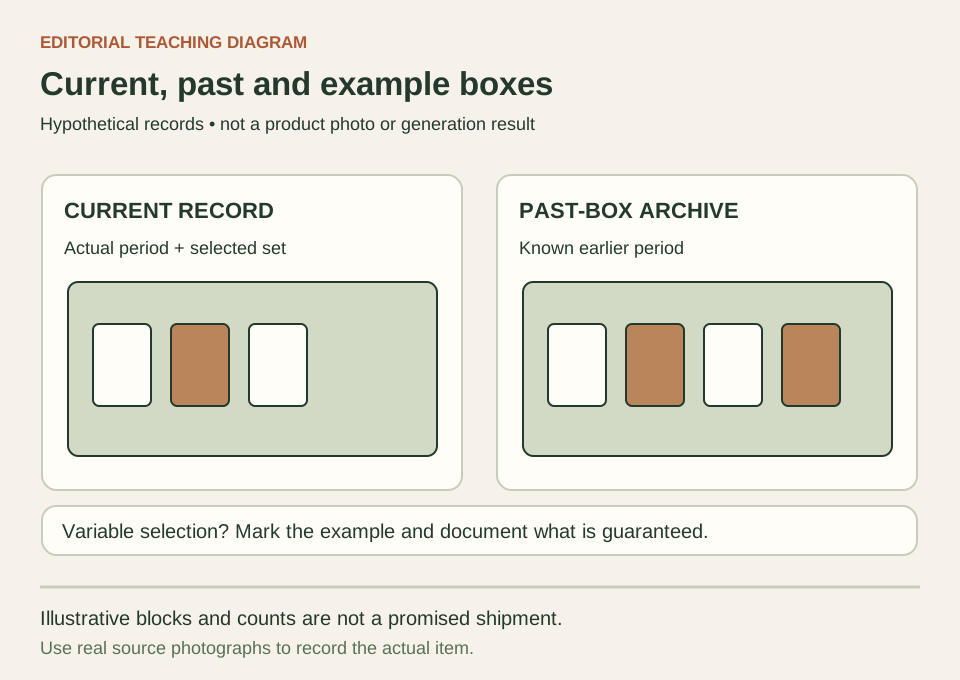
Write down the box identifier, applicable period, edition or selection, and the contents known at the time of photography. Give each product a quantity and an included status. Keep packaging inserts, display stands and styling props in separate rows. If different subscribers receive different selections, document which photographed set is an example and which components are guaranteed; do not turn one attractive combination into a universal promise.
Cratejoy's listing-image guidance asks sellers to focus on what comes in the subscription and make the first image set expectations clearly. Its listing guidance also separates current boxes, past boxes and surprise or personalized selections. Those are useful marketplace distinctions. This page's contents record is a manual planning method, not a Cratejoy integration or a forecast of what your future procurement will supply.
- Give each photograph a period, edition and role: current, past, example or concept.
- Count the physical included products separately from packaging and styling props.
Capture the real contents in a traceable sequence
Start with a complete factual layout in which the actual contents can be counted. Keep the unopened branded box as a separate view when it helps explain packaging, then add individual product details and a real unboxing sequence if useful. Use the same selected set throughout the session. If an item is substituted, record that change and reshoot the relevant views instead of leaving a mixture of incompatible sets in the gallery.
Check each export against your contents record. A small jar hidden behind a large package may look absent, while duplicated arrangements can imply two units instead of one. Ensure essential labels and packaging sizes are readable in at least one real view. Explain period and selection in the surrounding listing fields; do not automatically place captions on the image because a destination may restrict overlaid text. Consult that channel's current requirements before uploading.
Keep an atmosphere concept from promising different contents
Once the factual layout is complete, use one rights-cleared photo for a Fayvoro scene attempt if the destination permits that role. Ask for a quiet setting without new objects and compare the result manually. Fayvoro does not maintain a box catalog, import your fulfillment records or verify a monthly contents list. One uploaded image guides this attempt; it cannot guarantee that several packages remain exact.
Review product count, size relationships, packaging text, seals and any visible selection. Reject an extra item, an upgraded-looking package or a missing component. Keep the real layout as the contents evidence and the old box photographs in a clearly identified archive. When the contents are not yet known, a labeled concept can help plan a campaign, but it cannot serve as a factual preview of a promised shipment.