02 / A PRACTICAL WORKFLOWSTART WITH YOUR PHOTO
01Record the actual bookmark form
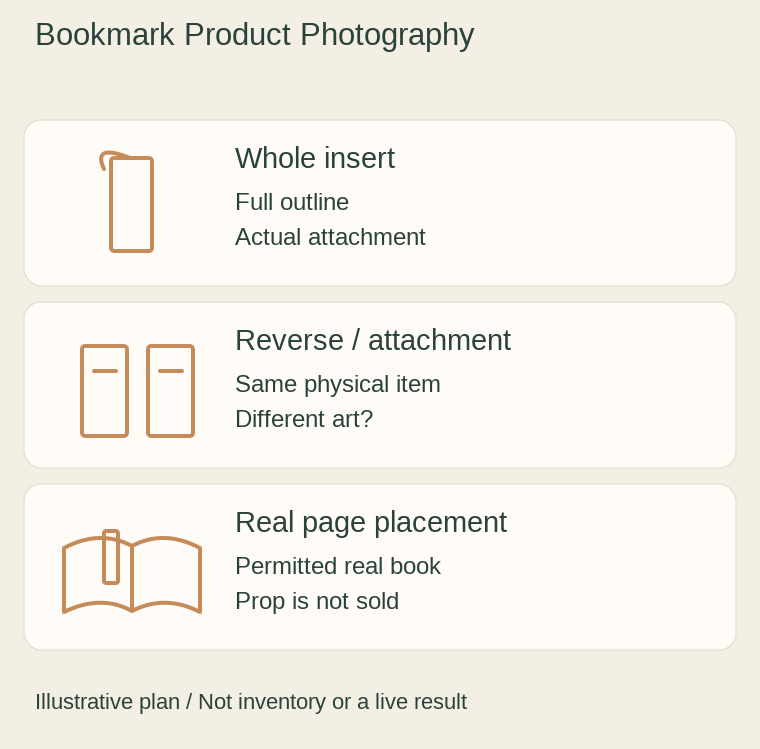
Photograph the complete piece outside a book first. Keep the top edge, lower end and any attached tassel or charm in frame. Turn the same item over for a rear view when the reverse differs. A printed design, metal insert, magnetic fold and clip can require different detail views; use the form you actually sell.
For a set, lay out the real supplied designs and count. Use a close-up for the attachment and edge, but retain a complete view that connects that detail to the item. Measure insert width and length on the real product rather than borrowing a size from another shop. The cited Rifle Paper collection confirms distinct physical bookmark merchandise, not a universal construction.
Make one permitted real page-placement photograph
Use a real book to show how the bookmark rests, folds or clips in normal use. Choose a page that you may reproduce, without private annotations or unnecessary readable copyrighted passages. If the book is a prop, say so. An open spread should not make buyers think the book is part of the purchase.
Keep the inserted part and the visible top identifiable across the outside and in-book images. Do not bend a rigid piece to create a flatter photograph or conceal the mechanism inside the spine. A placement image describes observed contact; it does not establish compatibility with every page thickness or resistance to wear.
Trial a surrounding scene with the real design retained for review
A Fayvoro desk scene can be explored from one approved bookmark photo. It does not guarantee the exact printed art, narrow silhouette, tassel knot or magnetic closure. Compare the whole outline and design with your real front-and-back references before accepting the result.
Retain the actual insertion view as the functional evidence. Reject a candidate that changes a paper insert into a clip, duplicates an attached charm or invents a book title. If the key task is accurate printing or fit between pages, keep a real photograph or a verified precise edit instead of an imagined angle.