All product image guides Flat lay product photography

Arrange the story without hiding the product.

A flat lay shows an arrangement from above. It can explain a set or styling idea, but the overhead viewpoint must keep shape, count and included accessories truthful.

Explore one secondary product scene Two free credits when you sign up. Review the result before publishing.
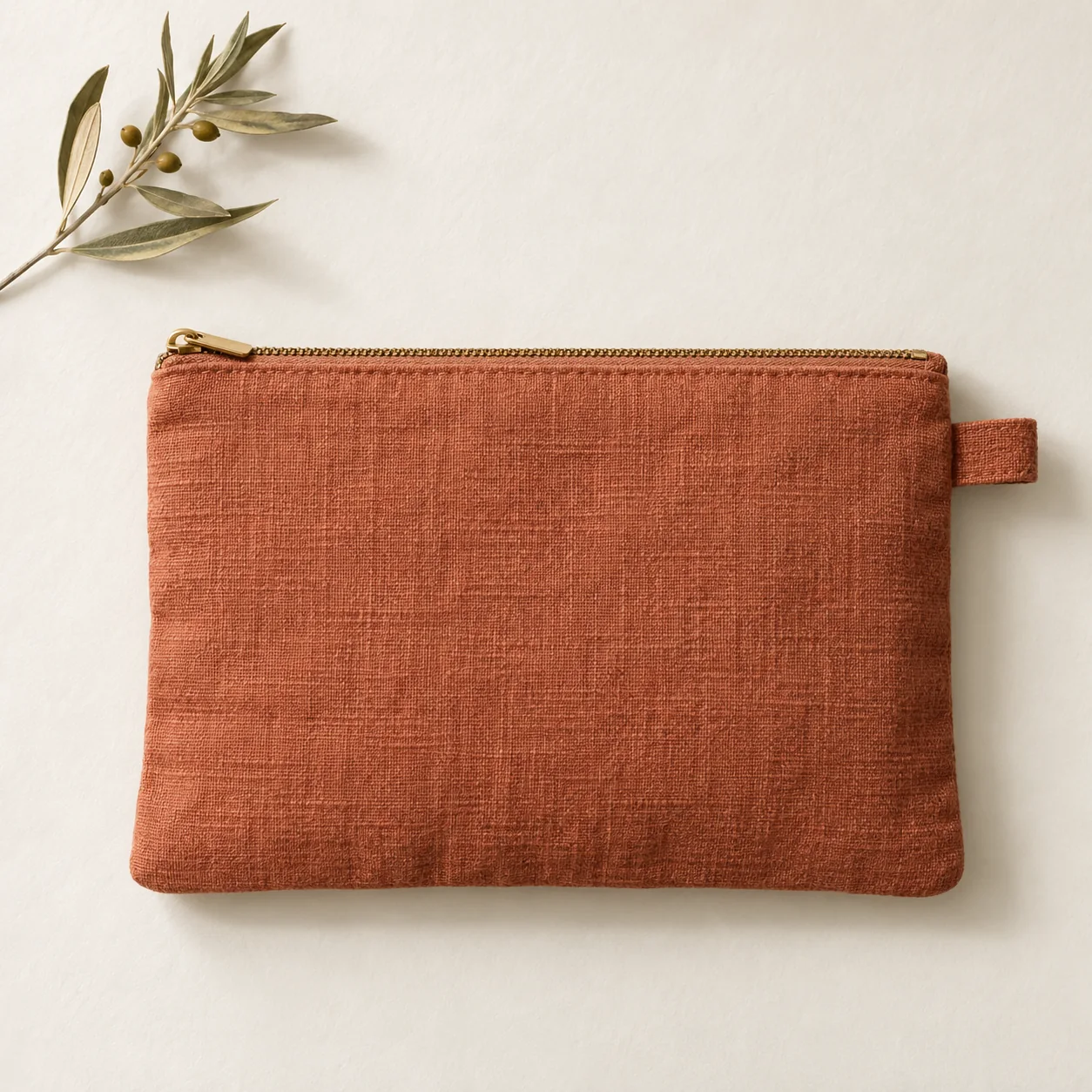
Overhead editorial concept of a terracotta linen zip pouch with a separate olive branch prop on an ivory surface
EDITORIAL CONCEPTAn original concept for styling direction. The branch is a prop; the pouch is fictional. Not a Fayvoro output or customer photo.
01 / EXAMPLEILLUSTRATIVE CONCEPT
What this shows

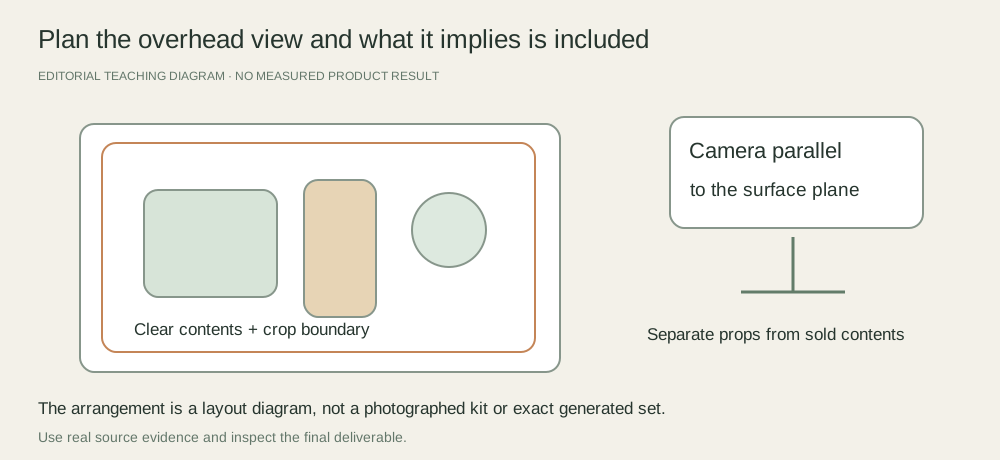
The layout is a plan, not a photographed kit.

These teaching shapes mark placement and crop. They are not stock products, a customer example or proof that Fayvoro preserves a flat-lay set.

Overhead flat-lay plan with a camera parallel to a surface, a clear product area, separated styling props and a reserved crop boundary
Editorial conceptOriginal teaching diagram. It is not a generated product image, a customer example, or a measured test result.

This image is an editorial concept made for the site. It is not a Fayvoro generation or customer result. AI can change product shape, color, packaging, labels, and text. Check every important detail against the real item.

02 / A PRACTICAL WORKFLOWSTART WITH YOUR PHOTO
01

Set the camera parallel to the surface

Choose a stable, safe overhead setup and keep the camera aligned with the plane of the arrangement. Adobe’s flat-lay guidance describes the overhead viewpoint and arranging a story on a flat surface. Check straight package edges in your own test frame rather than assuming the camera is level from appearance alone.

Use a surface large enough for the whole arrangement and final crop. Avoid wide-angle placement close to the edges when it visibly stretches the product. Never climb or suspend equipment unsafely to imitate an overhead setup.

Photograph garment measurements — Link a real measurement to its named points and retain the tagged size separately.

02

Distinguish included contents from styling props

Lay out the actual items the buyer receives and count them against the listing. Keep a separate factual contents view if the campaign layout includes props. An accessory next to the product may be read as part of the purchase unless the context is clear.

For a folded garment, check that the arrangement does not hide the feature the image is meant to show. For stationery or a kit, avoid overlapping the count or the printed detail. Compose one simple layout before adding supporting elements, and leave breathing room for the final crop.

Sticker Sheet Product Photography — Show the actual sticker sheet, kiss-cut boundaries, backing liner and one real peeled or applied sample. Keep styled stationery scenes separate from adhesion claims.

03

Review geometry, overlap and shadow

Check package proportions, fold lines, item count and essential print against the physical arrangement. Look for camera or rig shadows and mixed illumination. A styling change should not imply extra inventory, a different size or a construction feature the source does not show.

Fayvoro may generate a new setting but does not guarantee an exact overhead layout or preservation of a multi-item set. Use a real flat lay when contents and geometry are the evidence. Keep any generated scene as a separately reviewed creative candidate.
Practical decision worksheet

Review the overhead arrangement

Keep one factual contents capture separate from any styled campaign arrangement.

Need or findingNext actionEvidence to check
Camera and surfaceAlign the camera with the arrangement plane using a stable setup.Straight product edges do not visibly converge or stretch.
Sold contentsCount actual included items against the listing.No extra prop is presented as part of the purchase.
OverlapMove elements that cover required print or construction.The view answers its intended product question.
Crop and lightPreview the destination crop and check equipment shadows.The whole required set remains readable.

Use the worksheet in your existing capture, editing or storefront workflow. Fayvoro’s scene studio is a separate optional step and does not perform the editing or platform actions described here.

Direction to try

A useful starting note.

Use this as a starting point, then adjust it for your own product. No prompt can guarantee exact product details.

Explore one simple secondary scene from my clear product photo, with an uncluttered surface and no added products. I will use a real overhead photograph for exact set contents and layout evidence.
Before you publish

Check the details.

  • The camera plane and straight product edges are checked.
  • Actual sold contents are counted and styling props are identified.
  • Overlap and cropping do not hide necessary information.
  • Shadows, shape and print match the real arrangement.
Common questions

A few things to know.

Is every overhead image a flat lay?

The method arranges objects on a surface and photographs them from above. The useful decision is whether that view clearly answers the product question.

Can props appear in a contents image?

Keep what ships unambiguous. Use a separate factual contents view or clear context when a styled image includes items outside the purchase.

Does Fayvoro guarantee exact flat-lay placement?

No. It does not provide a locked layout, exact item count or multi-product arrangement guarantee.

Make your image
with intention.

Explore one secondary product scene