Upload a clear product photo
Use a photo you own or have permission to use. A clear view gives the generator a better reference for the product.
Start with a photo of your product, choose a setting, and create a new image for a campaign or a secondary product-page visual. You can guide the scene without setting up another shoot.
Try with your photo Two free credits when you sign up. Review the generated product details before publishing.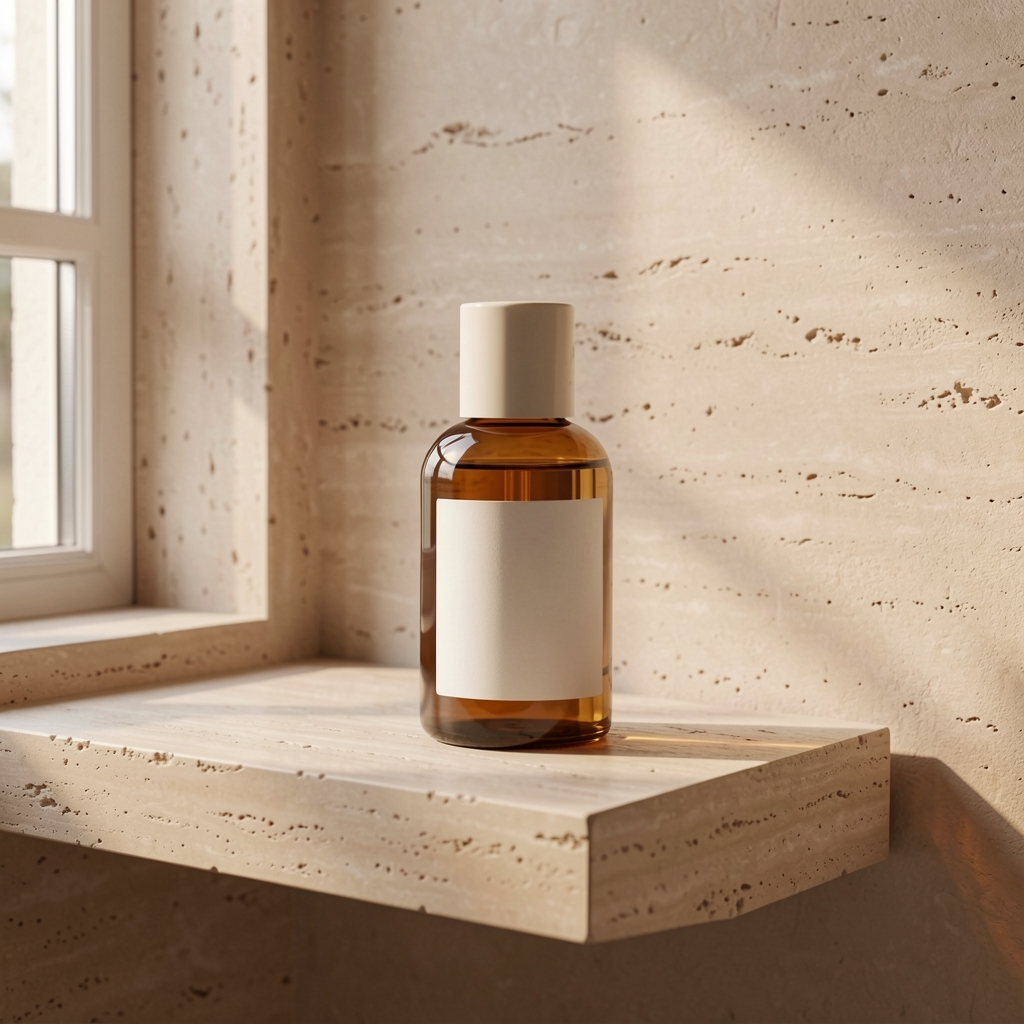 LIVE FAYVORO RESULT
We made an unbranded bottle image for this demonstration and used it as input to the live Fayvoro service. This is a single real result, not a promise that every image will look the same.
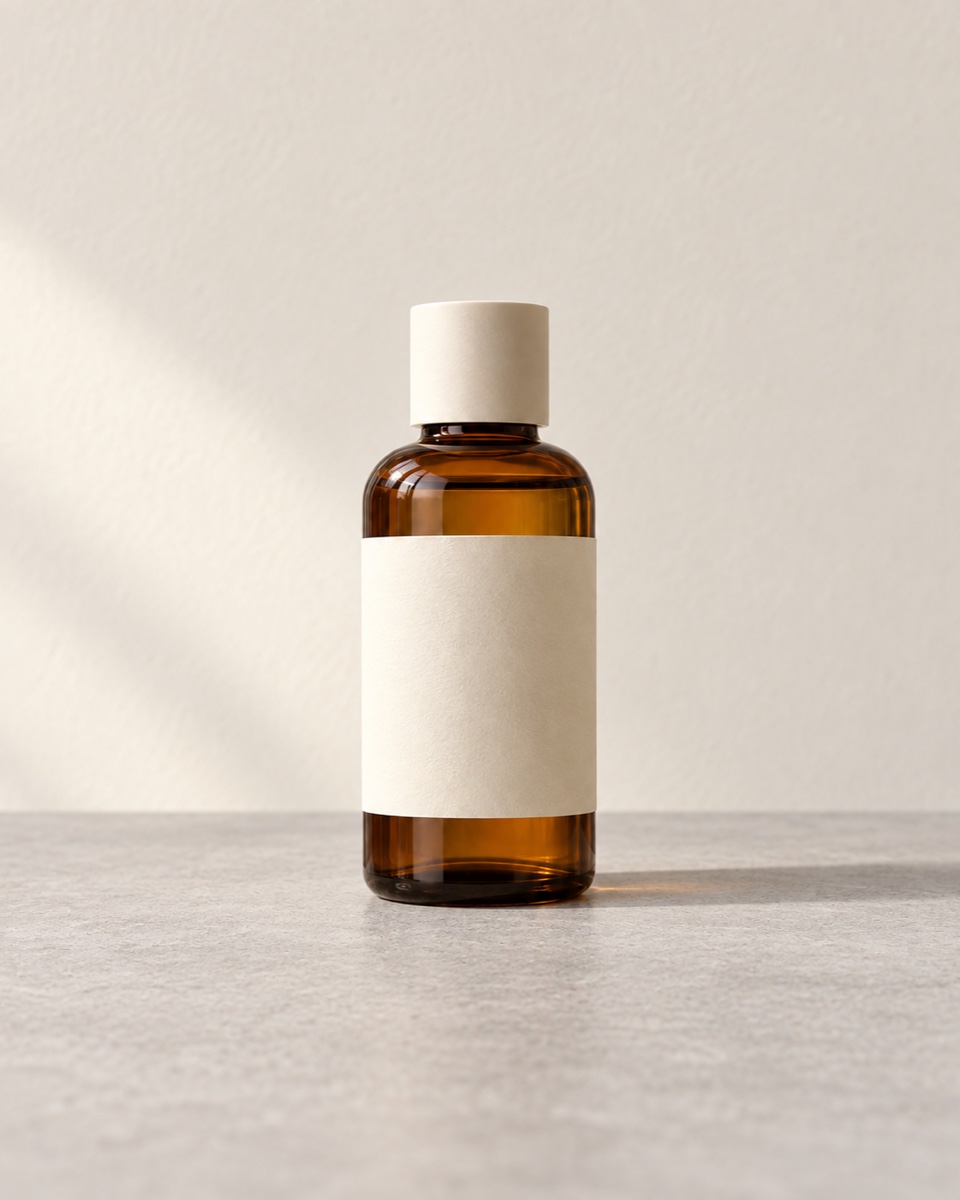
AI can change packaging, labels, colors, or shape. Compare the result with your original product before using it in a listing or ad.
Use a photo you own or have permission to use. A clear view gives the generator a better reference for the product.
Pick a setting and aspect ratio, then add a short note about light, mood, or placement. The credit cost appears before you generate.
Check the product against the original, especially labels and fine details. Download a result you can use, or try another direction.