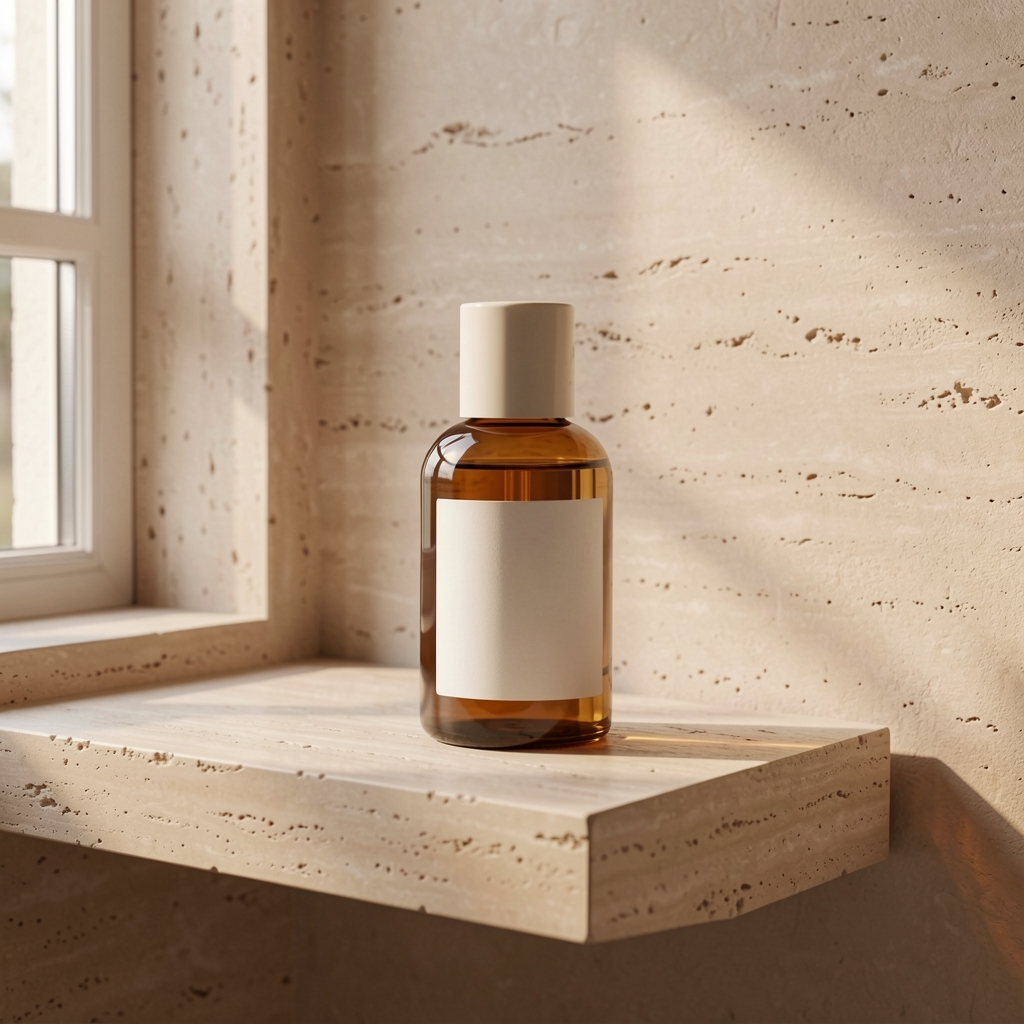
02 / A PRACTICAL WORKFLOWSTART WITH YOUR PHOTO
01Pick the method before uploading
Use a reshoot when reflections, transparency, shadows, or exact product claims must be captured faithfully. Use a masking or background removal editor when the product pixels must stay fixed. Use a generated scene when you need to explore context, mood, and composition and can review any changes to the item.
If your store already has a background editor, test it for simple cutouts first. Fayvoro is for trying a new scene around a visual reference, not for guaranteeing an isolated PNG or exact edge mask.
Choose a method for the product edge — Check whether a vector path, mask or finished scene fits the required deliverable.
Prepare a source that is easy to inspect
Upload a clear JPG, PNG, or WebP of your product under 10 MB. Keep a copy of the original. A simple background, visible edges, and readable important features make review easier after generation.
Choose a quiet studio, warm interior, or botanical scene, then add a short note about placement and light. Keep the subject unobscured so a shopper can still recognize it.
Give the contact shadow a clear job — Separate cast, contact and reflective shadows and check grounding against the real scene.
Review the boundary between product and scene
Inspect edge halos, transparent glass, reflections, contact shadow, label text, and product color against the source photo. A convincing room does not prove the item is the same. If a detail fails, use the original or a precise editor for that view.
Compare tools by the needed image job — Distinguish cutouts and edits from scene exploration, then compare current credit choices.