Describe the product
Write what it is, its material and color, and any simple visual details that matter. You do not need to upload a photo.
Describe the product and the setting you have in mind. Fayvoro can make an illustrative image without asking you to find a reference photo first.
Describe your idea Two free credits when you sign up. Images made from words are concepts, not records of a real product.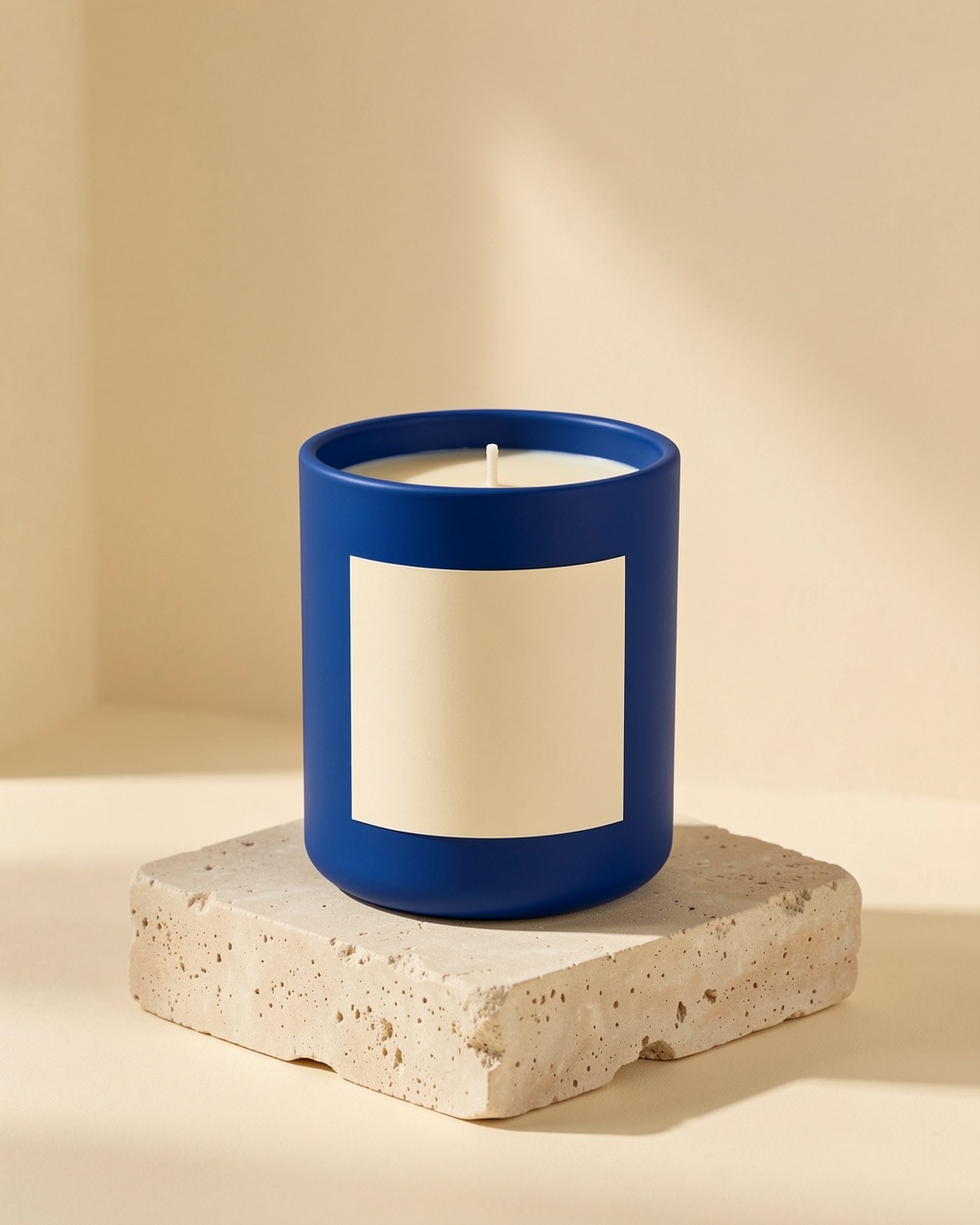 LIVE FAYVORO RESULT
This blue candle image was generated by the live Fayvoro service from a description alone. It represents an imagined product concept, not a photographed SKU or a customer result.
Write what it is, its material and color, and any simple visual details that matter. You do not need to upload a photo.
Choose a scene, format, and resolution. The credit cost is shown before you submit.
Use the image to explore campaign ideas. If you are selling a real item, check its actual shape, color, and text against the generated concept.