02 / A PRACTICAL WORKFLOWSTART WITH YOUR PHOTO
01Begin with a clean bottle reference
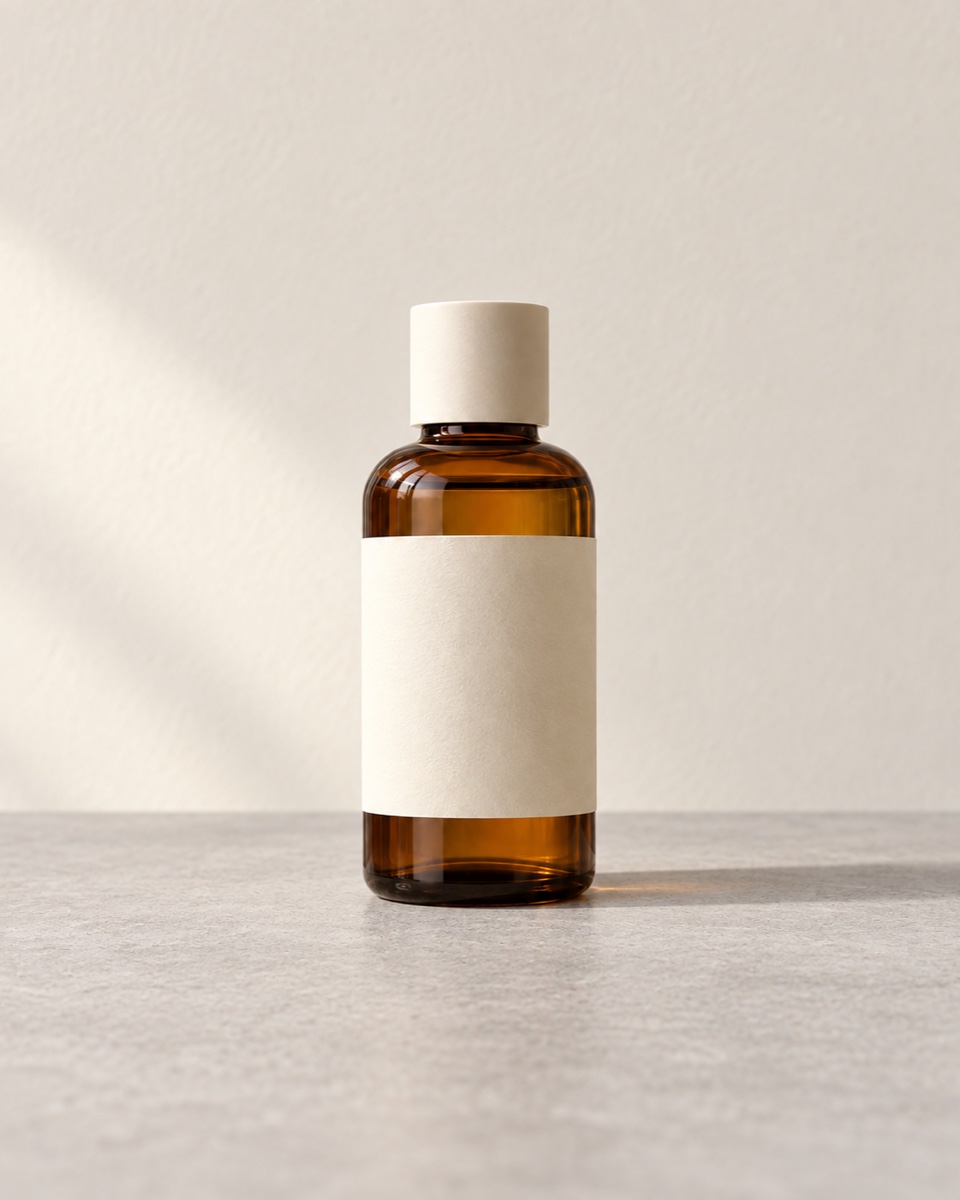
Photograph your actual packaging straight enough to see the cap, silhouette, and front label. Keep glare off essential text, and use a file you own or have permission to edit. Fayvoro accepts JPG, PNG, and WebP files under 10 MB.
- Take a separate source photo for each packaging variant rather than relying on a generated color change.
- Keep the original beside the result for the final comparison.
Find the source of a color mismatch — Compare the real variant, capture and displayed file before changing its color.
Choose a scene that supports the product
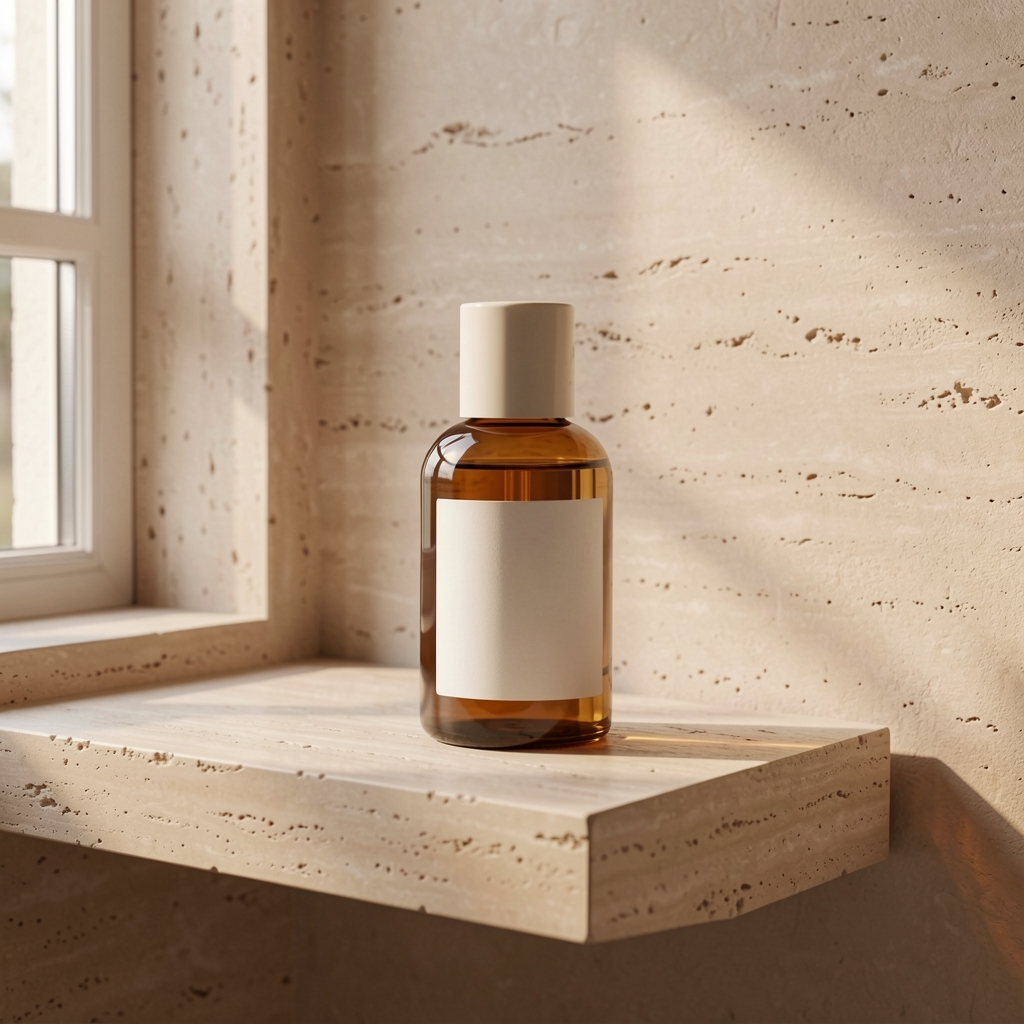
A bathroom shelf, soft window light, or a calm studio surface can help a skincare bottle read clearly. Describe the light and surface, then leave room around the bottle for cropping. A lifestyle result is best treated as a secondary visual until you have checked the exact item.
Plan nail polish product photographs — Plan nail polish images with the exact bottle label, brush and separate real swatches. Record application conditions and keep generated manicure scenes out of color evidence.
Compare packaging before an ad or listing
Zoom in on the brand name, ingredient claims, volume, cap, pump, liquid color, and any reflective or transparent parts. Do not publish a generated claim or altered package as though it were the product customers receive. If accuracy is uncertain, use your original photo for the primary listing image.