All product image guides Product photography aspect ratio

Pick the frame before you make the image.

The same product can feel cramped in one crop and clear in another. Fayvoro offers square 1:1, portrait 4:5, and story 9:16 formats; choose an output shape for your placement before spending credits.

Choose a format in the studio Two free credits when you sign up. Review the result before publishing.
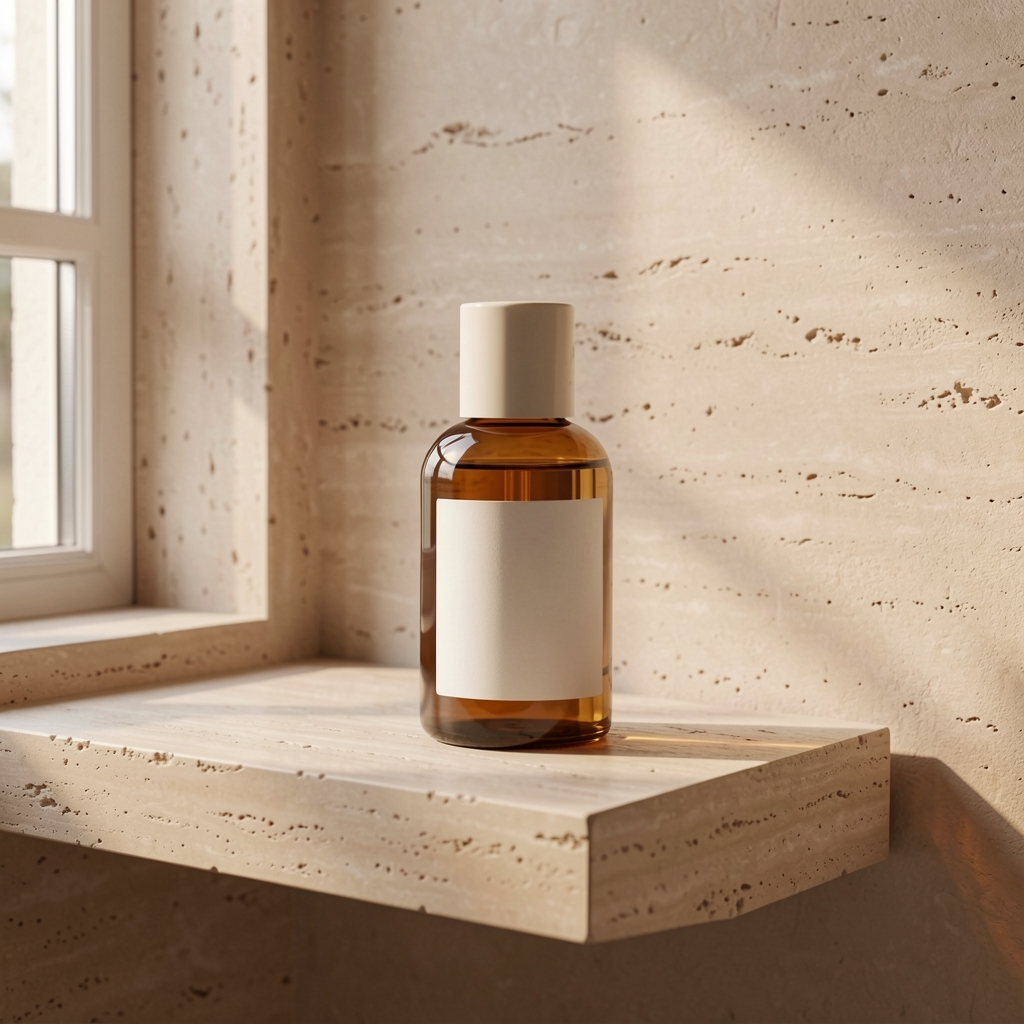
One actual Fayvoro bottle scene used for the crop previews below
LIVE FAYVORO RESULT
01 / EXAMPLEGENERATED WITH FAYVORO
What this shows

One file, three planning crops.

The generated bottle scene is real, but the previews below only crop that existing image in the browser. They help plan subject placement. To get a fresh output in another ratio, select that ratio for a new generation.

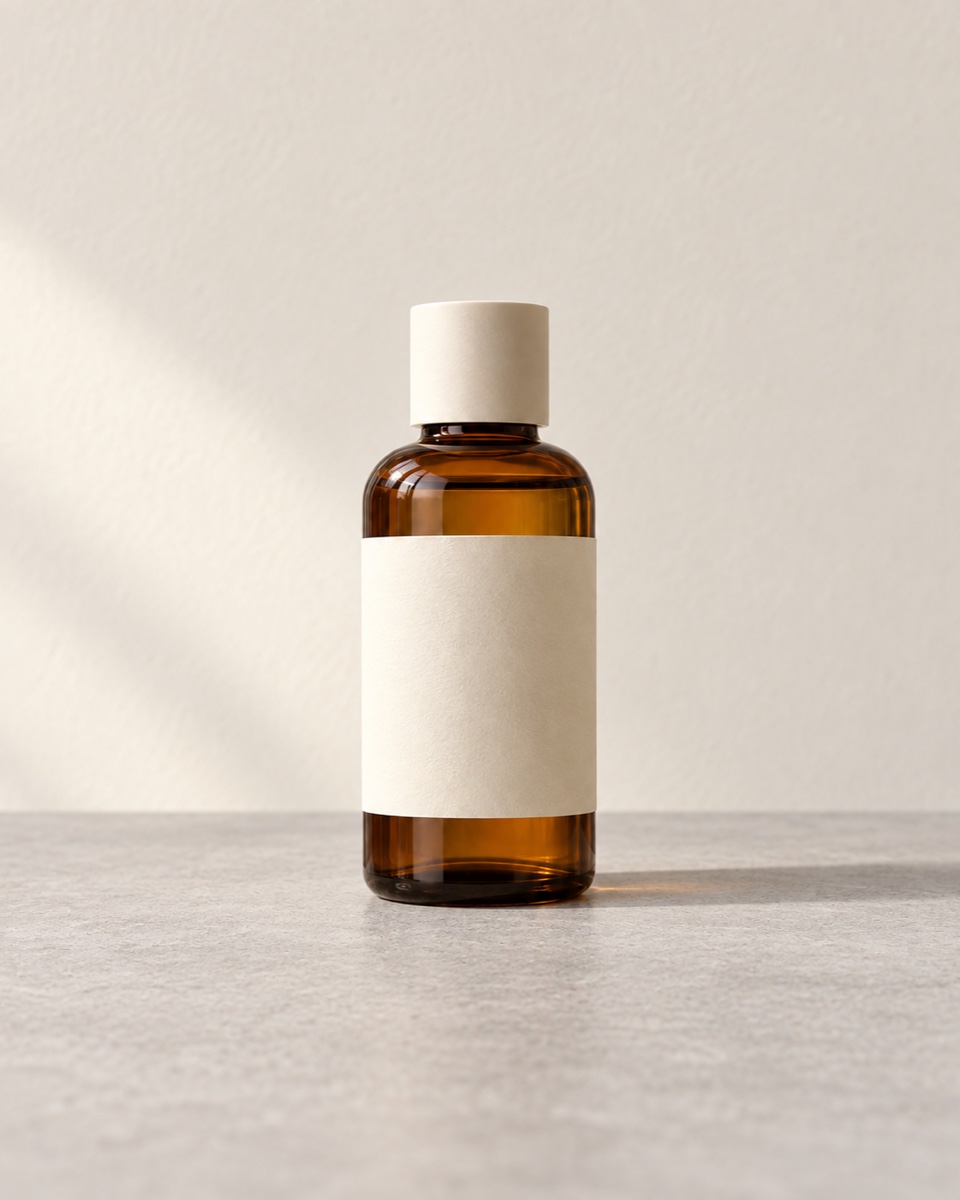
Unbranded bottle input image used for the Fayvoro scene demonstration
Input photoReference used for this demonstration.
One actual Fayvoro bottle scene used for the crop previews below
Live Fayvoro resultOne live result. The three format previews below are CSS crops of this same file, not three separately generated Fayvoro outputs.

This is one demonstration result; your result may differ. AI can change product shape, color, packaging, labels, and text. Check every important detail against the real item.

02 / A PRACTICAL WORKFLOWSTART WITH YOUR PHOTO
01

Start from the placement

A square card, taller editorial tile, and full-height story use space differently. Choose the closest format available in the studio, and leave room around the item if the destination will crop or overlay text. Platform rules and recommended pixel sizes change, so verify the current specification where you will publish.

Do not crop away a feature a buyer needs to inspect. If a vertical frame cuts off a bag strap or shoe sole, make another composition or keep a factual real-product view.

Arrange a useful overhead view — Check overlap, inclusion and crop before using props around the actual product.

02

Distinguish format from resolution

Aspect ratio describes shape, not sharpness. Fayvoro shows the available resolution and credit cost before you generate; availability may depend on current configuration. Check the actual file dimensions after download against your destination requirements.

A CSS crop of one image cannot add detail outside that image. A separately generated ratio is a new result and must pass product-detail review again.

Check the shared product link preview — Review the image, metadata and URL that a shared page actually uses.

03

Check the edges and safe space

Preview the subject at the smallest likely display size. Keep packaging text, handles, caps, and other important edges away from a crop boundary. Leave room for any headline or interface overlay outside the product itself.
Composition preview

One result,
three crop previews.

These are browser crops of the same existing live Fayvoro image. They are not separately generated images, and cropping cannot reveal details outside the original file.

Crop preview of the same real Fayvoro amber bottle result in 1:1
Square · 1:1A compact product card or balanced tile.
Crop preview of the same real Fayvoro amber bottle result in 4:5
Portrait · 4:5A taller product or editorial frame.
Crop preview of the same real Fayvoro amber bottle result in 9:16
Story · 9:16A full-height vertical composition.

Choose a ratio in the studio before a new generation if the crop hides the item. Check the actual destination’s current size and content rules, and review the newly generated result separately.

Direction to try

A useful starting note.

Use this as a starting point, then adjust it for your own product. No prompt can guarantee exact product details.

Use my uploaded product photo as the reference. Keep the whole item in frame with clear space around it for a portrait crop. Place it on a simple surface in soft side light; do not add text or extra products.
Before you publish

Check the details.

  • The chosen 1:1, 4:5, or 9:16 format suits the intended placement.
  • The product remains readable at the destination’s small display size.
  • A crop does not hide required details or imply a different item.
  • The actual downloaded dimensions and channel rules are checked separately.
Common questions

A few things to know.

Are the previews three generated images?

No. They are three CSS crops of the same real Fayvoro output. A new format selection starts a separate generation.

Does 9:16 automatically meet a story platform’s rules?

No. Aspect ratio is only one requirement. Check the channel’s current dimensions, content, and file rules before publishing.

Can I switch ratio after generation without another credit?

You can crop a downloaded file in another editor, but a newly generated composition in a different ratio is another request with its displayed credit cost.

Make your image
with intention.

Choose a format in the studio