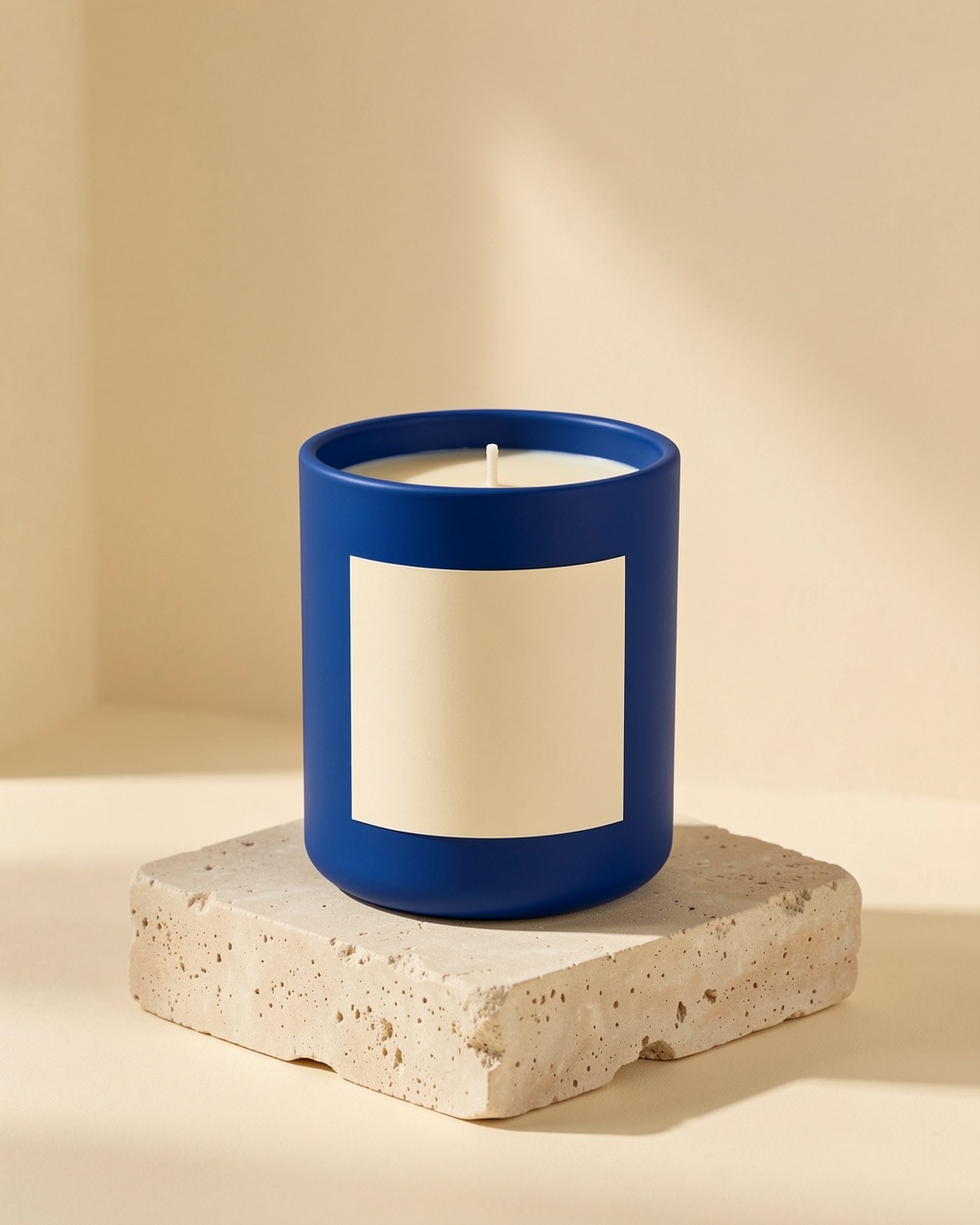
02 / A PRACTICAL WORKFLOWSTART WITH A DESCRIPTION
01Choose photo mode or concept mode
Photo mode starts with an image of the actual item and lets you add art direction for the scene. Text mode starts from a description and makes an illustrative concept. Do not use a text-only result as a verified photograph of inventory.
A clear brief names the product, setting, surface, light, framing, and intended use. Add only real facts about the product; avoid inventing claims the image cannot prove.
Check what a prop implies — Plan support props while making included items and unverifiable claims clear.
Give one test a clear purpose
Use the brief builder below to prepare a starting note. The three scene directions map to Fayvoro’s current quiet studio, lived-in interior, and botanical options. Add a short optional direction rather than trying to control every pixel.
If the result misses the mood, change one scene variable at a time. If it changes the product itself, use a clearer source photo or keep an accurate original image; repeated prompt wording is not a guarantee of fidelity.
Review the result against the brief
Check the product before judging the styling: count items, compare outline and material, inspect packaging text, then look at lighting and crop. Record what failed so the next attempt has a specific reason. Each completed attempt may use credits.