02 / A PRACTICAL WORKFLOWSTART WITH YOUR PHOTO
01Make a layout sketch from the real placement
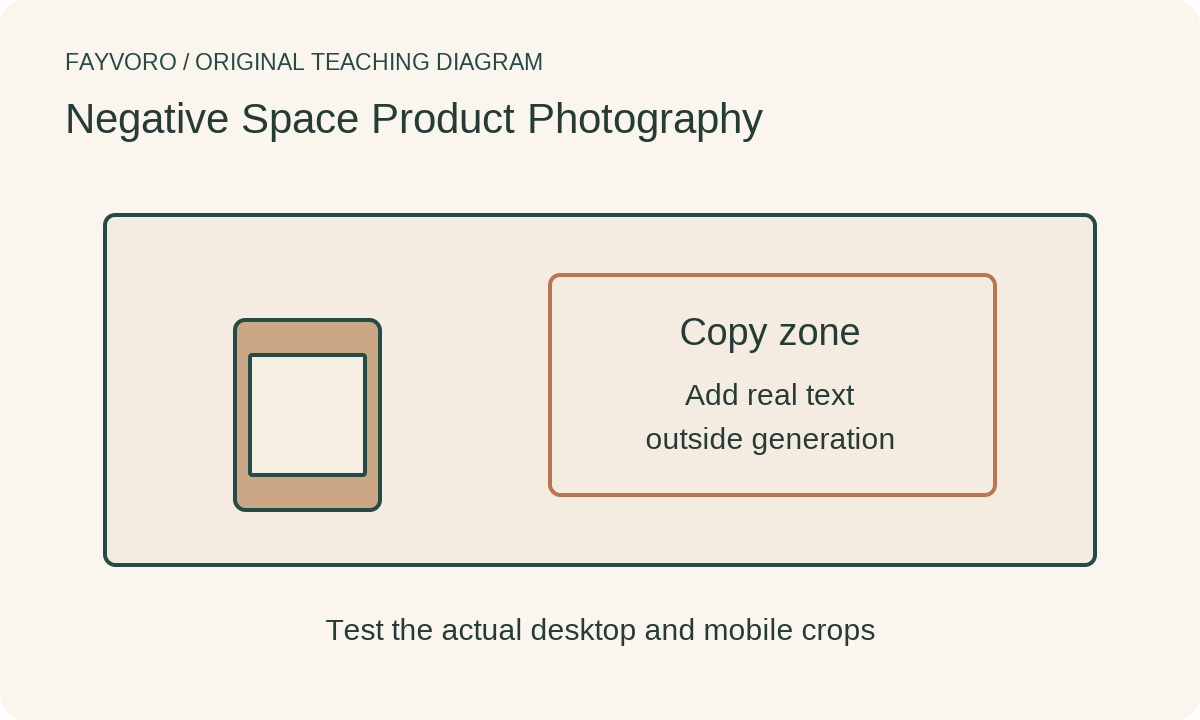
Record the destination, image slot and required copy. Draw separate zones for the product and for the heading, supporting text or button. Keep the real item large enough to identify while leaving the agreed area clear.
Adobe’s composition guidance describes balancing a subject with negative space. It is a composition choice, not a rule that every frame must be mostly empty. A tight catalog card and a wide campaign banner have different layout jobs.
Ecommerce Homepage Product Banner — Build one storefront entry banner around an accurate offer with separate live text/button, verify the real landing destination and theme-dependent phone/desktop framing.
Test the copy before committing the photo
Put the actual text over a rough layout in your design tool. Inspect its contrast against the planned light and surface, including the product shadow. An empty region filled with bright reflections or busy texture may still make the message difficult to read.
Keep text as real editable layout content where the destination permits it. Avoid generating claims or brand lettering into the picture; spelling, responsiveness and accessibility need their own checks outside the scene generator.
Preview each crop as a separate layout
Compare desktop, mobile and any required campaign crops with the same approved product. A responsive image may cut away the reserved region or bring the copy over the item. Record the accepted crop and placement, not simply the master’s aspect ratio.
If a narrow crop cannot support both the product and copy, use a separate image or move the message into the page layout. Do not shrink the product until it becomes unrecognizable just to retain an oversized text block.
Review the actual scene and editorial concept honestly
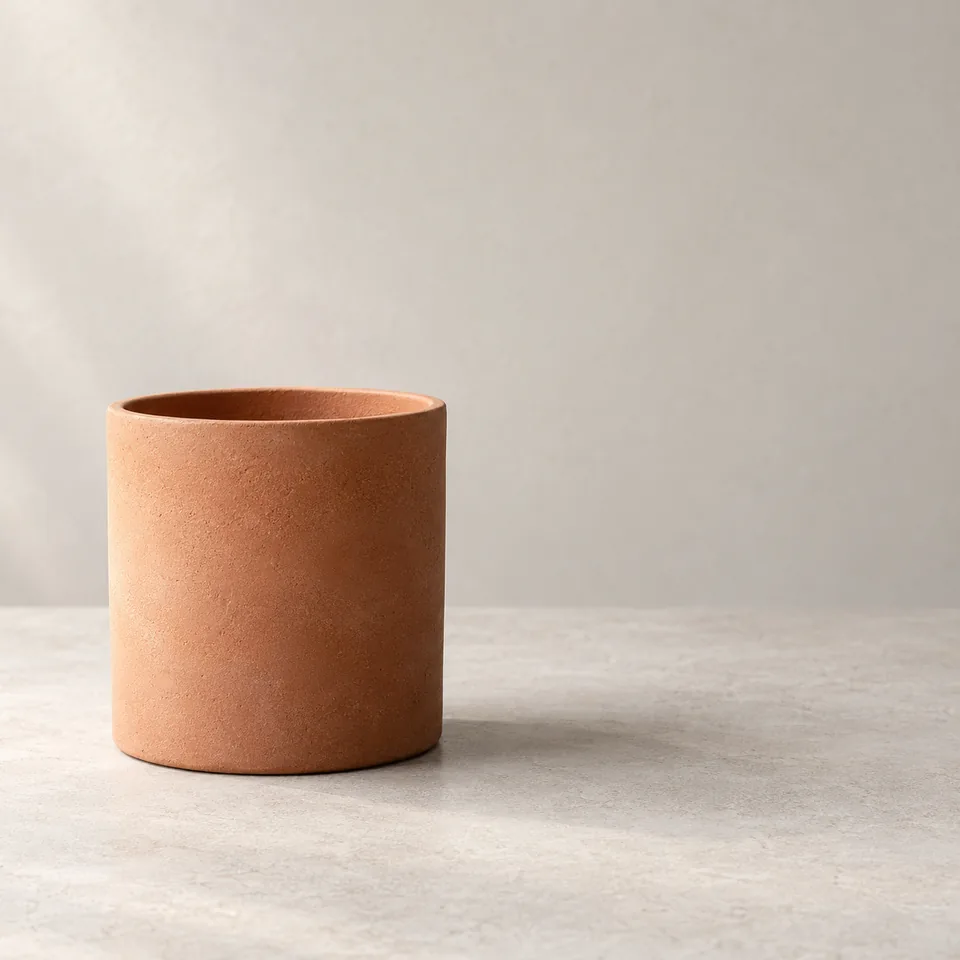
Fayvoro can explore a scene with requested empty space, but it does not guarantee precise layout coordinates, add accessible page text or publish a banner. Compare the actual output, add copy in your own tool and inspect the crop. The editorial pot concept shows direction only, not a real product or verified spatial scale.