02 / A PRACTICAL WORKFLOWSTART WITH YOUR PHOTO
01Identify the required text and package state
List the name, variant, quantity and relevant wording the photograph needs to show. Check the current physical package against the product record before shooting. Old packaging and an updated listing can otherwise create a mismatch even when the photograph itself is sharp.
Keep a straight, readable real view for essential front information. Do not invent claims, certification marks or barcodes, and do not infer legal label compliance from a photograph. This guide concerns capture and review, not regulatory approval.
Seed Packet Product Photography — Make the actual variety packet and reverse instructions readable; label mature plant illustrations separately and do not infer seed identity, germination or yield from images.
Treat curved text and glare as capture problems
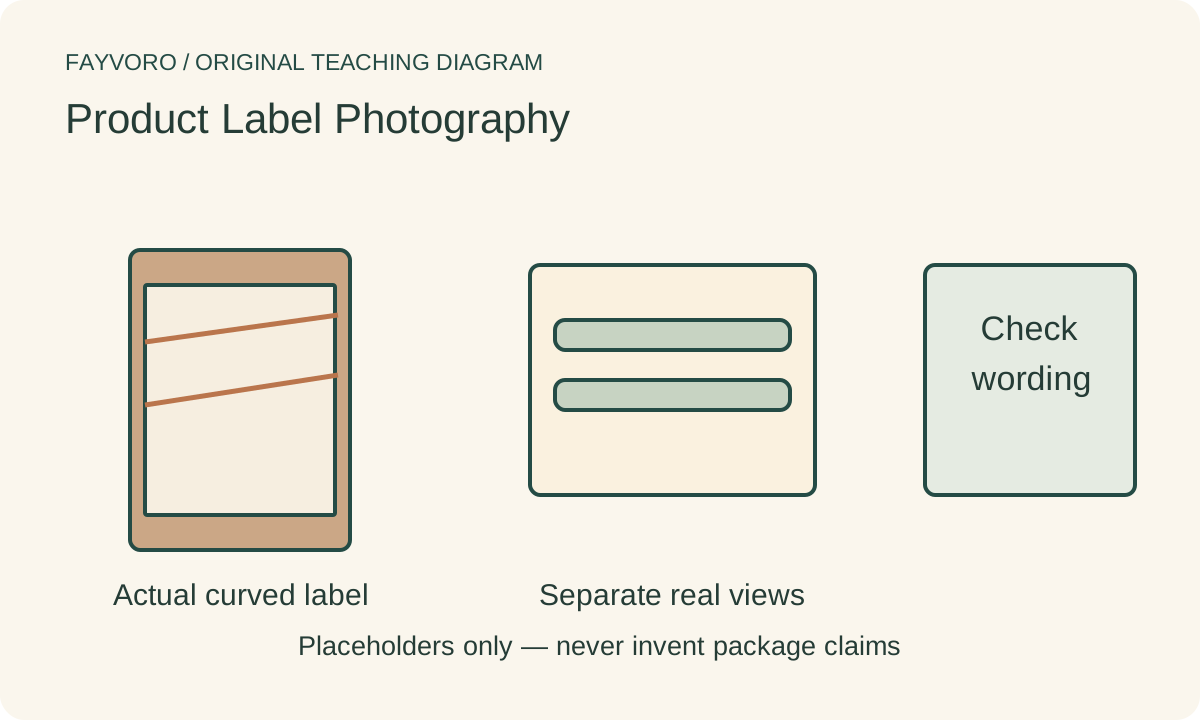
Rotate the actual package or move the camera to show a legible region while retaining a truthful whole-item view. A cylindrical label may need more than one real photograph; trying to show the entire wrap in one frontal frame can hide the sides.
Move the light or a suitable diffuser to keep the highlight away from necessary letters. Broncolor’s bottle example separates front-label illumination from other lighting jobs. That does not mean its elaborate setup is necessary for every small package.
Check words after the final export
Inspect the captured text at a close scale, then at the intended listing or campaign display size. Compare the actual words with a verified package reference, including punctuation, number and unit. Make a new real capture when the source does not establish a character.
Compression, resizing and a later crop can make an approved master unreadable. Check the final delivered file and provide essential product information as real page text as well; an image alone is a fragile way to communicate every fact.
Reject generated label substitutions
Fayvoro is not an OCR verification, exact-text preservation or package-compliance tool. It can alter characters, symbols and geometry in a photo-based scene. Keep accurate real label views and use a secondary scene only after checking the actual output against them.