02 / A PRACTICAL WORKFLOWSTART WITH YOUR PHOTO
01Decide whether this is a concept or a SKU
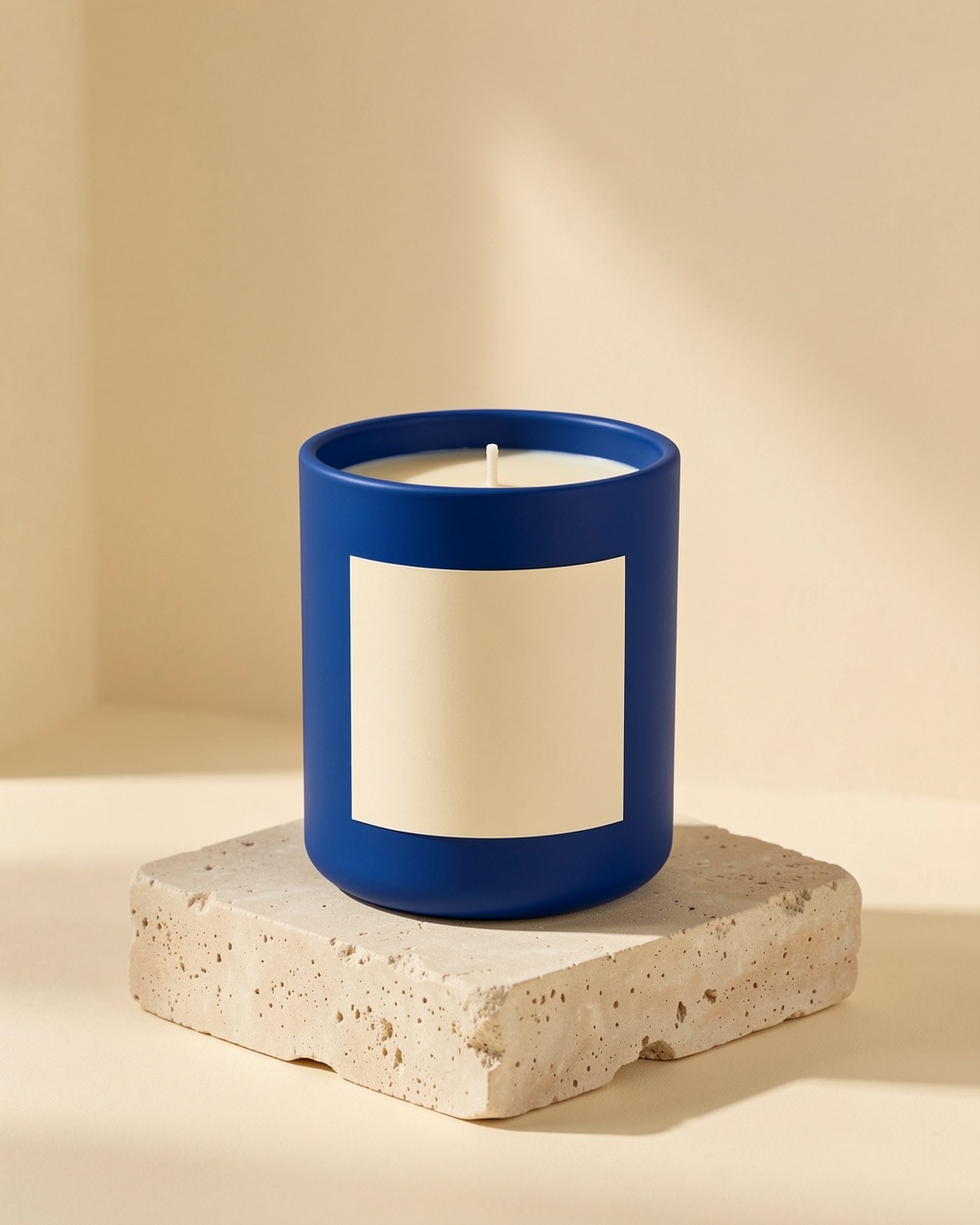
If the candle does not exist yet, describe the vessel, wax color, and mood in text mode. If customers can buy it now, upload a clean photo of that candle so the generator has a visual reference. Avoid presenting a text-only concept as a photograph of inventory.
Make the atmosphere work for the wax
Choose a surface and light that fit the intended feeling without hiding the vessel. A dark room can make a flame dramatic but may bury the label; a pale shelf can show glass and wax more clearly. Leave enough empty area for a square or portrait crop before adding marketing copy outside the image.
- For an unlit candle, check that the wick, wax surface, and lid state are believable.
- For a lit candle, inspect the flame and shadows closely; an attractive glow does not establish safe burn behavior.
Review every physical cue
Compare the container shape, lid, number of wicks, wax color, label wording, and any fragrance or ingredient claim with the real product. A generated scene should never imply a scent, size, or burn time that you have not verified.