02 / A PRACTICAL WORKFLOWSTART WITH YOUR PHOTO
01Set up within the equipment limits
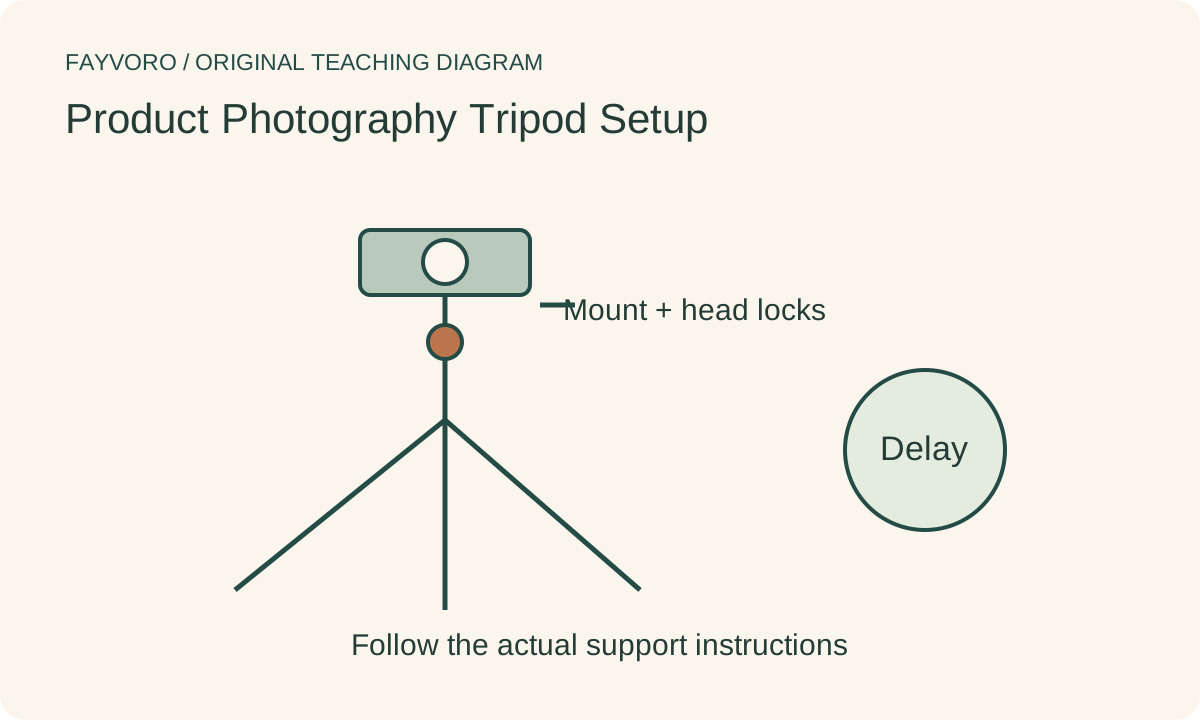
Check the tripod and head instructions for load, mounting and intended orientation. Fit and secure the camera plate, spread the legs on a stable surface and keep the equipment clear of the product table. Do not infer safe overhead support from an illustration of a camera above a tabletop.
Use only appropriate rated extensions and support when a position requires them. An unstable camera can damage the item and break repeatability; choose a safer conventional position or suitable professional support when needed.
Lock a repeatable framing reference
Choose the required view and record camera height, orientation and the subject position. Tighten the appropriate locks without forcing them, then recheck the crop after letting go. A drifting head can change the composition even when the tripod legs stay in place.
Make a baseline and a second frame without intentionally moving the setup. Compare the outline against the frame edges. Recheck after touching the lens, changing a card or connecting a cable; a fixed table marker does not prove the camera remained fixed.
Test triggering and stabilization behavior
Use a supported remote release or delayed capture to reduce movement from pressing the shutter. Nikon’s tripod guidance describes this principle. Compare actual captures at the exposure you plan to use, rather than assuming that a tripod guarantees sharpness.
Image-stabilization behavior on a tripod varies by camera and lens. Follow your model’s instructions instead of applying one universal on/off rule. Subject movement, focus error and a flexible table can still cause an unsharp image.
Keep stability evidence in the real-photo workflow
Fayvoro does not stabilize a physical camera, diagnose tripod safety or recover authentic detail from blur. Upload a sharp approved reference for a secondary scene. A sharp-looking generated edge is not proof that the original or the sold construction was accurately recovered.