All product image guides Etsy listing photos

Make your Etsy photos match what you sell.

A listing image needs to show the item a buyer will receive. Start with Etsy’s real-photo requirements, choose a clear first image, and check the thumbnail before spending time on extra creative scenes.

Explore an off-listing scene Two free credits when you sign up. Review the result before publishing.
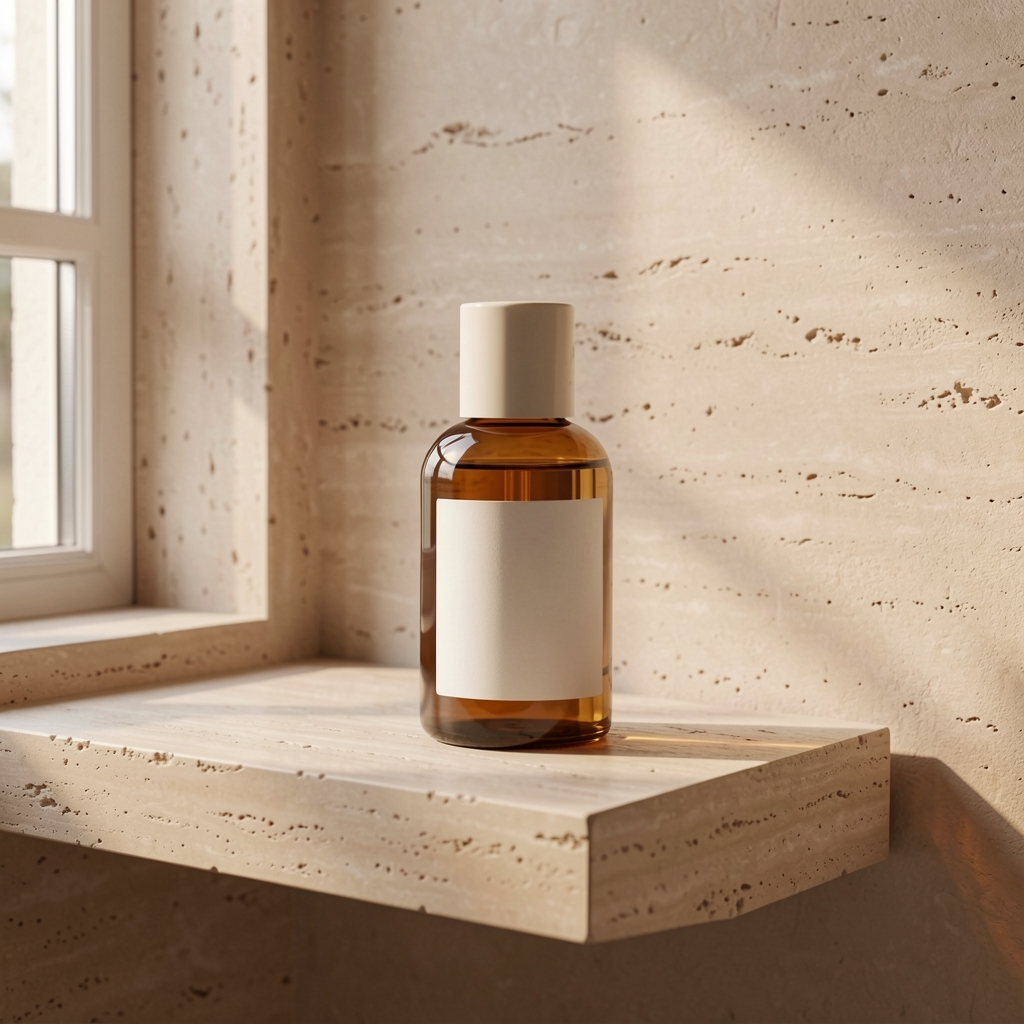
Fayvoro demonstration generating a new room scene from a bottle reference
LIVE FAYVORO RESULT
01 / EXAMPLEGENERATED WITH FAYVORO
What this shows

Keep the real-photo task separate.

This pair shows a reference becoming a generated scene. It does not prove the output is an original photograph of a stocked item. For an Etsy listing, establish which photo requirement applies before choosing any image tool.

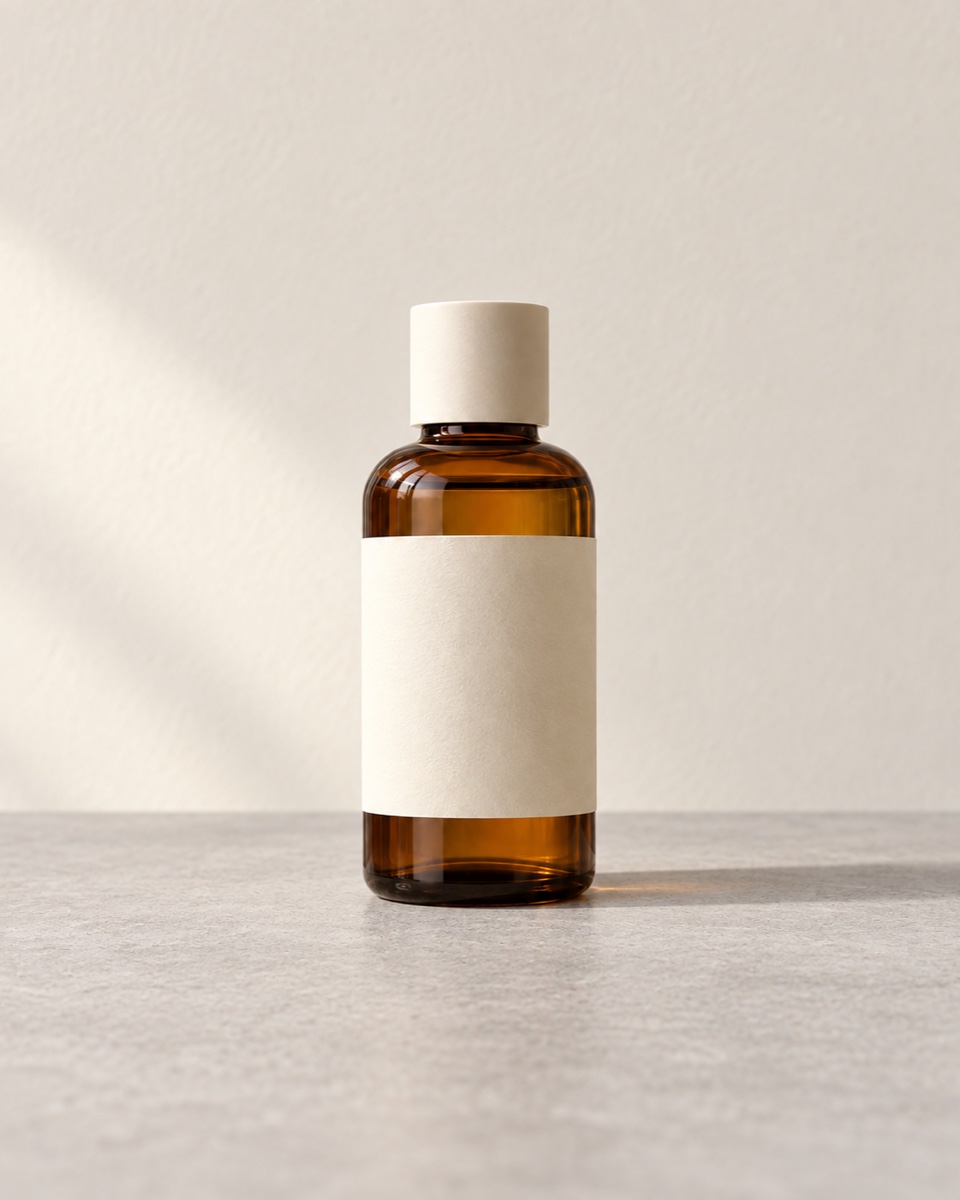
Unbranded bottle source used in a Fayvoro studio demonstration
Input photoReference used for this demonstration.
Fayvoro demonstration generating a new room scene from a bottle reference
Live Fayvoro resultOne live scene experiment, not an Etsy listing or a real finished item sold on Etsy. An attractive generated scene does not establish that it meets Etsy’s image policy.

This is one demonstration result; your result may differ. AI can change product shape, color, packaging, labels, and text. Check every important detail against the real item.

02 / A PRACTICAL WORKFLOWSTART WITH YOUR PHOTO
01

Choose the evidence your item requires

Etsy generally requires your own photographs of the actual finished product. For personalized items, the first image must show a finished customized example rather than a blank or placeholder mockup. Limited exceptions include additional customization mockups and stock mockups of an original design printed onto a base item by a production partner.

Do not treat these exceptions as permission to replace ordinary product photos with AI scenes. Record what the buyer receives, which image is a real photograph, and which exact exception you rely on. If that is unclear, photograph the item rather than guessing.

Inspect the gallery on a narrow screen — Make detail and variant views accessible without hiding them behind an unclear interaction.

02

Prepare the first image for a small thumbnail

Etsy recommends listing photos at least 2000 pixels in both dimensions. Its guidance supports a horizontal or square first image and asks sellers to preview square, portrait, and landscape thumbnails. Leave room around the item and check the actual thumbnail adjustment tool.

Use the first photo to make the item recognizable. Then order real close-ups, dimensions, condition, and options according to the questions a buyer would ask. Check a small preview: can you identify the item without reading the title, and does the crop cut off a handle, clasp, or corner?

Build a crochet product gallery — Make the finished object, instruction file or physical kit unmistakable before choosing the cover.

03

Finish the listing photos before making campaign art

Etsy does not support transparent PNG listing images; transparent areas can appear black. Export a flattened copy against the intended background and inspect it after upload. Keep the original and check the uploaded color and sharpness, not just the editor preview.

Fayvoro makes new scenes and can alter labels, shape, and color. Use it to explore a separate brand campaign on a destination that permits that imagery. It is not a precise artwork compositor, a guaranteed Etsy mockup, or a way to supply missing photographs of your finished item.

Make used-item condition visible — Build an overview and defect map from the actual inventory item.
Listing photo preparation

Choose the evidence
before the image tool.

Start with the kind of item you sell. This is a preparation checklist based on the official guidance checked on 3 October 2026; preview and publish the actual listing in Etsy.

Prepare your own photograph of the actual finished item.

A generated scene is not a substitute for that evidence. Keep separate brand-campaign experiments outside the listing unless a specific policy exception applies.

0 of 4 preparation checks marked. Your selections stay in this page; they do not verify an Etsy listing or save a plan.

Direction to try

A useful starting note.

Use this as a starting point, then adjust it for your own product. No prompt can guarantee exact product details.

For a separate brand campaign outside this Etsy listing, use my own product photo as the reference. Show the whole item on a quiet surface with soft side light and space around it. Do not add customization, artwork, or packaging text.
Before you publish

Check the details.

  • The listing uses the real-photo evidence required for this item type.
  • The first image clearly identifies the finished product or finished customized example.
  • Important parts survive the actual Etsy thumbnail previews.
  • Any transparency is flattened, and uploaded detail and color are checked.
Common questions

A few things to know.

Can I replace my Etsy product photos with AI scenes?

Do not assume so. Etsy generally requires your own photos of the actual finished item and gives specific, limited mockup exceptions. A Fayvoro scene does not establish that an exception applies.

Will a 1K generation meet Etsy’s image recommendation?

Not automatically. Etsy recommends at least 2000 pixels in both dimensions; the existing live bottle output here is 1024 × 1024. Check the actual downloaded dimensions rather than the resolution option name.

Is this an Etsy-integrated publishing tool?

No. The worksheet helps you prepare a photo plan. You still upload and inspect your listing images in Etsy.

Make your image
with intention.

Explore an off-listing scene