02 / A PRACTICAL WORKFLOWSTART WITH YOUR PHOTO
01Inventory the questions and views
Name the roles of the actual gallery files: front, construction detail, included contents, scale, variant and reviewed scene. Remove duplicates that only change the atmosphere while a factual buying question remains unanswered. Do not make the shopper navigate six similar scenes to find the real closure.
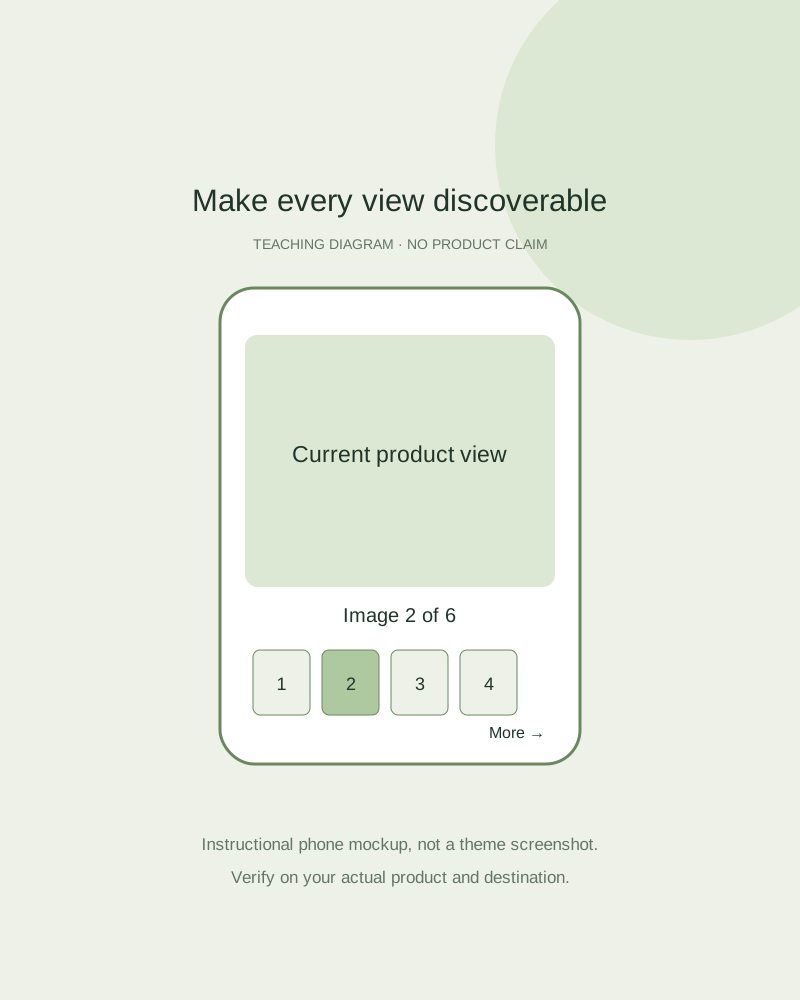
Inspect the first phone viewport and the controls without hovering. Baymard’s original research recommends meaningful thumbnails and clear signals when more images are hidden. Treat that as a discovery principle, then test how your own theme exposes the gallery.
Test a complete navigation path
On a real phone, open the page, reach the last image and return to a particular detail. Check swipe, visible buttons, selected-thumbnail state and image position labels where present. Try keyboard navigation and check whether the controls have useful accessible names in the theme.
Select another variant and repeat, then rotate the device and inspect the product proportions. Check whether zoom or an enlarged view actually reveals the required detail. A high pixel count is wasted if the gallery keeps the object tiny or stretches it in landscape. Record observed failures with the exact page and device.
Repair the right part of the experience
Missing factual content needs a real capture. Hidden thumbnails or a broken viewer need a theme correction. An oversized delivery file needs an export or performance review. A new scene solves none of those controls by itself; assign the observed issue to its actual owner.
Fayvoro generates individual images and does not install storefront thumbnails, image zoom or accessible navigation. Add a scene only when it answers a useful context question, passes product review and remains findable alongside accurate photos. Recheck the real page after upload because theme crops can change the result.