02 / A PRACTICAL WORKFLOWSTART WITH YOUR PHOTO
01Define which first view you are choosing
Write down the surfaces that reuse the first media item, including collection cards, search results and any selected-variant preview. Identify channel rules before choosing a lifestyle treatment. A permitted secondary scene is not automatically acceptable as a marketplace’s main image.
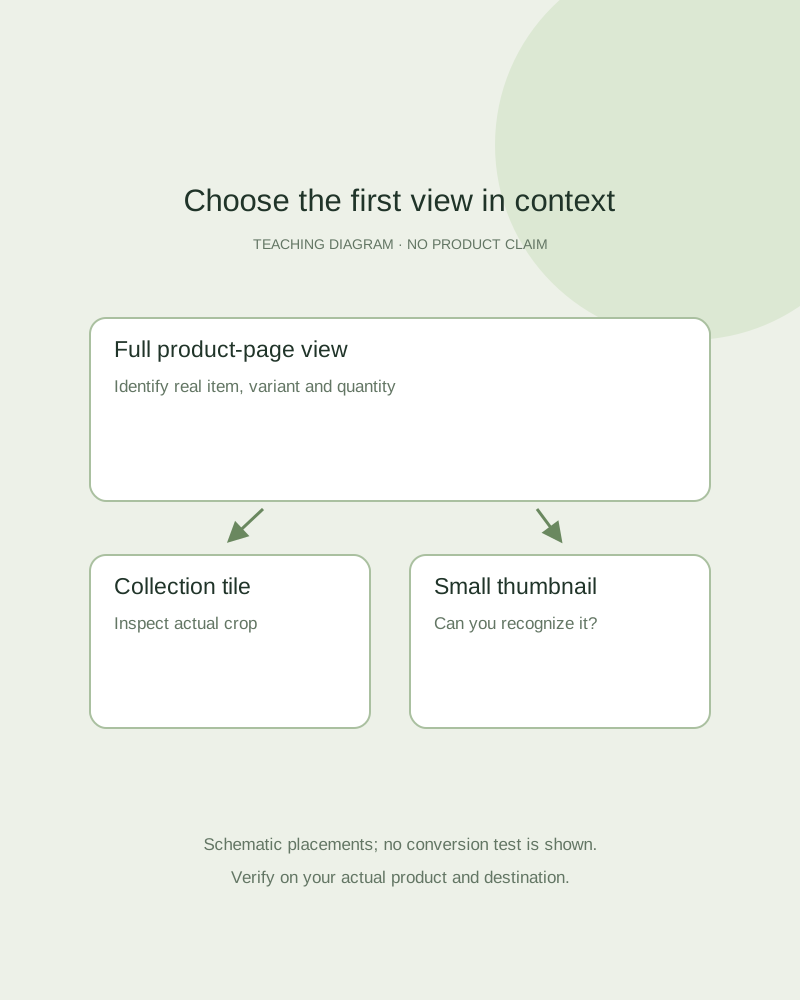
Select a factual photograph that clearly identifies the real product, its visible variant and the quantity sold. For a bundle, show the offer without decorative pieces implying extra contents. Keep a distinct campaign cover when it serves a different purpose from the product’s default image.
Inspect recognition at real display size
Preview two approved candidates in the actual theme at desktop and phone sizes. Ask whether the silhouette, closure and most distinguishing feature remain visible, and whether the item is understandable without opening the full gallery. A full-resolution image that looks beautiful in an editor can become unclear as a tiny tile.
Keep lighting and background from overpowering the product. Avoid cropping off essential edges or choosing a far-away room image as the only route to understanding the item. Baymard’s original product-list research explains how thumbnails support evaluation; it does not prove that a particular style increases your sales.
Keep the first view and supporting gallery coherent
Order the gallery so the first image identifies the item, then real detail and scale views answer the obvious buying questions. Add a reviewed scene for context where it is appropriate. Test the actual selected variant and return from another image to make sure the default behavior remains understandable.
Fayvoro creates a new candidate, not a hero-image ranking or storefront optimization test. Reject a result that changes product facts even if it is more striking. If you want to compare two first views commercially, set up a real measurement plan instead of labeling the more attractive candidate a winner.