All product image guides Amazon product image requirements

Give the main image a clear job.

Your Amazon main image identifies the exact product; additional images can answer other questions. Decide which slot you are preparing, then check its technical and category rules before trying a new scene.

Explore a secondary scene Two free credits when you sign up. Review the result before publishing.
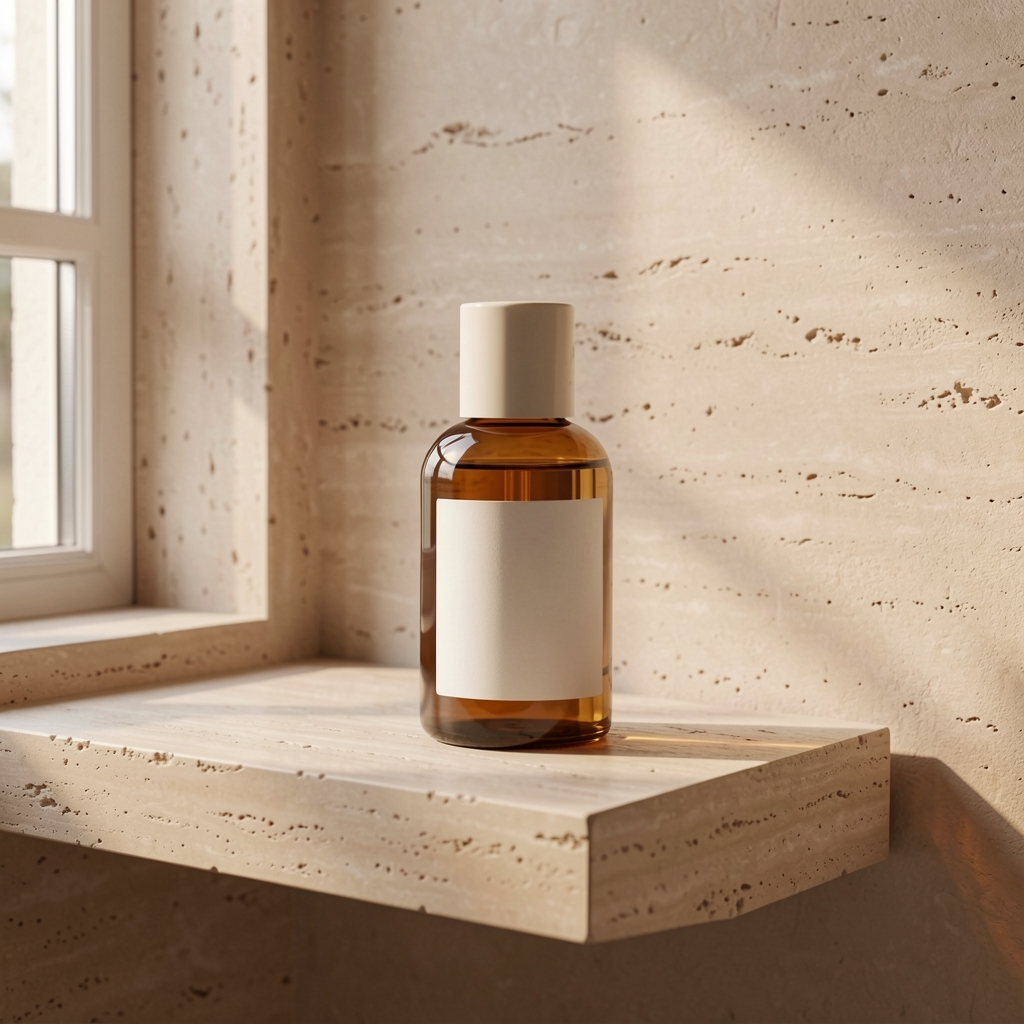
Live generated bottle scene with a room background rather than an Amazon main-image white background
LIVE FAYVORO RESULT
01 / EXAMPLEGENERATED WITH FAYVORO
What this shows

A lifestyle scene is not a MAIN-image fix.

The warm room is useful for examining a scene direction, while the original remains the product reference. Do not use generation to guess a compliant main image or to invent a side of the item you have not photographed.

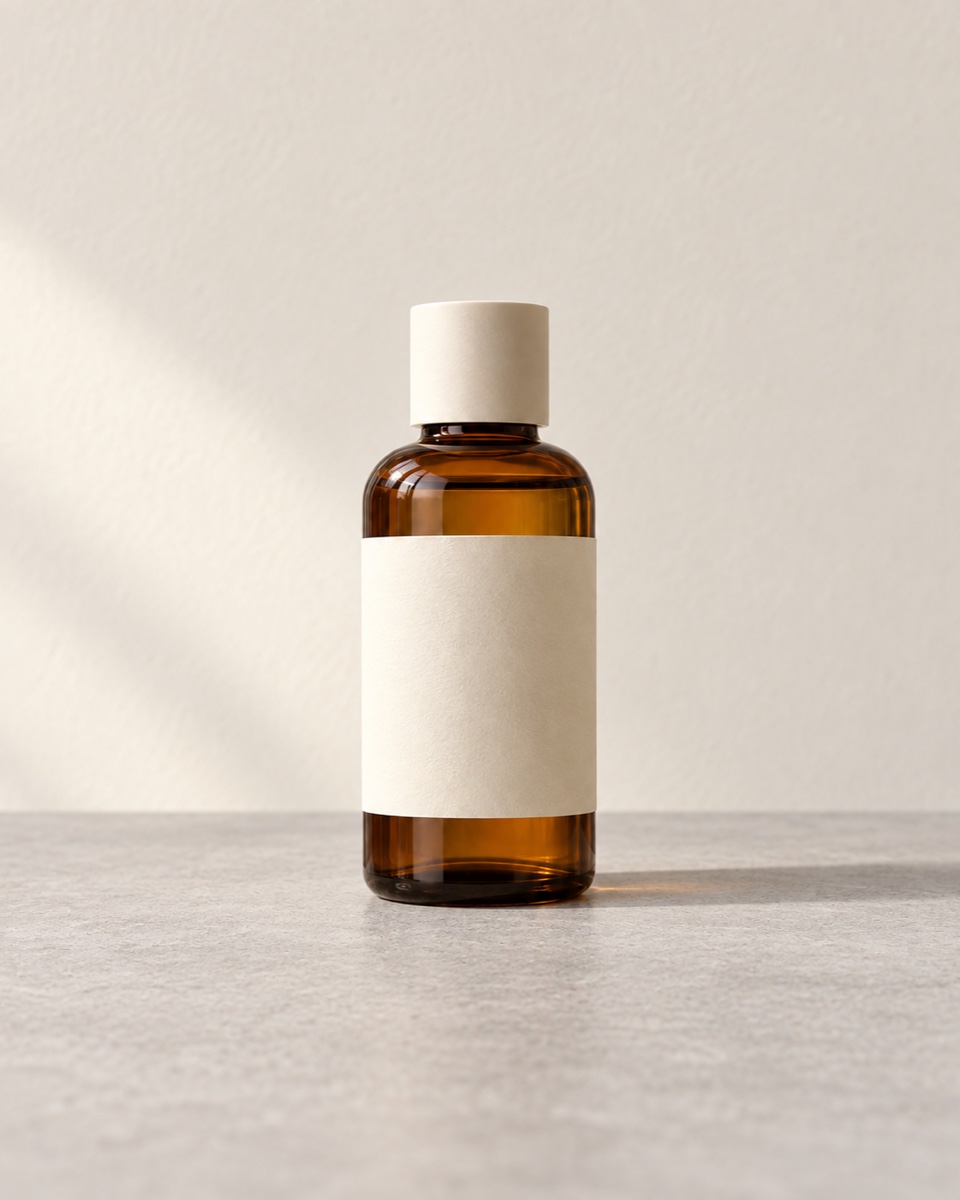
Unbranded bottle source photo for the Fayvoro demonstration
Input photoReference used for this demonstration.
Live generated bottle scene with a room background rather than an Amazon main-image white background
Live Fayvoro resultA real Fayvoro scene, not an approved Amazon asset. Its room background is unsuitable for a pure-white MAIN image; no Amazon category or listing approval was tested.

This is one demonstration result; your result may differ. AI can change product shape, color, packaging, labels, and text. Check every important detail against the real item.

02 / A PRACTICAL WORKFLOWSTART WITH YOUR PHOTO
01

Prepare MAIN from the actual item

Amazon’s public main-image guidance calls for the actual product on pure white, RGB 255, 255, 255, with the product filling at least 85% of the frame. Added promotional text, watermarks, graphics, and unrelated props do not belong there. Always read the current style guide for your marketplace and product category.

Photograph the exact package and quantity offered. Compare what is pictured with what ships: a lid, cable, gift box, or second unit can change the meaning of the offer. Keep a clean real capture before editing, and inspect the final edges and printed details at full size.

Choose a first view that identifies the offer — Set the first image by the selling channel and test the actual small preview.

02

Use additional images to answer a specific question

Plan real close-ups for construction, real views for unseen sides, and verified measurements for scale. A scene can show context where the category rules allow it, but still needs to represent the item accurately. A generic attractive room is less useful than a view that answers an unresolved buyer question.

If you test a Fayvoro scene, compare it with the original for geometry, labels, color, and count. A generated prop must not imply an included accessory. Reject a scene that changes a fact; keep the corresponding real photo instead. Additional-image status does not waive accuracy or category requirements.

03

Check the exported file and the published result

Amazon’s public guide lists 500–10,000 pixels on the longest side and JPEG, TIFF, PNG, or non-animated GIF formats; it prefers larger than 1000 pixels on each side for zoom. Inspect actual dimensions and clarity rather than assuming a “1K” or “2K” label guarantees a destination-ready file.

Fayvoro does not flatten a guaranteed RGB-white background, measure marketplace frame coverage, or submit a listing. Use the review sheet to locate unresolved work, then upload through your existing seller workflow and inspect the live gallery and any image issue notice. A checked box here is not Amazon approval.

Image role review

Review the slot
you are actually changing.

A main-image problem and a missing context image need different work. Read the current category rules in Seller Central, then mark the checks you have personally completed.

0 of 5 MAIN checks marked

Keep this task with the real product photo and a precise edit or reshoot. The demonstrated Fayvoro room scene is not a MAIN replacement.

This records your selections, not Amazon approval. Nothing is uploaded or saved.
Direction to try

A useful starting note.

Use this as a starting point, then adjust it for your own product. No prompt can guarantee exact product details.

For a secondary image only where my category permits a lifestyle scene, use my product photo as the reference. Keep the whole item visible on a simple surface. Avoid extra units, accessories, promotional text, or packaging claims.
Before you publish

Check the details.

  • The image role is MAIN or additional, and its category rules have been read.
  • MAIN uses an actual product photo and the required white-background treatment.
  • The pictured quantity, accessories, packaging, and variant match the offer.
  • The final file and published gallery are inspected in the seller workflow.
Common questions

A few things to know.

Can the bottle scene be an Amazon main image?

No. It has a room background and is a generated demonstration, not a verified compliant MAIN photograph.

Does Fayvoro certify an image for Amazon?

No. This page is an independent preparation guide. Your current category rules and Amazon’s actual review determine whether an image can be used.

What if my main image is suppressed?

Read the specific image issue and current category guide first. Correct the identified problem in the real asset, then verify the uploaded result; generating another scene is not a reliable repair for a main-image issue.

Make your image
with intention.

Explore a secondary scene