02 / A PRACTICAL WORKFLOWSTART WITH YOUR PHOTO
01Check usable space and openings
Measure the actual item with any parts shown in the photograph. Allow room for the camera view, background curve and separation from the tent walls. A product that physically fits may still be too close to a wall to position or light clearly.
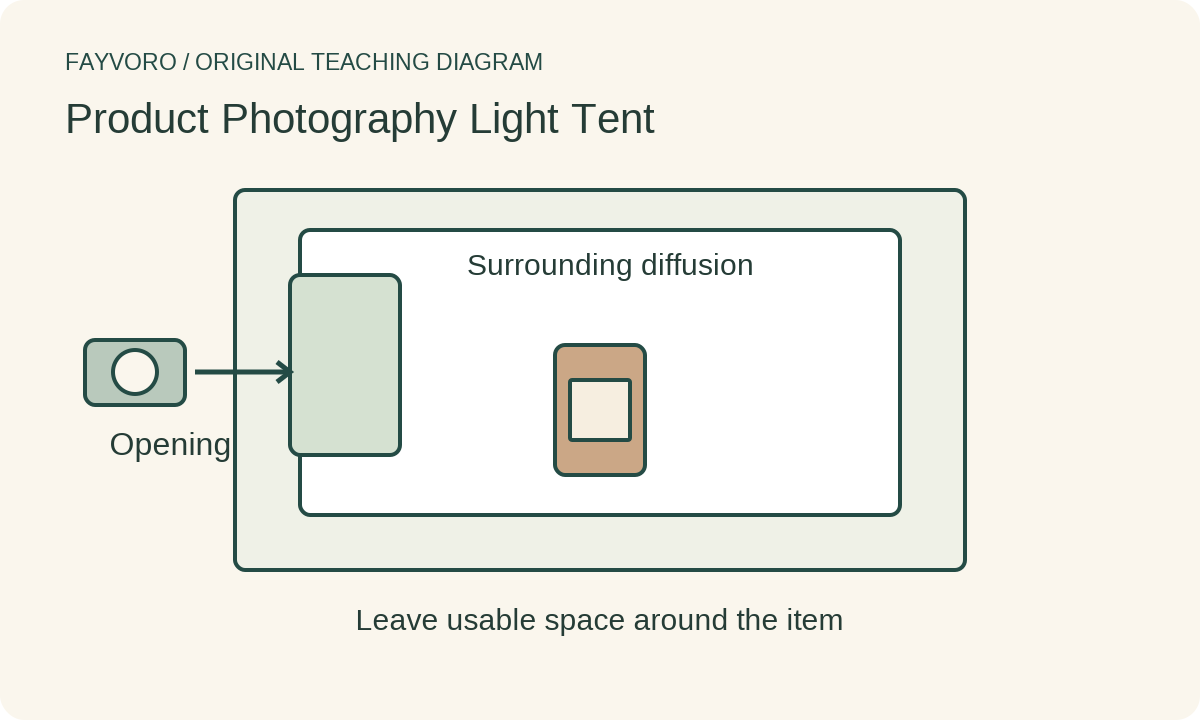
Identify whether the enclosure is a fabric tent needing external lights or a box with built-in illumination. Check the instructions, ventilation, allowed power equipment and shooting openings. A top opening permits a different camera view; it does not make an unsupported overhead camera safe.
Use a real item as the compatibility test
Try one matte, one textured or one glossy item from the actual set, depending on what you sell. Photograph its front and an important detail. Look for the camera opening reflected in polished surfaces, flattened fabric texture and bright wall reflections that erase edges.
Keep a comparable open-table frame from outside the tent. Compare useful detail rather than brightness alone. A woven object may need directional side light while a simple matte package may benefit from surrounding diffusion.
Retain a truthful product boundary
Adjust the item, opening or background while protecting factual shape, finish and text. Do not assume the background is pure white because the enclosure has white walls; inspect the exported photograph and destination requirements separately.
The manufacturer source documents a particular enclosure and its openings. It does not certify all tents, promise glare removal on every surface or provide a Fayvoro integration. Record the actual setup that passed your test.
Keep the tent test separate from AI scenes
Fayvoro does not operate a light box, mask the foreground or approve your catalog capture. Use a clear real photograph for a secondary scene trial only after the physical test. If the scene changes texture, packaging or included quantity, use the real photo instead.