02 / A PRACTICAL WORKFLOWSTART WITH YOUR PHOTO
01Read the US specifications before choosing a file
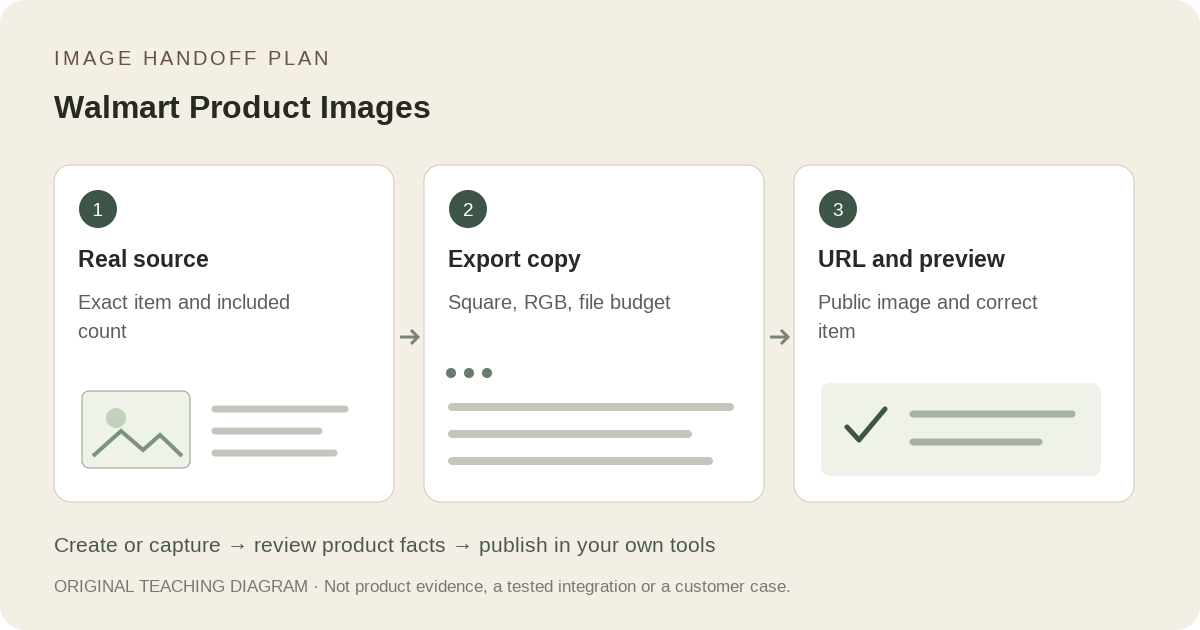
The Walmart US guide checked on October 10, 2026 lists 2200 by 2200 pixels, a 1:1 square, RGB color, a seamless white background and a file size of 5 MB or less. It lists JPEG/JPG, PNG and BMP, and a separate 1500 by 1500 minimum for zoom. These are not a guarantee that an image will be accepted for every category.
Build the factual main image first
Keep the complete product visible, with the actual supplied accessories and quantity. Compare the exported file with the original after resizing or masking. A tiny source enlarged to the target dimensions has more pixels, not newly observed texture. Capture a better real source when the label or edge cannot be read.
Review supporting scenes for invented facts
Walmart says AI content must be truthful, accurate, rights-compliant and aligned with its marketplace policies. Fayvoro can explore a secondary setting, but cannot guarantee exact package text, dimensions or file eligibility. Keep factual detail photographs and avoid scenes that imply an unverified feature or a nonincluded accessory.
Inspect the actual file URL and published image
Save a separate export so the approved master remains available. Open the image URL without your seller login and confirm that it returns the image itself rather than a sharing page or sign-in form. After uploading, check the item page image, sequence and variant. A successful file export does not prove the marketplace has published it.