02 / A PRACTICAL WORKFLOWSTART WITH YOUR PHOTO
01Connect the artwork revision to the physical shirt
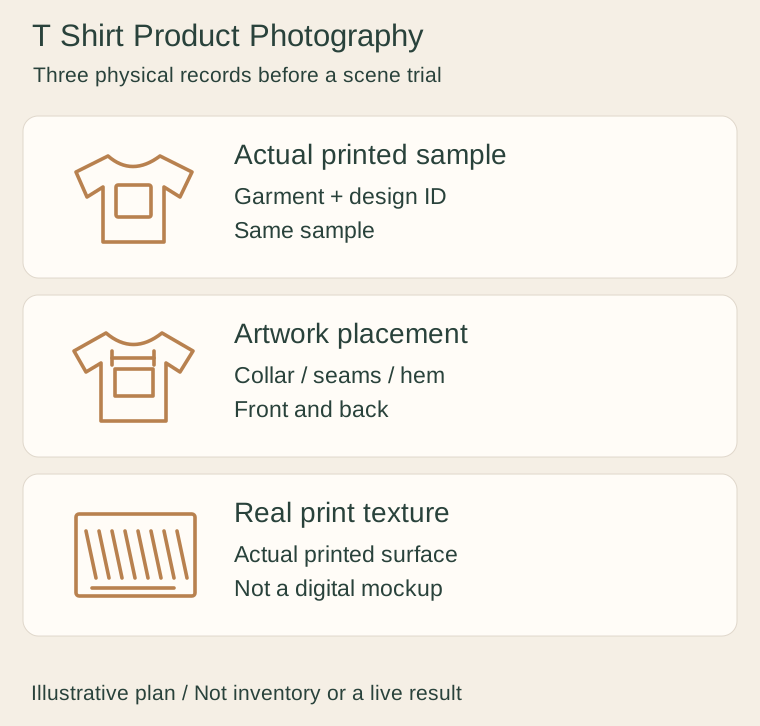
Record the actual garment model, size, colour and print revision used for the sample. Take a whole front view that exposes the print position relative to the collar, side seams and hem. Add the back when artwork or construction differs there. Keep an unprinted blank reference separate from a printed sale sample.
A digital mockup is useful for planning a design but is not a photographed print. Printful’s mockup workflow is an example of this digital role. Label that role honestly and keep a real sample view for customers who need to inspect what was actually manufactured.
Garment Hanger Product Photography — Show shoulder width, hook, strap notches and trouser bar on the empty hanger, and count the actual pack independently of display garments.
Capture the physical print surface
Use a close view that shows the real edge of the printed area, texture and relationship to the fabric. Photograph the same sample under controlled light so apparent garment colour and ink density are comparable with the whole view. Avoid copying a graphic into the photo as though it had been printed there.
If you claim wash resistance, softness or a particular printing process, support it with your documented production and test records. A photographed wrinkle cannot prove garment drape on everyone. Show measurements through a separate physical method and use permitted real worn photos for fit context rather than an invented body.
Trial one setting without regenerating the artwork as evidence
Start a Fayvoro scene from the real printed sample photograph. Request a quiet folded or flat tabletop composition; do not ask it to place an exact design onto a blank shirt. The output can distort lettering, redraw artwork, change seams or move the print even when the prompt describes preservation.
Compare the candidate with the approved physical front/back and print detail. Reject changed words, extra graphics, incorrect garment colour or a missing seam. Keep the factual sample gallery intact. The output is one flat presentation image, not a guaranteed print mockup, artwork layer, virtual fitting or manufacturing proof.