All product image guides Eyeshadow Palette Product Photography

Keep every shade in the palette attached to its actual position.

A palette buyer compares shade order, finish and the product applied to skin. Those are different views. Photograph the physical palette and real swatches first, then keep an optional display scene separate from color and application evidence.

Explore a scene from your eyeshadow palette photo Two free credits when you sign up. Review the result before publishing.
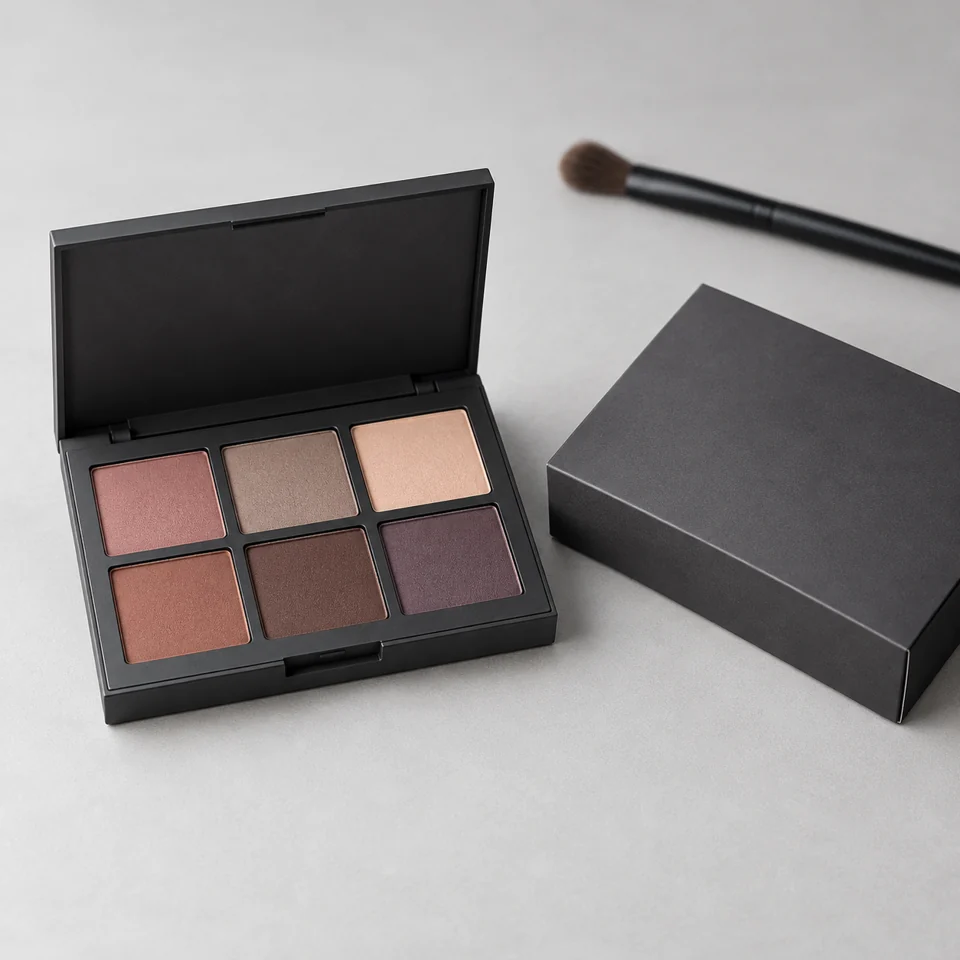
Editorial composition concept for eyeshadow palette product photography
EDITORIAL CONCEPTEDITORIAL CONCEPT. Fictional eyeshadow palette composition for visual direction, not stocked merchandise, exact construction or color evidence, a customer example or a live Fayvoro result.
01 / EXAMPLEILLUSTRATIVE CONCEPT
What this shows

Three different jobs for a eyeshadow palette gallery.

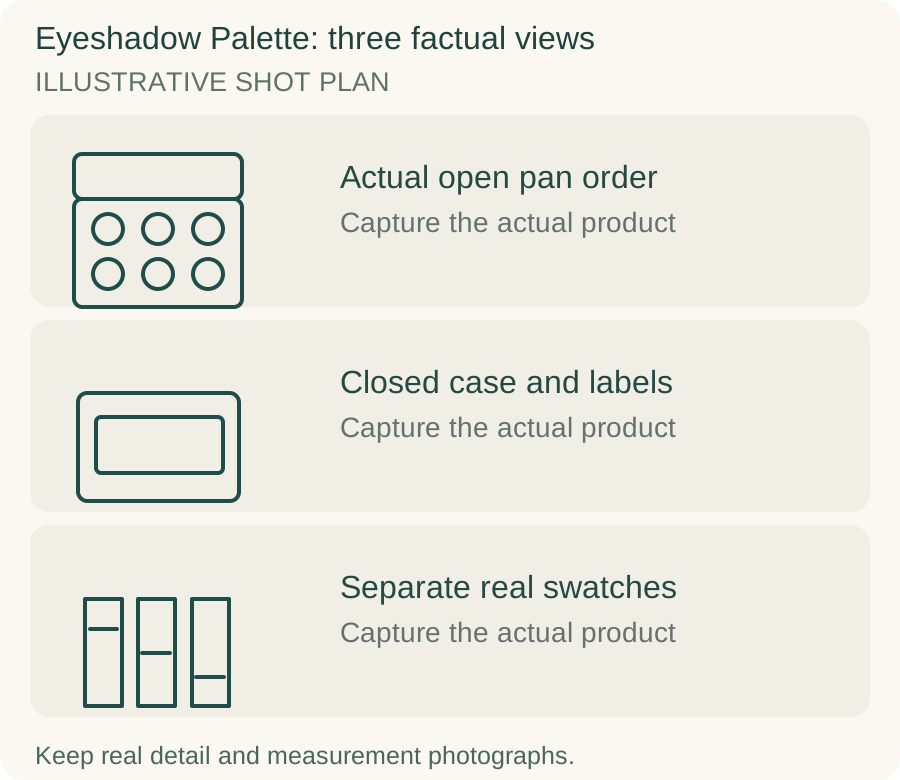
Use the actual open pan order, closed case and labels and separate real swatches panels to plan separate actual-product captures. The teaching outlines contain no observed dimensions, verified specifications or tested performance. They do not replace your real photographs.

Original teaching diagram for eyeshadow palette: Actual open pan order, Closed case and labels, Separate real swatches
Editorial conceptOriginal illustrative shot plan. These outlines are not photographs of stock, measured technical drawings, a Fayvoro output or a customer example.

This image is an editorial concept made for the site. It is not a Fayvoro generation or customer result. AI can change product shape, color, packaging, labels, and text. Check every important detail against the real item.

02 / A PRACTICAL WORKFLOWSTART WITH YOUR PHOTO
01

Photograph the exact palette revision

Open the palette and photograph it straight enough to read the entire pan layout. Record the product version and shade names in your working sheet before shooting. Keep the closed exterior, underside label and outer box in separate frames. A renamed shade or revised layout should not be silently represented by an older palette image.

ColourPop’s listing separates an open palette, packaging and swatches. Use that division of buyer questions in your own shot plan; it does not give permission to reuse their images. Keep a clean factual view of the product as supplied. If you show a used tester with powder wear, identify it as a tester rather than making every supplied pan look pre-used.

02

Make swatches a real application record

Use actual product for swatches and obtain permission from anyone photographed. Record lighting, skin context, application method and number of passes in your notes so that comparisons are understandable. Keep the same processing across the series. An opaque block painted in software cannot show coverage, shimmer or how the product behaves when applied.

Photograph a matte and reflective finish under lighting that shows the difference without using different color grading for each. Keep shade-name annotations outside the product image when that improves readability. Do not recolor one swatch into another variant. A palette scene or generated face does not establish wear time, blending behavior, skin suitability or application results.

03

Keep an optional scene focused on the package

Fayvoro can explore a vanity or studio setting from one rights-cleared palette photograph. Choose the real source with every pan visible and leave enough room for a crop. Do not ask the scene to supply missing swatches or to create a beauty result that you will present as use of the sold product.

Count the pans and compare their position, shape, shade order, mirror edge and hinge with the original. A convincing image can swap two colors or add a new shimmer while preserving the general package. Treat any color shift as a reason to retain the original as the buyer’s color reference. Generated powder spill is decorative and does not establish product texture or quantity.
Direction to try

A useful starting note.

Use this as a starting point, then adjust it for your own product. No prompt can guarantee exact product details.

Use my real eyeshadow palette photograph for one secondary vanity scene in gentle neutral light. Keep the visible pan count, order and case outline recognizable. Add no person, skin swatch, shade text or spilled powder. I will compare every pan with the original.
Before you publish

Check the details.

  • Actual palette version and pan order agree with the listing.
  • Closed case, underside and included box have factual photos.
  • Swatches use real product and documented consistent processing.
  • Pan colors and finishes are compared with the source after generation.
  • No generated face or swatch is presented as an application result.
Common questions

A few things to know.

Can AI create swatches for shades I have not photographed?

Such swatches would be illustrative color concepts, not real application evidence. Use the actual product when showing coverage, finish or a buyer’s shade comparison.

Why photograph the closed palette too?

It identifies the package, version and supplied exterior. An open pan view can hide the case design and labels that distinguish an offer.

Should a generated scene be the color reference?

No. Keep an approved actual-product photograph and genuine swatches as color references. A scene may change colors and finishes even when its composition looks convincing.

Make your image
with intention.

Explore a scene from your eyeshadow palette photo