PRODUCT STORIES / A CREATIVE GUIDE

Dog Leash Product Photography

Show the leash clip and the length state the buyer selects.

A coiled leash can hide its usable length and the clip connection. Separate hardware details from a measured real length record, and distinguish an adjustable or bungee range from an attractive walking scene.

Sign up for 3 free credits · Your starting direction is included.See the example
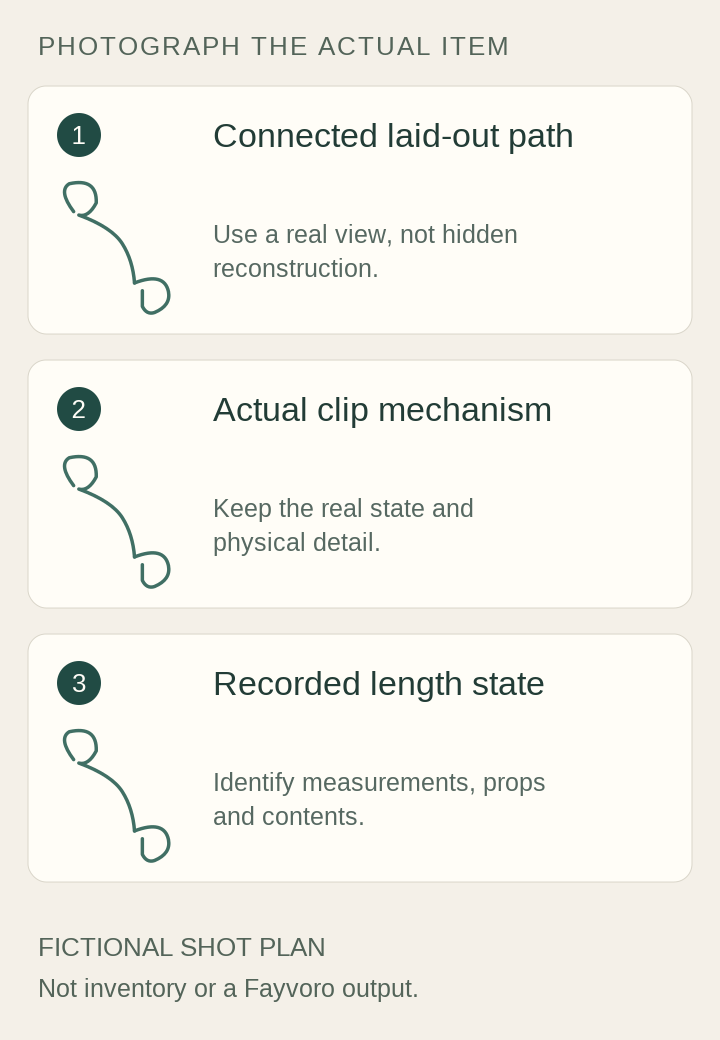
Original teaching plan: Connected laid-out path, Actual clip mechanism, Recorded length state
EDITORIAL CONCEPT
01 / EXAMPLEILLUSTRATIVE CONCEPT
What this shows

Plan the factual views before the optional scene.

These schematic drawings identify three different jobs for the gallery. They do not describe a manufactured item or replace an actual capture of its hidden details.

Original teaching plan: Connected laid-out path, Actual clip mechanism, Recorded length state
Editorial conceptOriginal fictional shot plan, not inventory photography, a Fayvoro output or a customer result. Use the actual item and verified records for dimensions, contents and performance.

This image is an editorial concept made for the site. It is not a Fayvoro generation or customer result. AI can change product shape, color, packaging, labels, and text. Check every important detail against the real item.

YOUR STARTING IDEA

Take the direction. Make it your own.

Explore one simple entryway composition from my real leash photo. Add no dog, collar, harness, new buckle or extra clip. I will trace the strap and compare the actual handle and locking hardware.
Add your reference photo in the studio, then adjust the direction.
Before you publish

Compare the result with your real product and your destination’s requirements.

  • One connected real leash runs from handle to clip.
  • Relaxed, adjusted and extended measurements remain distinct.
  • Hardware and accessories match the sold configuration.
  • Dog size and load claims have checked evidence outside the scene.
02 / A PRACTICAL WORKFLOWSTART WITH YOUR PHOTO
01

Follow the physical leash from handle to clip

Lay out the actual leash so the buyer can follow its connected path from handle to dog-side clip. Capture clip, swivel, buckle, slider and any extra traffic handle in real detail views. Keep the original orientation instead of generating a mirrored mechanism that cannot attach as shown.

For configurable leashes, document each supported arrangement using the real manufacturer instructions. Ruffwear’s Roamer example separates adjustment and stretch states and notes possible hardware-finish variation. An accessory loop should not be pictured as a load-bearing attachment unless the maker explicitly supports that use.

Camera Strap Product Photography — Lay out the real attachment ends and supplied anchors, record adjustment state and keep camera compatibility separate from scene styling.

02

Measure the relevant state without inventing a load test

Record relaxed length, allowed adjustment positions and any stated extended range independently. Use the method specified for the actual construction; do not pull a bungee leash to an arbitrary extreme to create a larger number. Keep webbing width and clip dimensions visible where they affect the choice.

State which accessories, waste-bag holders or collars are included and which are props. A photograph with a large dog does not prove a weight rating, safety under load or a universal connection fit. A generated dog-and-leash scene is especially unsuitable as evidence of real harness, collar or clip compatibility.

03

Use a product-only secondary scene

Upload a clear owned leash photo to Fayvoro and request one uncluttered entryway surface, keeping the real clip and handle visible. Check that the strap remains one continuous path. A new image can duplicate clips, shorten a loop or turn an adjustment buckle into decorative hardware.

Reject broken strap paths and invented load demonstrations. Keep the real measured layout and clip-close pictures in the gallery even when a styled candidate is selected. This guide offers no reliable virtual pet fitting, locking-mechanism reconstruction or verified walking performance from a generated image.

Common questions

A few things to know.

Can a coiled product photo show the length?

It identifies the product but does not establish the measured state. Add a real laid-out record using the correct method.

Can I make a generated walking photo as a fit test?

No accurate pet, harness or clip fit is demonstrated here. Use a permitted real fit example and verified instructions.

Make your image with intention.