02 / A PRACTICAL WORKFLOWSTART WITH YOUR PHOTO
01Identify the proportion that matters
Choose the feature pair a buyer uses to judge construction: front opening versus body, handle versus vessel, or toe versus heel. Make a baseline from a normal whole-item position and retain a factual front or side view where appropriate.
Do not use a dramatic angle as the only evidence of dimensions or capacity. A photograph can show appearance; exact measurements belong in verified product information and, when helpful, a separate truthful scale view.
Compare two distances with similar framing
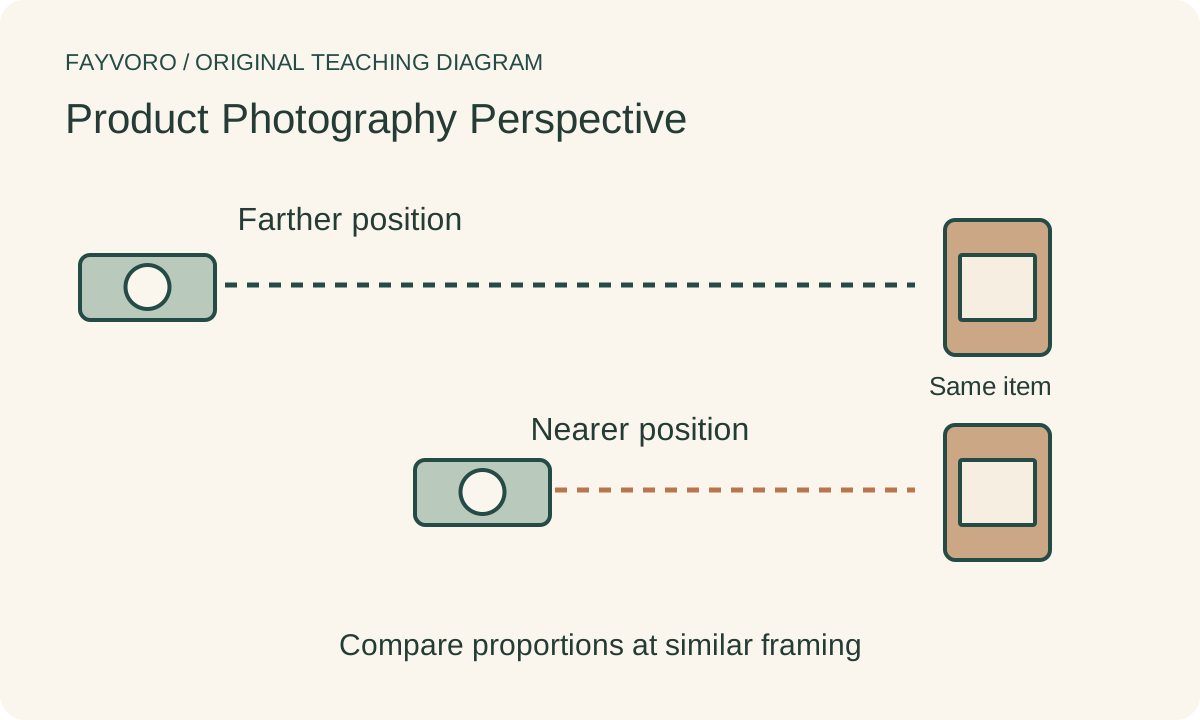
Move the camera farther from the product for a second capture and adjust the lens or crop to keep a comparable frame. Record the physical distance change separately from the focal length. Inspect how near and far features appear relative to one another.
Canon’s perspective examples discuss wide and telephoto views. For your comparison, remember that changing lens choice often accompanies a change in camera position. At a fixed viewpoint, a focal-length change mainly changes framing; movement changes the spatial view.
Test height and alignment independently
Change camera height only after choosing distance, keeping the item still. An elevated view reveals the top or interior; a low view can hide it and enlarge the foreground. Check whether parallel edges or the apparent opening now misdescribe the actual object.
Keep a simple straight view beside any dramatic campaign view. If correcting geometry in an editor, compare against the real item and preserve construction. Do not warp a product until it looks like a different silhouette merely to make the image symmetrical.
Review generated geometry with real alternatives
Fayvoro is not a perspective-calibration or exact-geometry correction tool. A scene can change proportions without moving a physical camera. Compare its actual outline, openings and handle placement with your accepted real views, and retain real photographs when an alteration misrepresents the SKU.