02 / A PRACTICAL WORKFLOWSTART WITH YOUR PHOTO
01Decide what the buyer is comparing
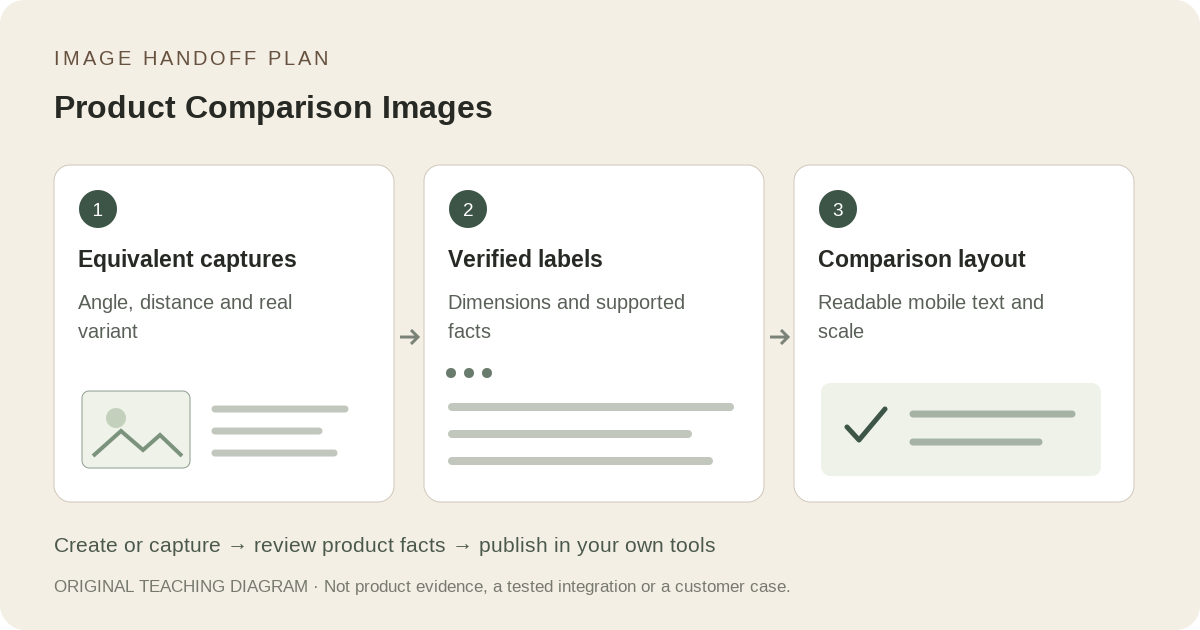
Pick a real decision: two capacities, two closure types or a single item versus a set. Record each product identifier and the verified facts to show. If the distinction is size, choose a common photographed scale or a clearly labeled not-to-scale layout. Do not infer capacity, strength or price from appearance.
Use equivalent photographs for both sides
Keep the viewpoint, camera distance and lighting treatment comparable. Avoid showing one item in flattering light and the other in an obscuring crop. Shopify’s photography-test guide includes size-comparison images as a useful image role; your actual comparison still needs real dimensions and consistent evidence.
Assemble labels outside the generator
Use a document, design or page editor for the two-panel layout and exact typed labels. Fayvoro is not a comparison chart builder and does not guarantee text, multi-product consistency or exact relative scale. It can explore a separate presentation scene, but use real source photographs for factual comparison panels.
Read the finished comparison on a phone
Read every label at the actual product-page width. Match it to the correct panel and remove any claim that lacks a source. Keep the comparison’s revision date and links to the relevant option pages so a changed product or price does not leave the chart misleading. Compare purchase outcomes only with your own measured data.