02 / A PRACTICAL WORKFLOWSTART WITH YOUR PHOTO
01Choose one offer and one destination
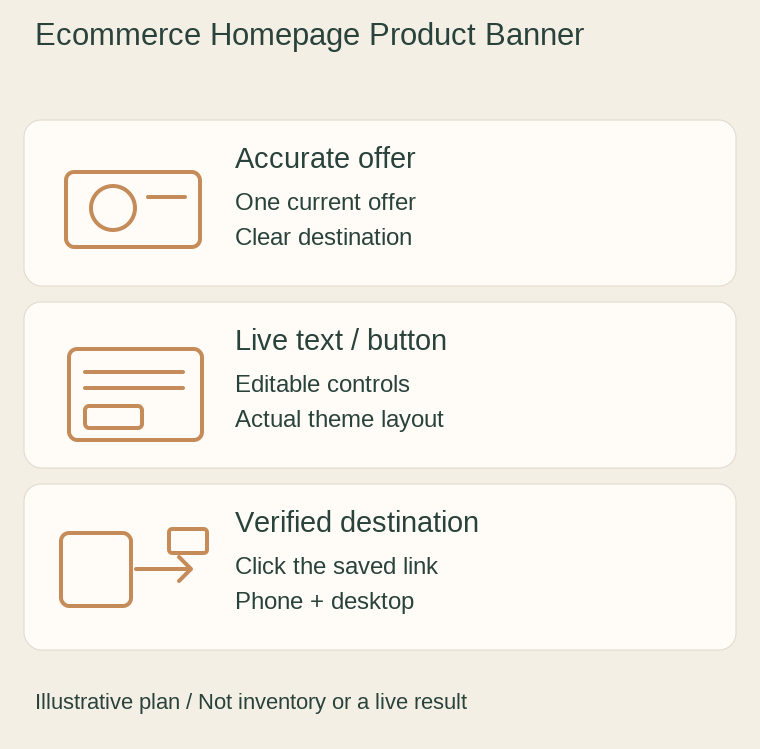
Write the current product or collection promoted, the exact destination and the action the visitor can take there. Choose an image whose visible item belongs to that destination. If the banner advertises a sale, keep the current eligibility and dates in editable text owned by the store, rather than burning an unverified promotion into the scene.
Decide whether the artwork introduces one SKU, an assortment or an occasion. Do not let a single product scene imply a whole displayed gift set is included. Keep the factual SKU photos on the destination page so the banner’s atmosphere does not become the only evidence of what the customer buys.
Keep the image and live controls separate
Use your theme’s actual text and button blocks for the heading and action. Shopify documents sections built from images, text and buttons, with options depending on the theme and version. Check that the button is a real link and that its visible label still makes sense when text moves below the image on a narrow screen.
Preview the saved banner in the store’s real desktop and phone layouts. Check the focal subject, heading contrast, reading order and button visibility. A wide file can be cropped differently from a product tile. Test the actual section and use its documented crop or focal-point controls; the teaching diagram does not define a measured safe zone.
Make and review a single scene candidate
Try a Fayvoro scene from your approved product source, with a simple direction that leaves a possible text region. The model may move the product or fill the intended empty area, so accept the actual output only after comparing the subject with the original and testing the real layout. Keep the heading, price and offer terms outside the generated image.
Download the approved image, prepare the required web export and install it in the intended section. Follow the actual link after saving. Record the image revision and destination so a promotion change can update both. A production-ready banner is not proof of a conversion improvement; measure its commercial result separately.