02 / A PRACTICAL WORKFLOWSTART WITH YOUR PHOTO
01Match the artwork and edition to the box
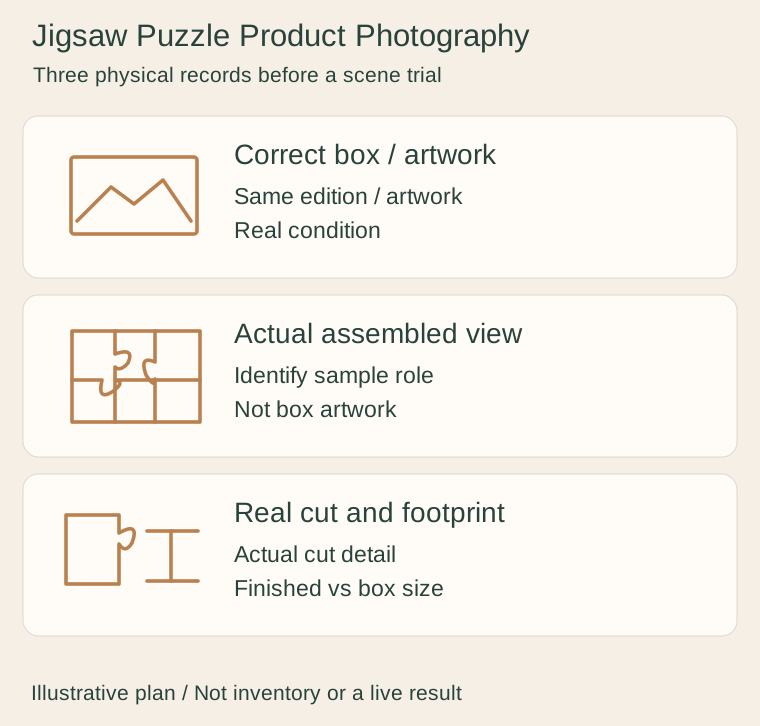
Photograph the actual box and its identification, then connect it to the puzzle being demonstrated. Avoid mixing a promotional artwork file with a different printed edition. For used stock, document the real box and piece condition rather than using an untouched catalog photo as if it were that item.
Take an actual assembled view when it is available and identify whether it demonstrates the sale unit or a representative sample. A box illustration is not an assembled photograph. Ravensburger’s product example separates the intended artwork, piece count and completed dimensions from carton information.
Make the finished footprint and cut visible
Record the real completed dimensions or verified maker specifications, explicitly distinguishing them from the box dimensions. Add a close photograph of actual piece edges, surface finish and joined areas. Keep any missing or damaged section visible rather than filling it digitally.
A photograph of one assembled sample does not prove completeness of every unopened or used unit. State the scope of any physical check and keep counting or assembly records where needed. Do not infer a universal exact piece total, fit quality or difficulty from an illustrative grid or a pleasing scattered-piece arrangement.
Use a scene as presentation rather than completeness proof
For a Fayvoro trial, use an approved photo of the real box or assembled puzzle and request one calm tabletop setting. Generation can redraw the picture, invent a piece cut, remove gaps or add pieces. It is not an assembly, inventory or artwork-fidelity tool.
Reject changes to artwork, edge shapes and visible missing areas. Keep the real completed view and physical condition details available. A generated few-piece scene must not stand in for a complete-set verification or claim a factual piece count. This page’s schematic puzzle has no numbered inventory.