02 / A PRACTICAL WORKFLOWSTART WITH YOUR PHOTO
01Expose the interior and handle attachments
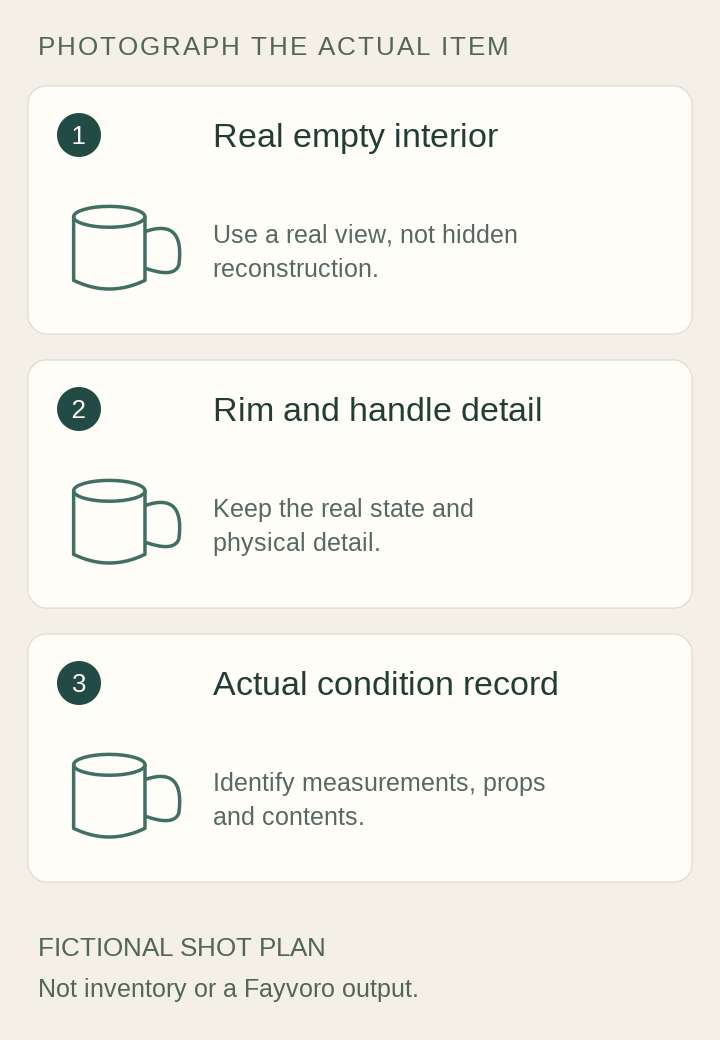
Photograph the actual mug empty from a slightly raised angle, then add real details of the rim and handle attachment points. Reflections can hide a dark chip or create a false black mark, so check the physical unit under softer light before selecting the close-up.
Do not make the interior appear ceramic if the sold item is enamel-coated metal. Falcon’s mug example distinguishes its construction and individual sale unit in the product information. Your own finish, rim colour and handle design must remain tied to the exact model rather than borrowed from a generic camp-mug scene.
Document capacity and real condition
Keep checked capacity and the actual external dimensions as separate listing facts. A photograph filled near the rim does not establish the comfortable working volume or the maker’s stated capacity. If you show a real pour example, record the liquid amount and do not sell it as a universal capacity test.
For resale units, capture chips, exposed substrate, staining and repairs rather than smoothing them out. Food-contact suitability and care restrictions need verified information for that specific product and condition. A microwave or stove in a scene cannot establish permitted use; Falcon’s own care list illustrates why appliance claims require explicit records.
Inspect any new scene at the rolled edge
For a Fayvoro trial, choose a clear empty-mug reference and request a simple outdoor-table or kitchen-shelf setting. Include no beverage or cooking appliance. Compare the rim continuity, handle joins and visible enamel surface with the original, especially near highlights where an altered edge is easy to miss.
Reject a new handle, vanished chip or ceramic-looking cross-section. Retain the empty interior and factual condition images. This page’s diagrams are fictional shot guidance, not an enamel manufacturer’s test, a food-use certification or proof that a generated mug is the item being sold.