Find a little Christmas for your phone screen

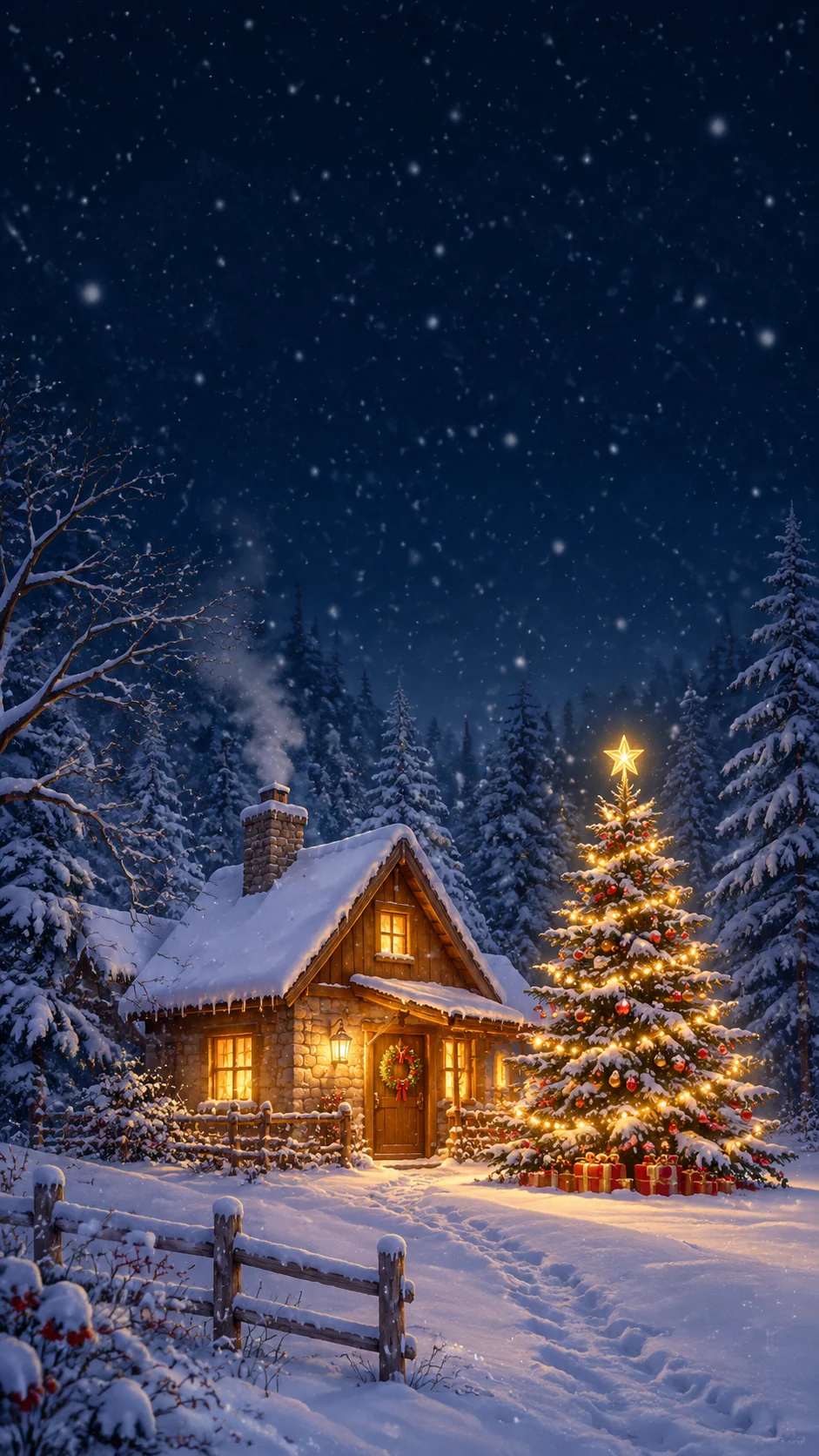
Download the featured Christmas wallpaper example, or describe a different festive scene to generate your own. A tall composition and a quieter upper area help the artwork sit behind a lock-screen clock.

3 free signup credits · No card neededExplore the directions
Fictional Christmas wallpaper demonstration with a glowing cottage, decorated fir tree, and quiet dark upper area
MADE WITH FAYVORO · Created with Fayvoro from the prompt below. This is an original demonstration, not a customer example.
A FEW WAYS IN

Explore the example. Make it yours.

Open a prompt to see the starting idea.
You choose when to generate.

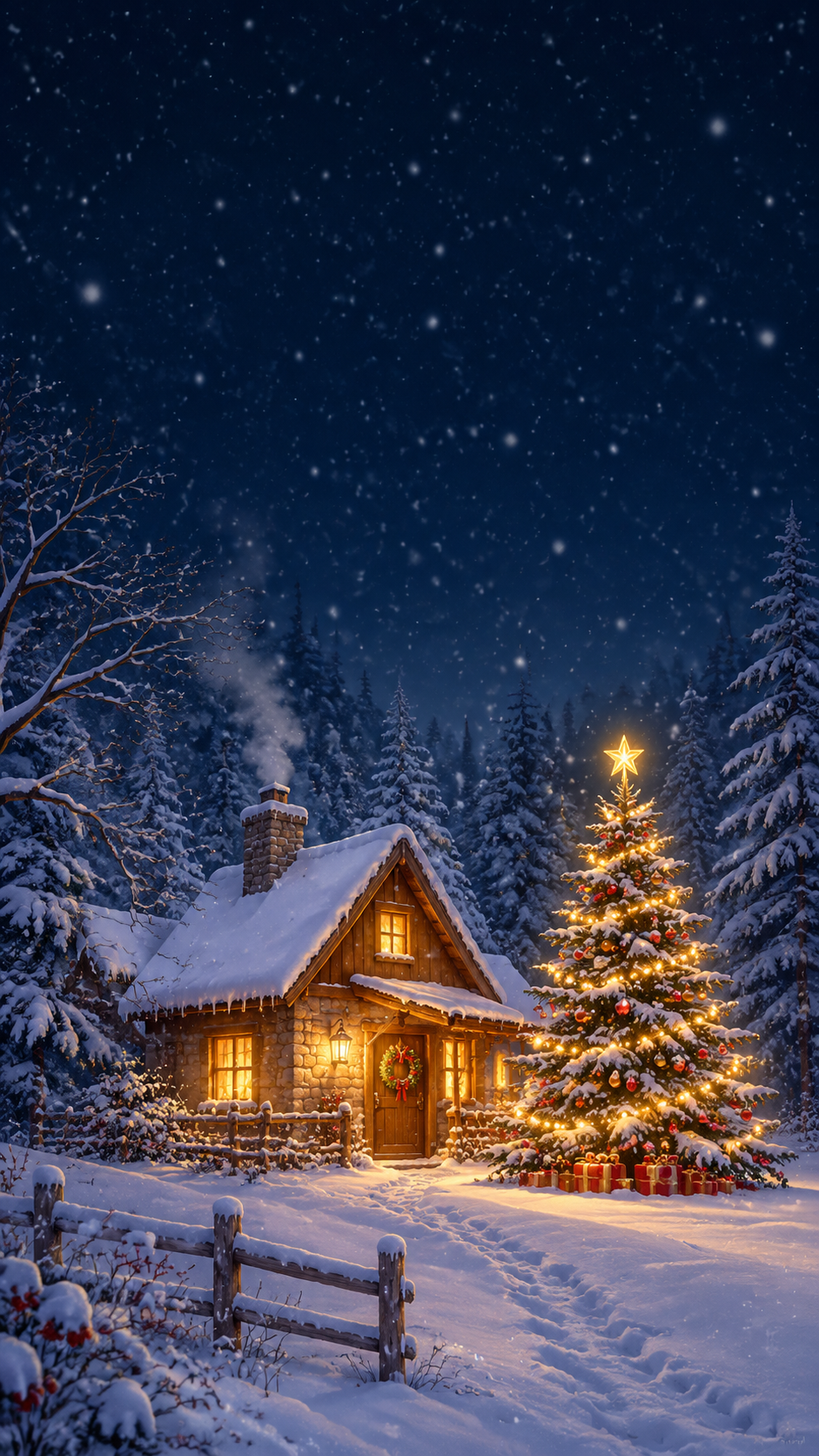
Fictional Christmas wallpaper demonstration with a glowing cottage, decorated fir tree, and quiet dark upper area
MADE WITH FAYVORO

Fictional snowy Christmas cottage wallpaper demo

Created with Fayvoro from the prompt below. This is an original demonstration, not a customer example.

Explore the prompt

Create an original vertical Christmas phone wallpaper. A tiny warmly lit cottage and one decorated fir tree in the lower half of a quiet snowy forest, soft midnight blue and warm gold palette, gentle falling snow, cozy illustrated storybook texture. Leave the upper third simple and dark for a phone clock. No words, numbers, logos, frames, or people.

Download PNG
MAKE IT MORE YOURS

A little intention. A different image.

01

Choose a scene that leaves room for the clock

A phone wallpaper has to share space with a clock, notifications, and app icons. Placing a cottage, tree, or small festive still life lower in the frame can keep the upper area calm. Describe both the main subject and the empty space around it. A restrained background often works better on a lock screen than detailed decoration in every corner.

02

Make the Christmas mood your own

Try a snowy blue night with warm windows, a soft illustrated gingerbread village, or a minimal red-and-cream ornament arrangement. Choose a palette that keeps the clock readable on your device. For a more personal image, describe a favorite holiday setting or decoration. Ask for no lettering when the wallpaper should remain a visual background rather than a greeting card.

03

Download the example or generate a variation

The featured sample download gives you the specific artwork shown on this page. Creating a different scene is a separate generation in Create and uses your account’s credits. After saving an image, preview it in your phone’s wallpaper settings: devices can crop or zoom differently. Adjust the placement so the main subject stays visible and important details do not sit beneath controls.

BEFORE YOU BEGIN

A few useful answers.

Is downloading the example the same as generating a wallpaper?+

No. The sample download saves the featured artwork shown here. Creating a new scene opens Create and uses generation credits; a sample download does not generate a personalized image.

Will the wallpaper fit every phone exactly?+

The artwork uses a tall 9:16 composition. Phones can have different screen shapes and crop behavior, so preview the image in your wallpaper settings and adjust its position.

How can I leave space for my lock-screen clock?+

Ask for a quiet upper third with low detail and place the main Christmas scene lower in the frame. Check the crop on your device before setting it.

Can I make a wallpaper without snow?+

Yes. Describe an indoor tree, warm lights, ornaments, tropical greenery, or another holiday scene. Specify the palette and leave a calm area for screen elements.

THE NEXT IMAGE COULD BE YOURS

Follow the idea.