Christmas coloring pages for a quiet holiday moment

Download the featured Christmas line-art example as an image or PDF. To make a different page, describe your holiday subject and choose bold simple shapes or more intricate festive detail.

3 free signup credits · No card neededExplore the directions
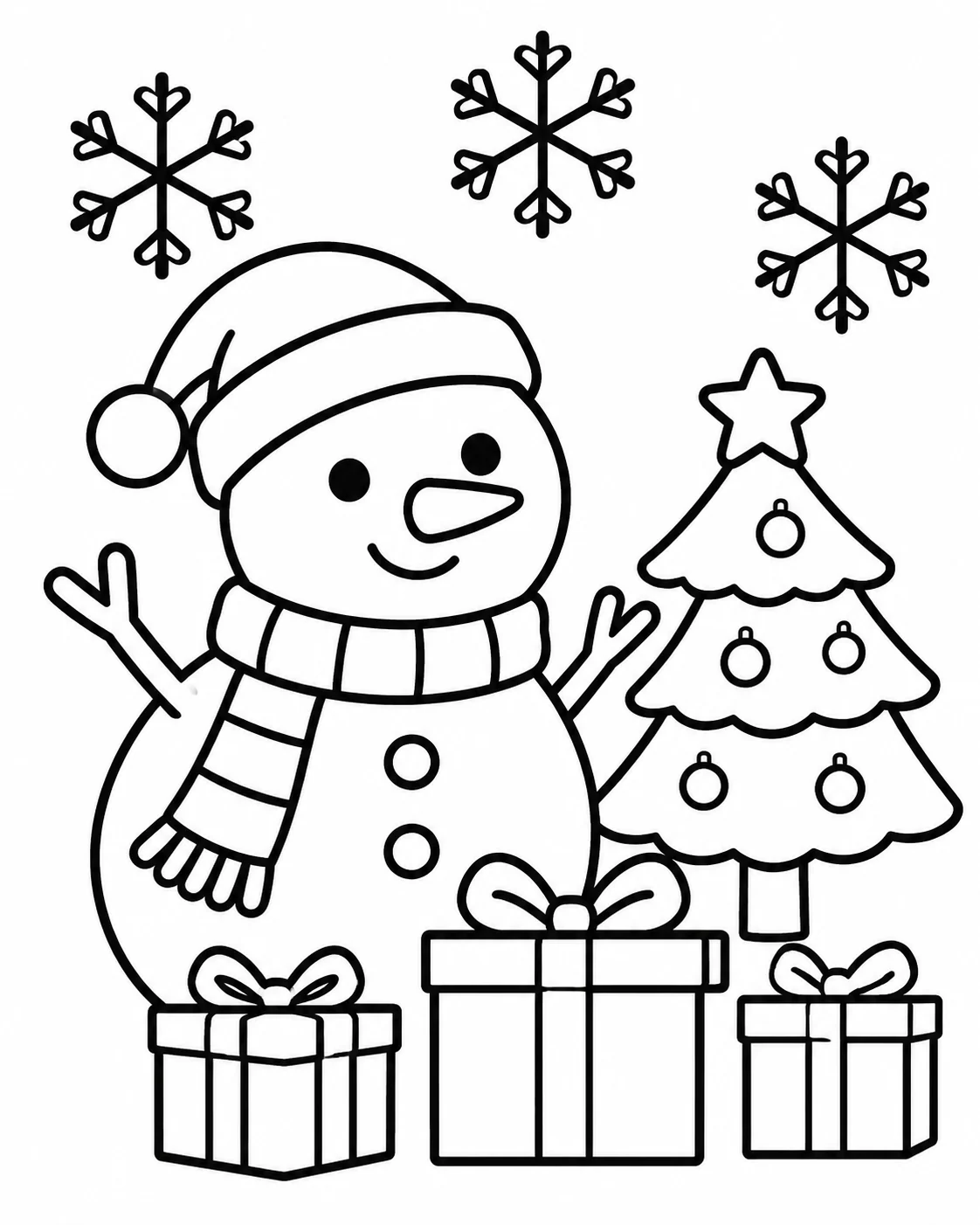
Fictional Christmas coloring-page demonstration with bold outlines of a snowman, decorated tree, and presents
MADE WITH FAYVORO · Created with Fayvoro from the prompt below. This is an original demonstration, not a customer example.
A FEW WAYS IN

Explore the example. Make it yours.

Open a prompt to see the starting idea.
You choose when to generate.

Fictional Christmas coloring-page demonstration with bold outlines of a snowman, decorated tree, and presents
MADE WITH FAYVORO

Fictional snowman Christmas coloring demo

Created with Fayvoro from the prompt below. This is an original demonstration, not a customer example.

Explore the prompt

Create a flat black-and-white Christmas coloring page for children. One friendly snowman, a small decorated fir tree, three wrapped gifts, and three large snowflakes. Use continuous, uniform solid-black vector-style outlines on pure white, large closed shapes, and wide white margins. The black strokes must be matte and uninterrupted: no gray, shine, highlights, gradients, shadows, hatching, lettering, numbers, or logos. Simple uncluttered portrait composition.

Download PNG
MAKE IT MORE YOURS

A little intention. A different image.

01

Pick one festive scene to color

A snowman beside a tree, a plate of decorated cookies, or a little house with holiday lights gives the page a clear theme. Keep the number of objects small when you want an easy coloring activity. For a more detailed page, add ornaments, branches, or patterned wrapping, while leaving enough white space for the main scene to stay readable.

02

Match the line work to the activity

Ask for bold outlines and large closed shapes for broader crayons or a shorter coloring session. Finer lines and smaller decorative areas suit a more patient approach. Specify pure white paper, no gray shading, and no solid black fills so the artwork leaves room for color. Inspect the downloaded lines for tiny gaps, awkward overlaps, or details that feel too small.

03

Use a sample or make a new page

The image and PDF download links save the featured example; they do not generate a personalized page. A custom scene is created separately in Create using generation credits. Before printing, preview the page, choose a paper size, and use a fit-to-page setting when needed. Check that the outline stays within your printer’s printable area and that no important detail is cropped.

BEFORE YOU BEGIN

A few useful answers.

Can I download the sample as a PDF?+

Use the sample PDF link for the featured page, or save its image version. Those downloads contain the shown example; they are separate from generating a new custom page.

How do I create an easier Christmas coloring page?+

Ask for one main subject, large closed shapes, thick clean outlines, and very few small decorations. Review the result before giving it to the person who will color it.

Can I request a tree, reindeer, or Christmas village?+

Yes. Describe the subject and the amount of detail. A single tree or character gives larger coloring areas; a village usually needs smaller lines and more time.

Does a custom generation automatically become a PDF?+

A custom generation produces an image. You can save it and use your device’s print-to-PDF or document tools if you need a PDF; the featured sample PDF is a separate prepared download.

THE NEXT IMAGE COULD BE YOURS

Follow the idea.