02 / A PRACTICAL WORKFLOWSTART WITH YOUR PHOTO
01Choose one of three Christmas product photography ideas
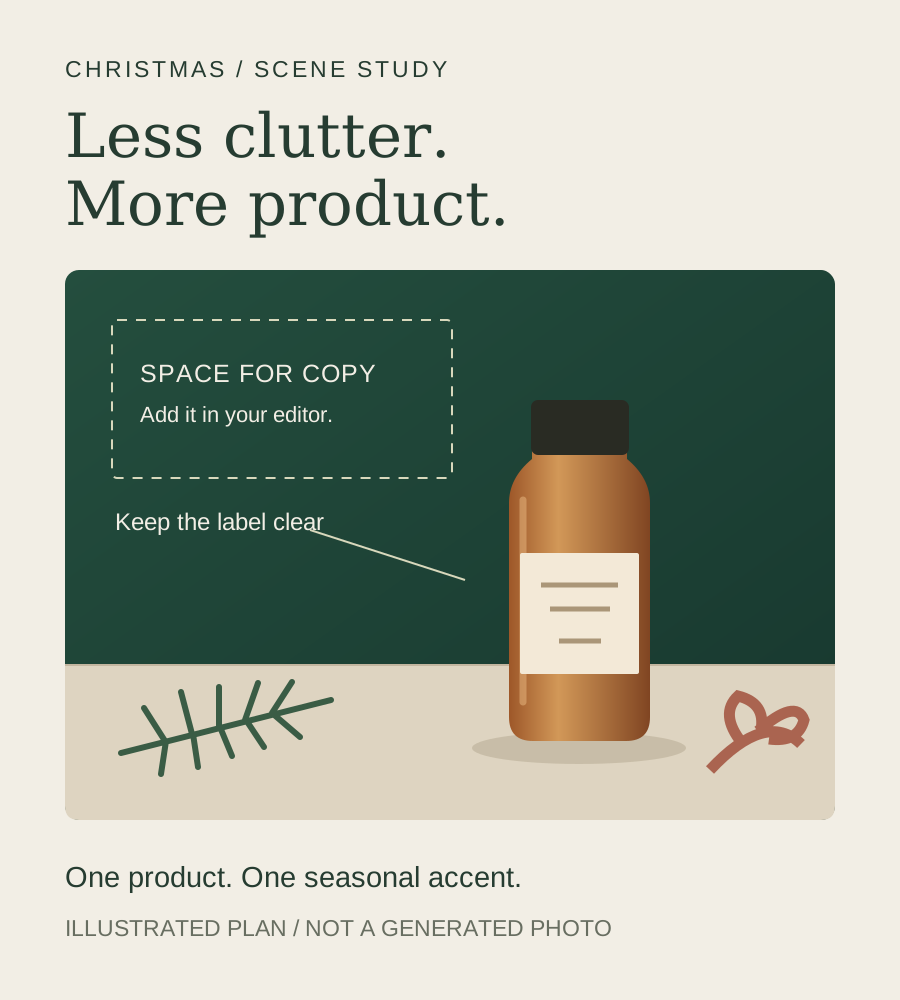
For a minimal skincare or fragrance scene, try a pale stone surface with a small evergreen branch at the edge. For a candle or home accessory, try a warm shelf with soft, distant points of light. For a gift campaign, place a loose ribbon beside the product and leave a clear area for a headline. Each idea gives the product a different setting; choose one before spending credits.
Keep the main label unobstructed and the product separated from the background. Metallic ornaments can introduce distracting reflections, while red or green surfaces can cast color onto glass and pale packaging. Use a neutral surface when color accuracy matters, and compare the result under the same viewing conditions as the source.
- Evergreen and stone: a restrained seasonal accent for a single product.
- Warm shelf and distant lights: a cozy direction without placing props against a candle flame.
- Ribbon at the edge: gifting context with space for copy added in a design tool.
Build a gift-ready shot list before the decorative scene
Keep a real front view of the item, a readable packaging detail, and a real view of every included component. If the purchase includes a gift box, photograph that actual box open and closed. A ribbon or box added only for styling should be identified as a prop rather than quietly implying gift wrapping is included.
Use the festive scene as an additional campaign visual after those factual views are ready. For a set, photograph the actual complete arrangement; do not ask the generator to invent a second bottle, change sizes, or fill a box with extras. Shopify distinguishes packaging, detail and group photographs because those views answer different buyer questions.
Make one reviewed scene, then prepare the campaign layout
Upload your JPG, PNG or WebP product photo of 10 MB or less. Choose an available base scene in the studio and paste the starting note below into the extra instructions. Christmas is a direction you describe, not a dedicated preset. Start with one image; inspect the label, cap, outline and color before trying another direction.
Fayvoro supports 1:1, 4:5 and 9:16 formats. Pick the format that suits your intended placement, then add the headline and any delivery message in your design or store editor. Christmas Day is December 25, 2026; your image approval, stock and shipping deadlines should be set earlier using your own operational dates. A generated image does not establish delivery availability.