02 / A PRACTICAL WORKFLOWSTART WITH YOUR PHOTO
01Identify front decoration and rear attachment
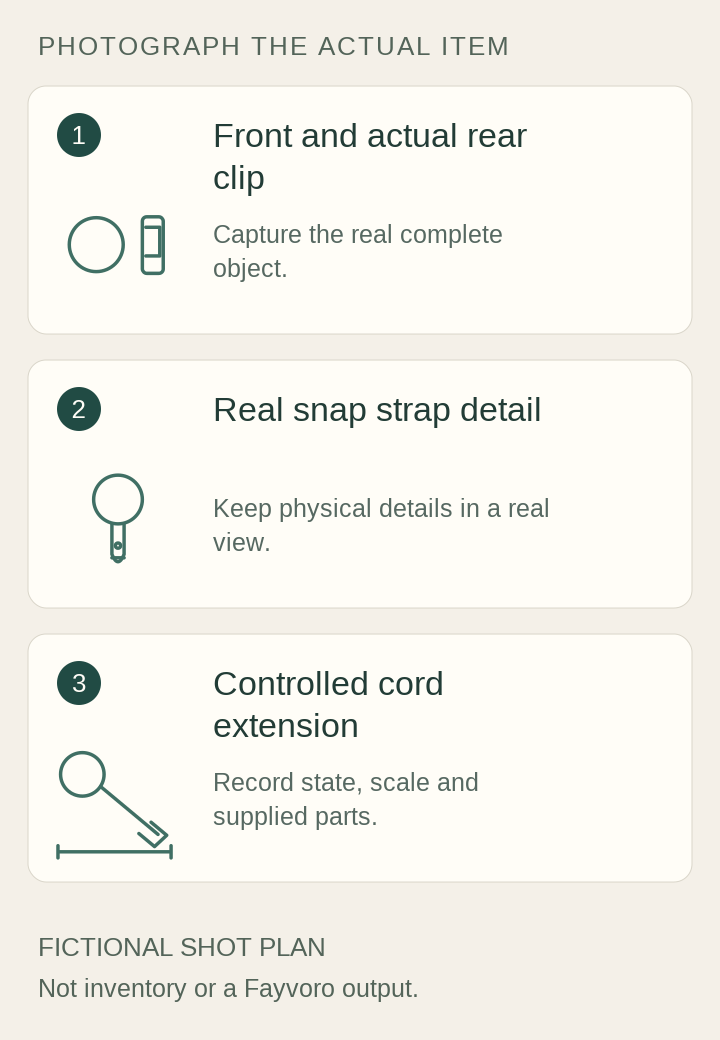
Photograph the front, then turn over the same reel to show its real garment clip. Add a side view if the decoration hides the housing thickness or attachment. Do not confuse a rotating rear clip with a fixed one just because both are metal.
DURABLE’s 360-degree reel example distinguishes the garment clip, snap strap and cord. Your handmade reel may use different base hardware. Keep the decorative design tied to its actual rear assembly and disclose any removable topper or replaceable component according to the physical offer.
Record the cord and card strap honestly
Show the reel at rest, then a controlled real extension in a safe supported setup. Record the measured extension and its endpoints without pulling past the intended travel. Keep the cord visible against the background instead of using editing to create a longer or straighter line.
Open and close the real snap strap in separate detail views if needed. Count supplied sleeves, rings and cards, and use a fictional blank card for any permitted demonstration. A heavy-looking key bundle or generated hospital badge is not evidence of retracting capacity, institutional approval or supplied credentials.
Inspect small parts after an AI scene
For Fayvoro, use an owned product-only photograph and request a simple desk surface. Check whether the rear clip, cord exit, housing and snap strap remain consistent. AI can turn the reel into a brooch, add an extra cord or remove the card attachment.
Keep real rear, snap and extension photographs available. Do not ask AI to reconstruct a concealed clip from the decorated front, then use that invented back as sales evidence. This page’s schematic communicates different shot roles, not the load capacity or precise mechanism of a manufactured reel.