Explore a new packaging design concept

Describe the product, packaging format, and visual direction. Generate a concept image showing how a box, bottle, pouch, or jar might look with your chosen materials and colors.

3 free signup credits · No card neededExplore the directions
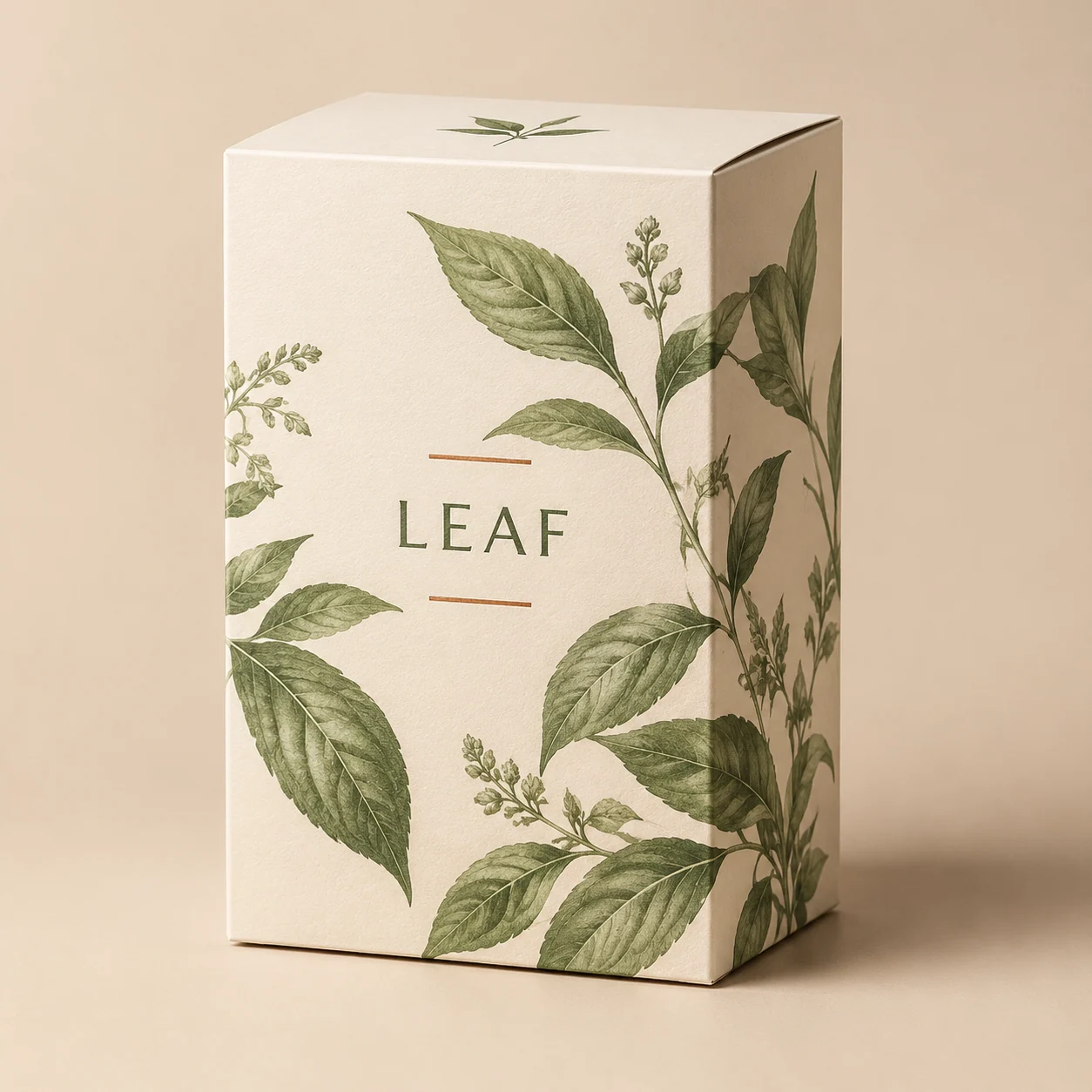
Fictional tea packaging concept demonstration with a matte cream box, sage botanical art, and short Leaf label
MADE WITH FAYVORO · Created with Fayvoro from the prompt below. This is an original demonstration, not a customer example.
A FEW WAYS IN

Explore the example. Make it yours.

Open a prompt to see the starting idea.
You choose when to generate.

Fictional tea packaging concept demonstration with a matte cream box, sage botanical art, and short Leaf label
MADE WITH FAYVORO

Fictional Leaf botanical tea packaging demo

Created with Fayvoro from the prompt below. This is an original demonstration, not a customer example.

Explore the prompt

Create an original packaging design concept for a small-batch botanical tea. Show one upright matte cream paperboard box, a sage-green botanical illustration, a small copper-colored accent, and a restrained minimal label. Three-quarter studio view on a warm neutral background. Include only the short fictional name "LEAF". No other words, logos, dimensions, or dielines.

MAKE IT MORE YOURS

A little intention. A different image.

01

Choose the container before the decoration

Start by describing what holds the product: a folding box, a stand-up pouch, a glass jar, or a pump bottle. The shape changes how much label space is visible and how the object feels. Then add a material direction, such as matte paper or frosted glass. A single container in a three-quarter view makes the concept easier to inspect. Keep props minimal so the actual package remains the focus.

02

Make the visual promise specific

A botanical tea, a bright sports snack, and a quiet skincare line need different cues. Name a small palette, one illustration style, and a label hierarchy that suits the product. Keep generated text brief, because detailed ingredient panels and regulated claims need exact review. If an existing logo must remain precise, place that verified artwork in a layout tool afterward.

03

Move from image to a manufacturable package

Use the generated concept to compare surface finishes, proportions, and visual directions. It does not establish the container’s capacity, structural strength, closure, or actual dimensions. A packaging designer and supplier can turn an approved direction into a dieline, print layout, and physical sample. Review those production files separately before ordering; the concept image is a starting point for that conversation.

BEFORE YOU BEGIN

A few useful answers.

Does this create a packaging dieline?+

No. It generates a visual concept. Production dielines, fold lines, dimensions, and print separations require separate packaging design work.

Can I put a brand name on the package?+

You can request a short name and inspect the lettering. For an exact logo or a long legal label, use your approved artwork in a layout editor.

Can it show a box, jar, or pouch?+

Yes. Specify one format, the material, and a viewing angle. A single clearly described package is easier to review than a crowded product range.

How is packaging design different from a product photo?+

This page explores a new package’s form, colors, and decoration. Product photography focuses on presenting an already-defined product in a scene.

THE NEXT IMAGE COULD BE YOURS

Follow the idea.