Create a poster concept from your idea

Describe the subject, visual style, and any short headline. Generate a poster image with a clear focal point, deliberate negative space, and a palette suited to your project.

3 free signup credits · No card neededExplore the directions
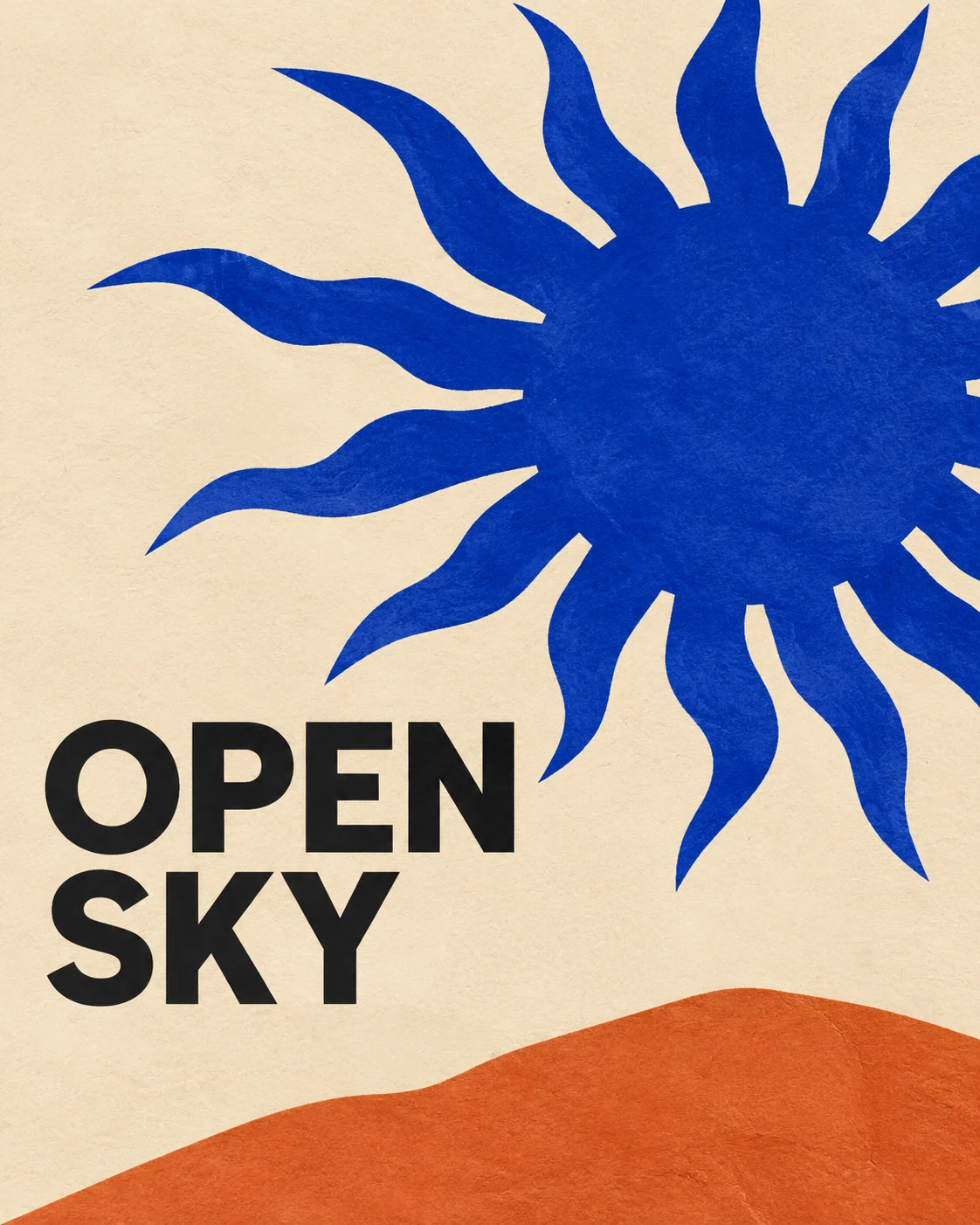
Fictional exhibition poster demonstration with a cobalt paper-cut sun, terracotta hill, and short Open Sky headline
MADE WITH FAYVORO · Created with Fayvoro from the prompt below. This is an original demonstration, not a customer example.
A FEW WAYS IN

Explore the example. Make it yours.

Open a prompt to see the starting idea.
You choose when to generate.

Fictional exhibition poster demonstration with a cobalt paper-cut sun, terracotta hill, and short Open Sky headline
MADE WITH FAYVORO

Fictional Open Sky exhibition poster demo

Created with Fayvoro from the prompt below. This is an original demonstration, not a customer example.

Explore the prompt

Create an original art exhibition poster. A bold cobalt-blue paper-cut sun above a small terracotta hill on a warm cream background. Strong asymmetrical composition, generous negative space, subtle printed-paper texture. Include only the short headline "OPEN SKY" in large clean dark lettering. No extra text, dates, logos, or mockup wall.

MAKE IT MORE YOURS

A little intention. A different image.

01

Give the poster one primary job

An event announcement, an art print, and a music release need different focal points. Tell the model what the poster is for, then choose one image or shape that should attract attention first. A single strong subject usually reads better than several competing scenes. Mention where the image will appear so the composition suits a phone screen or a larger display.

02

Keep the headline brief and visible

Short headlines give generated lettering a simpler task. Put the exact words in quotation marks and specify where they belong, leaving the rest of the composition uncluttered. Check every character in the result, including spaces and punctuation. When a date, address, or long schedule must be exact, generate the visual foundation and add those details later in a layout editor.

03

Finish the practical layout separately

Review the poster at a small size to see whether its subject and headline still stand out. The downloaded image is flattened artwork, so individual letters and objects are not separate editable layers. For a print run, confirm resolution, trim size, bleed, and color requirements with your printer. This page helps develop the visual concept before those final production decisions.

BEFORE YOU BEGIN

A few useful answers.

Can the poster include text?+

You can request a short headline. Check the generated spelling and spacing before using it. Exact dates, addresses, and longer copy are easier to control in a separate layout editor.

Will I receive an editable poster template?+

The result is a flattened image. It does not include editable text boxes, design layers, or a native layout file.

Can I make a poster without any text?+

Yes. Ask for no lettering and describe an open area where you intend to add a title later. That is useful when your final copy is still changing.

Is the output ready for commercial printing?+

Check your printer’s required dimensions, resolution, bleed, and color setup. A generated poster concept does not automatically satisfy a particular print specification.

THE NEXT IMAGE COULD BE YOURS

Follow the idea.