02 / A PRACTICAL WORKFLOWSTART WITH YOUR PHOTO
01Build a master row before laying out the sheet
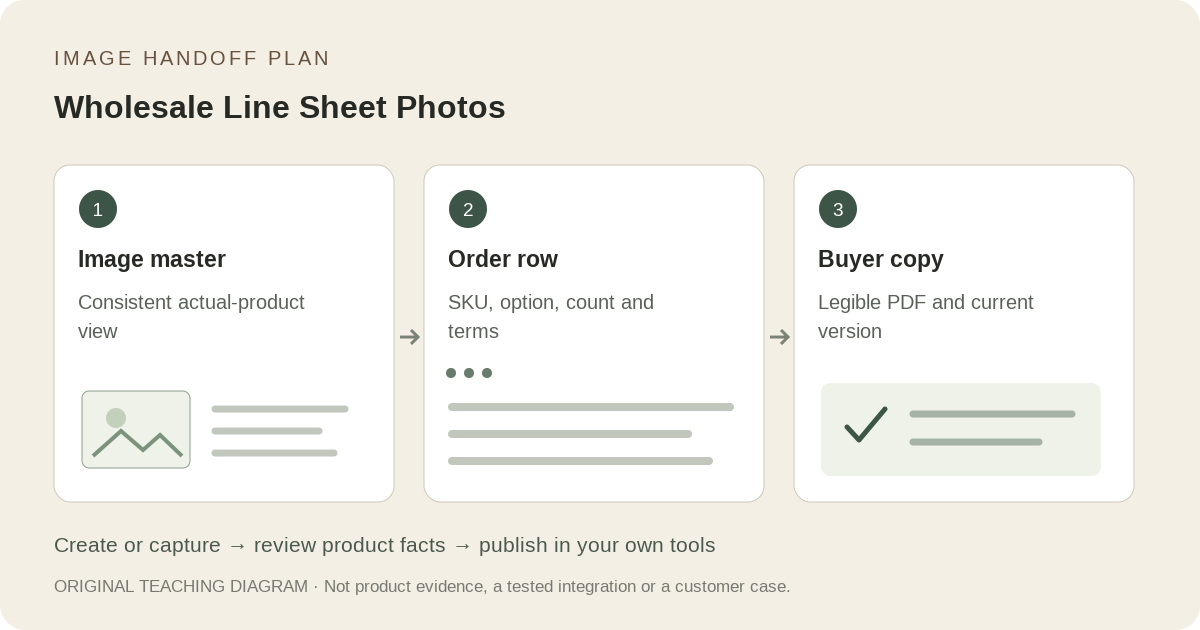
Write one row per orderable option with its product name, SKU, actual image file, unit or set count, wholesale terms and the date those terms were checked. These are records from your business, not values to infer from a generated picture. Faire’s bulk-uploader documentation illustrates the importance of keeping image links with SKU, prices and case size.
Use comparable photographs for the grid
Keep camera height, subject placement and background treatment consistent enough to scan. Do not enlarge a small bottle to the same displayed height as a larger one if the sheet suggests equal scale. When comparison is not to scale, state that clearly in the layout and keep real dimensions in text.
Reserve scene exploration for a separate cover
A Fayvoro scene from one actual product photo can help explore a line-sheet cover or merchandising direction. It cannot generate a reliable entire catalog, preserve all SKUs across a set, calculate wholesale terms or export a finished line sheet. Keep factual row images and type prices and specifications in your document editor.
Export a dated buyer copy and inspect it
Open the final PDF or shared sheet at normal reading size on a phone and desktop. Read a SKU beside the correct photograph and check that a product swap did not leave the old price or case count. Include the revision date and a clear contact or order route. Archive the source row mapping with the exact copy distributed.