02 / A PRACTICAL WORKFLOWSTART WITH YOUR PHOTO
01Prepare a deliberate selection folder
Collect only the files for this review in a dedicated local folder. Include the factual source or link to it, then label candidate revisions consistently. Do not mix unrelated SKUs, unreviewed concepts and final exports under one generic “product photos” label.
Record each file’s source: real photograph, precise edit, photo-based generation or text-only concept. A contact sheet is a comparison aid, not a way to erase those distinctions. Keep the exact input beside any candidate that needs physical-product review.
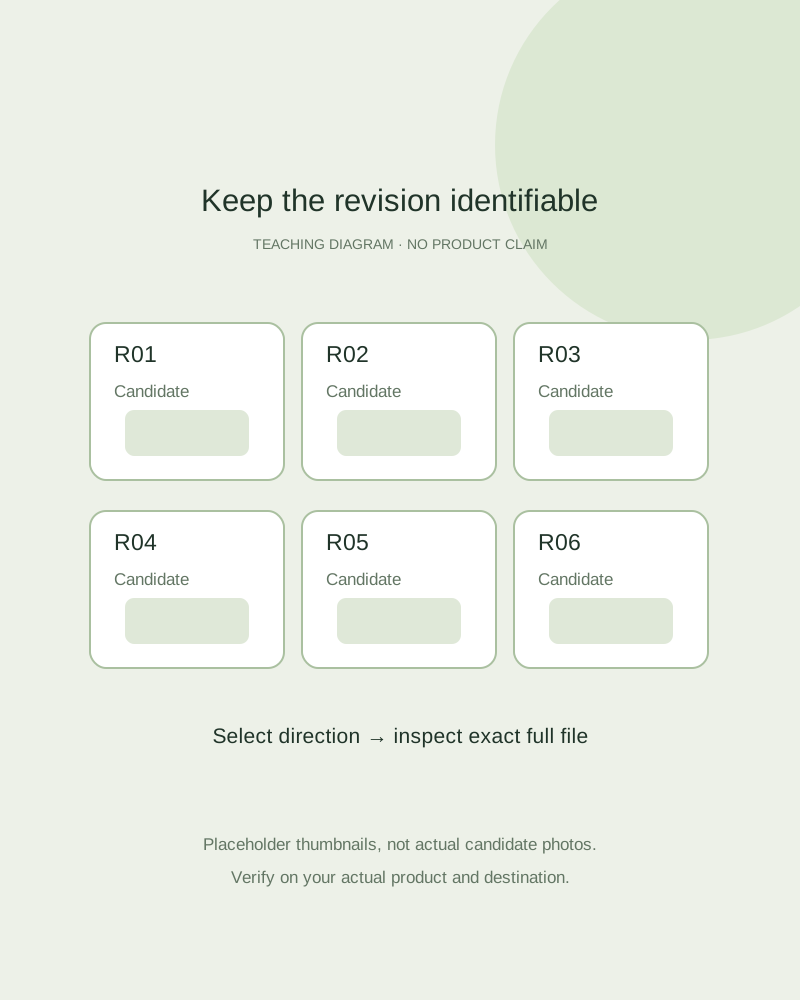
Build readable thumbnails and captions
Use your preferred page layout or image editor. Adobe’s current Photoshop tutorial describes Contact Sheet II, including a source folder and filename captions. Fayvoro has no contact-sheet export feature. You can make a simple grid yourself without buying an editor for this task.
Choose thumbnails large enough to compare composition and captions large enough to identify the revision. Keep similar candidate crops comparable. Add sheet date and product identity in the surrounding document, and avoid shrinking twenty images into a page nobody can read on a phone.
Split direction selection from approval
Ask the reviewer to name a candidate and the reason it fits the brief, such as useful copy space or a less distracting surface. Record “selected for further review,” then open that exact file at full detail. A thumbnail that looks correct can still contain changed text or an extra closure.
Maintain a small approval ledger outside the sheet: revision, blocker, owner, next action and final status. If a new generation follows feedback, assign a new revision and update the sheet. Do not replace the selected file silently or assume a selected direction is already approved for sale.