Give a familiar pet or favorite object a new outline. Upload your photo, ask for bold black lines and open white spaces, then review the drawing before printing.
JPG, PNG or WebP · Up to 10 MB
Review the prompt and credit cost in the studio before generating.
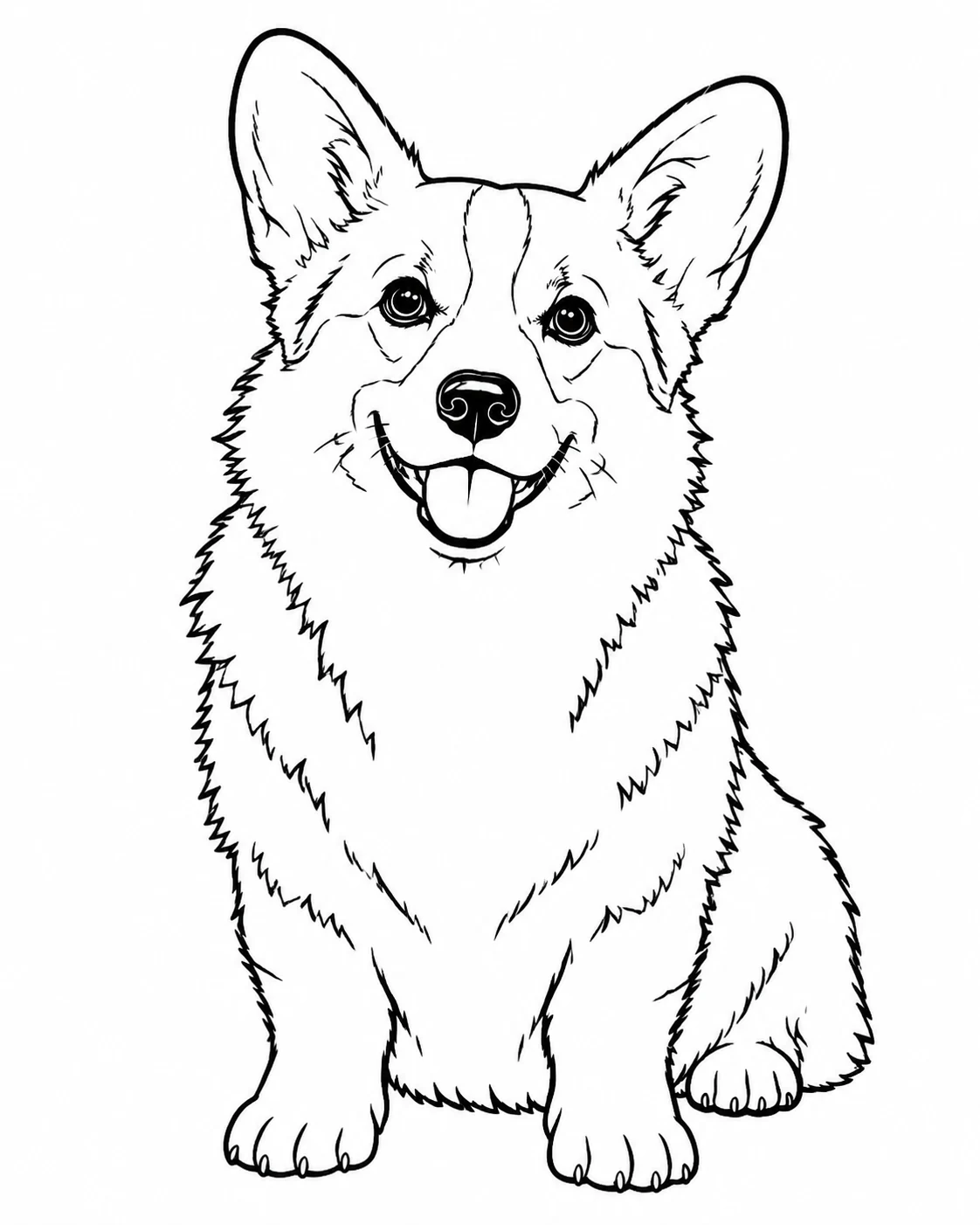
Fayvoro line-art interpretation of the AI-created corgi reference. Check the ears, paws and open spaces against the original.
A FEW WAYS IN
From a photograph to open outlines.
Open a prompt to see the starting idea. You choose when to generate.
MADE WITH FAYVORO
REFERENCE
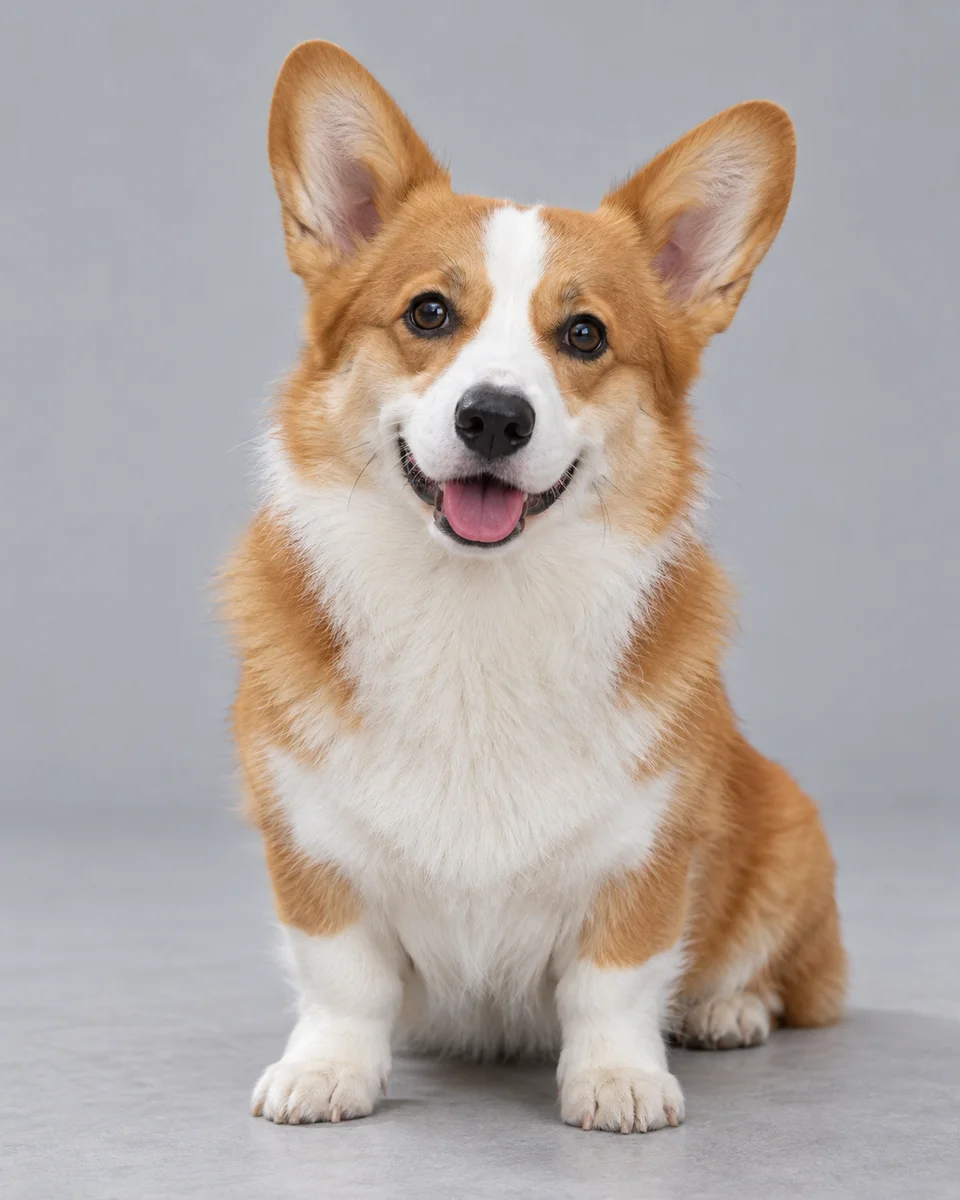
A familiar pet, ready for color
Fayvoro line-art interpretation of the AI-created corgi reference. Check the ears, paws and open spaces against the original.
Explore the prompt
Turn the main subject in this reference into a printable black-and-white coloring page. Keep its recognizable silhouette, pose and important features. Clean bold black contour lines on pure white, large closed areas, only a few inner detail lines. Remove background clutter and shadows. No gray, shading, color, hatching, solid black patches, text, border or watermark. Leave generous white margins around the complete subject.
MADE WITH FAYVORO
REFERENCE
Keep the object. Simplify the scene.
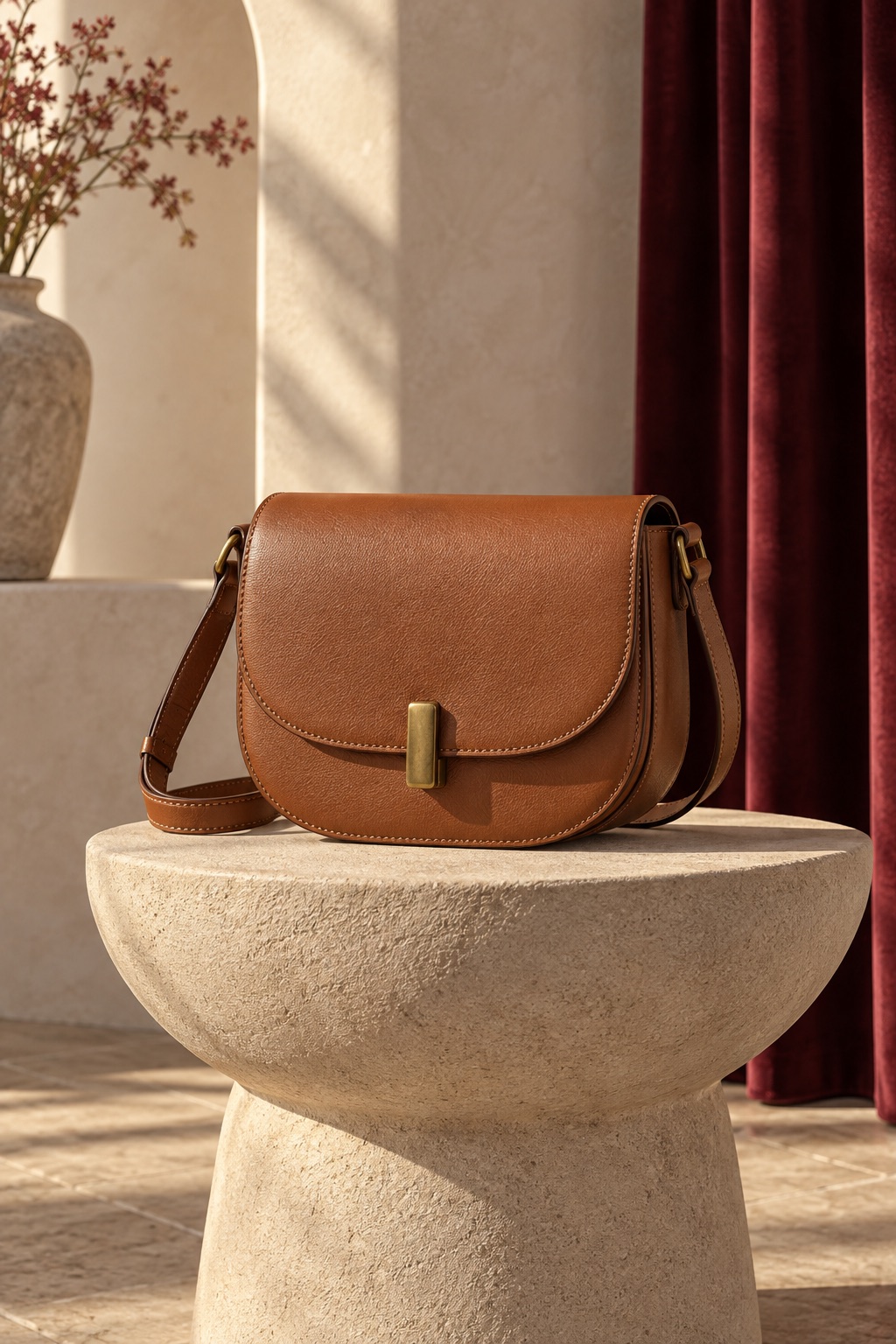
Fayvoro line-art interpretation of an AI-created handbag reference. The setting is simplified; small details may change.
Explore the prompt
Turn only the handbag in the reference into a printable coloring page. Preserve the rounded flap, shoulder strap, side loops and simple clasp as recognizable outlines. Remove the room, curtain, vase, pedestal and cast shadows. Center the complete bag with its strap inside generous white margins. Use clean bold black contours on pure white and large closed areas for coloring. No color, gray, shading, hatching, leather texture, solid black fills, text, logo, border or watermark.
MAKE IT MORE YOURS
A little intention. A different image.
01
Choose a photograph with a clear subject
Start with one pet or object that is easy to see. Keep ears, paws, handles and other important edges inside the frame. A busy background, deep shadows or several overlapping subjects can make the drawing harder to simplify.
Choose a supported photo here and continue to the studio. The outline prompt travels with your photo. This page starts from an existing image; the separate AI coloring page generator starts from a written subject.
02
Tell the converter which lines matter
Ask for clean black contours, closed shapes, a white background and no gray shading. Name the details that should remain recognizable, then say which background elements to leave out. Fewer interior lines and larger open areas make a simpler page to color.
The pet example keeps the ears and seated pose while simplifying the floor. The handbag example focuses on the strap, flap and clasp while removing the surrounding setting. Open the relevant prompt before trying your own photograph.
For a pet: keep the pose, ears and paws clear, with only a few inner fur lines.
For an object: name its main outline and useful details, then remove the surrounding clutter.
For a simpler drawing: ask for thicker contours, larger shapes and generous white margins.
03
Review the outlines before reaching for the crayons
Look for broken contours, tiny enclosed spaces, accidental black fills and confusing overlaps. Compare the result with the original: generation may reinterpret features instead of tracing them exactly.
If the drawing is too busy, reduce the background and interior detail in the prompt. If the subject is clipped, ask for the complete subject with more white space around it. A new attempt is another generation, so review the credit cost first.
04
Download the image and check your print preview
Fayvoro offers 1K and 2K raster image generation. Inspect the actual downloaded file at the size you want to print. In your print dialog, choose the paper size, fit the image inside the printable area and check that the outer lines are not clipped.
This photo workflow does not automatically export a custom PDF, editable SVG or numbered coloring template. The prepared sample PDF on the text-based coloring page is a separate download, rather than an export of your uploaded photograph.
BEFORE YOU BEGIN
A few useful answers.
How do I turn a photo into a coloring page?+
Choose a clear photo, open it in the studio with the outline prompt, and describe which subject and details to keep. Review the credit cost, sign in and choose Generate image. Check the resulting contours before downloading and printing.
Does the photo to coloring page converter trace every detail?+
No. It creates an AI interpretation guided by your photo. Features, proportions and small details may change. It does not perform exact vector tracing or produce editable paths.
Can I use a pet photo or a photo of an object?+
Yes. The examples show a pet and a handbag. Use a clear photo with the whole subject visible, then edit the prompt to name the features and background details you want to keep.
Can I download my coloring page as a PDF or SVG?+
The custom result is a raster image, not an automatically generated PDF or SVG. You can print the downloaded image from your usual image viewer. Prepared sample PDFs on the other coloring pages are separate example packs.
Is there a free trial?+
New accounts receive 3 signup credits. Standard 1K uses 1 credit per image and 2K uses 2. Selecting a photo and opening the studio do not start a generation. Review the cost before choosing Generate image.