YOUR IDEA, THEIR COLORS

Give a favorite subject room for color.

A friendly dinosaur, a curious animal or a place from your imagination. Describe one clear idea and turn it into a coloring-page direction you can edit in the studio.

3 free signup credits · No card needed
Explore the directions
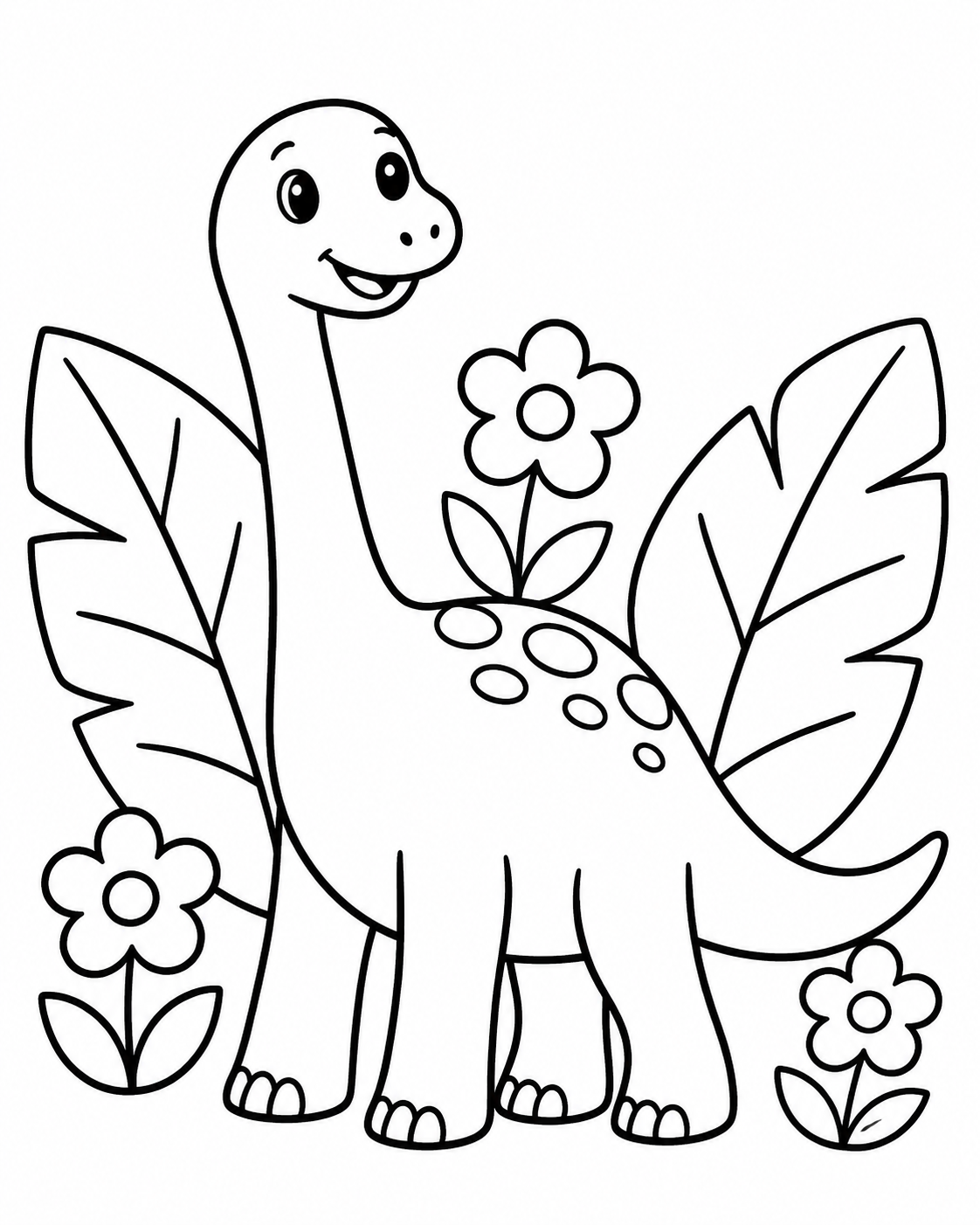
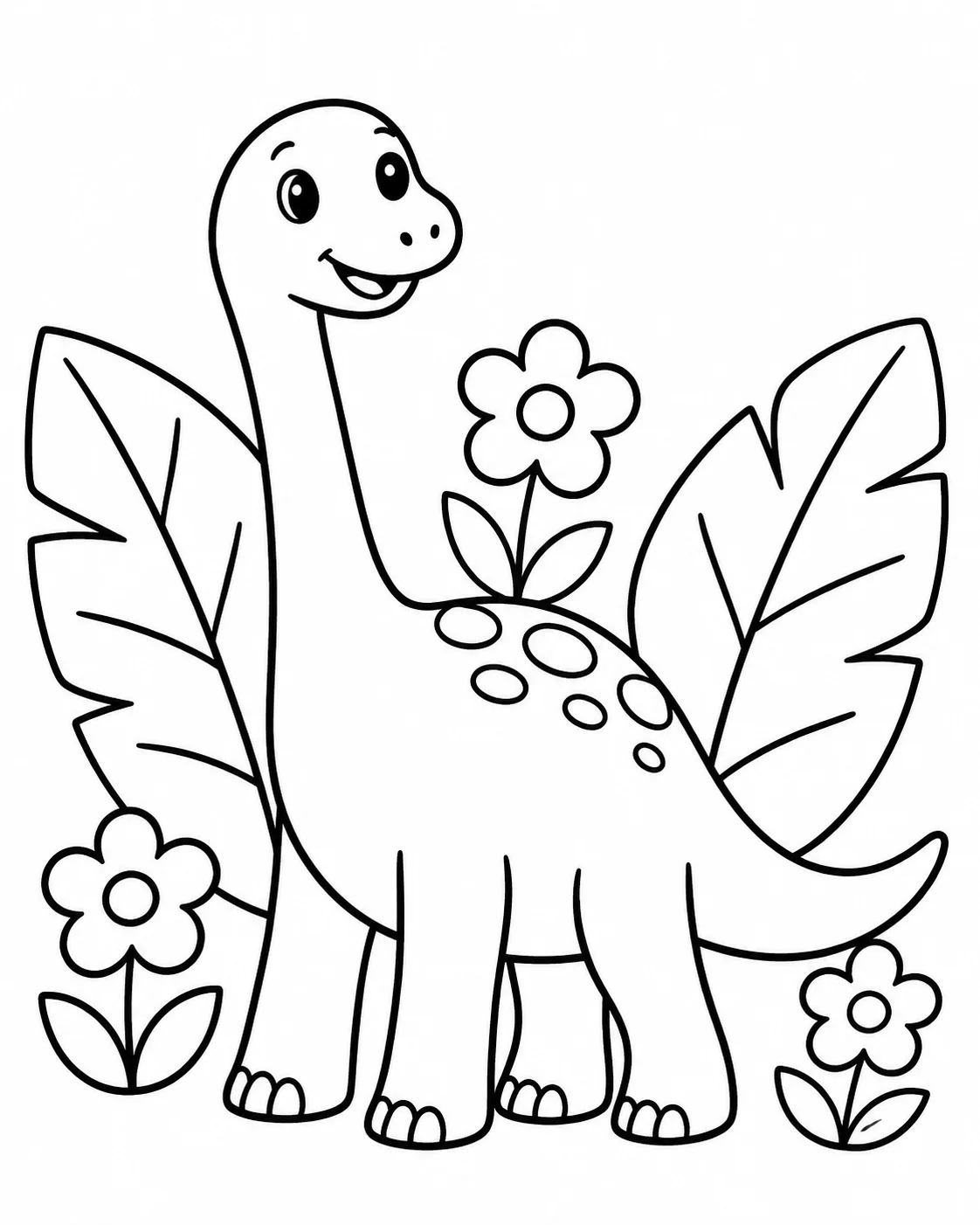
Black outline coloring page of a friendly long-neck dinosaur beside big leaves and flowers
MADE WITH FAYVORO · An original friendly dinosaur with broad, open coloring spaces. Review the PNG and adjust the print scale for your paper.
A FEW WAYS IN

Find your direction. Change the details.

Open a prompt to see the starting idea.
You choose when to generate.

Black outline coloring page of a friendly long-neck dinosaur beside big leaves and flowers
MADE WITH FAYVORO

A dinosaur in the garden

An original friendly dinosaur with broad, open coloring spaces. Review the PNG and adjust the print scale for your paper.

Explore the prompt

Children-friendly coloring page of a smiling long-neck dinosaur standing beside two big leaves and three simple flowers. Full dinosaur with four clearly separated legs and a rounded tail. Pure white background, wide portrait margins, clean bold black outlines and large closed shapes with empty interiors. Simple balanced composition. No gray, shading, hatching, gradients, solid black fills or tiny scale patterns. No text or logos.

Download PNG
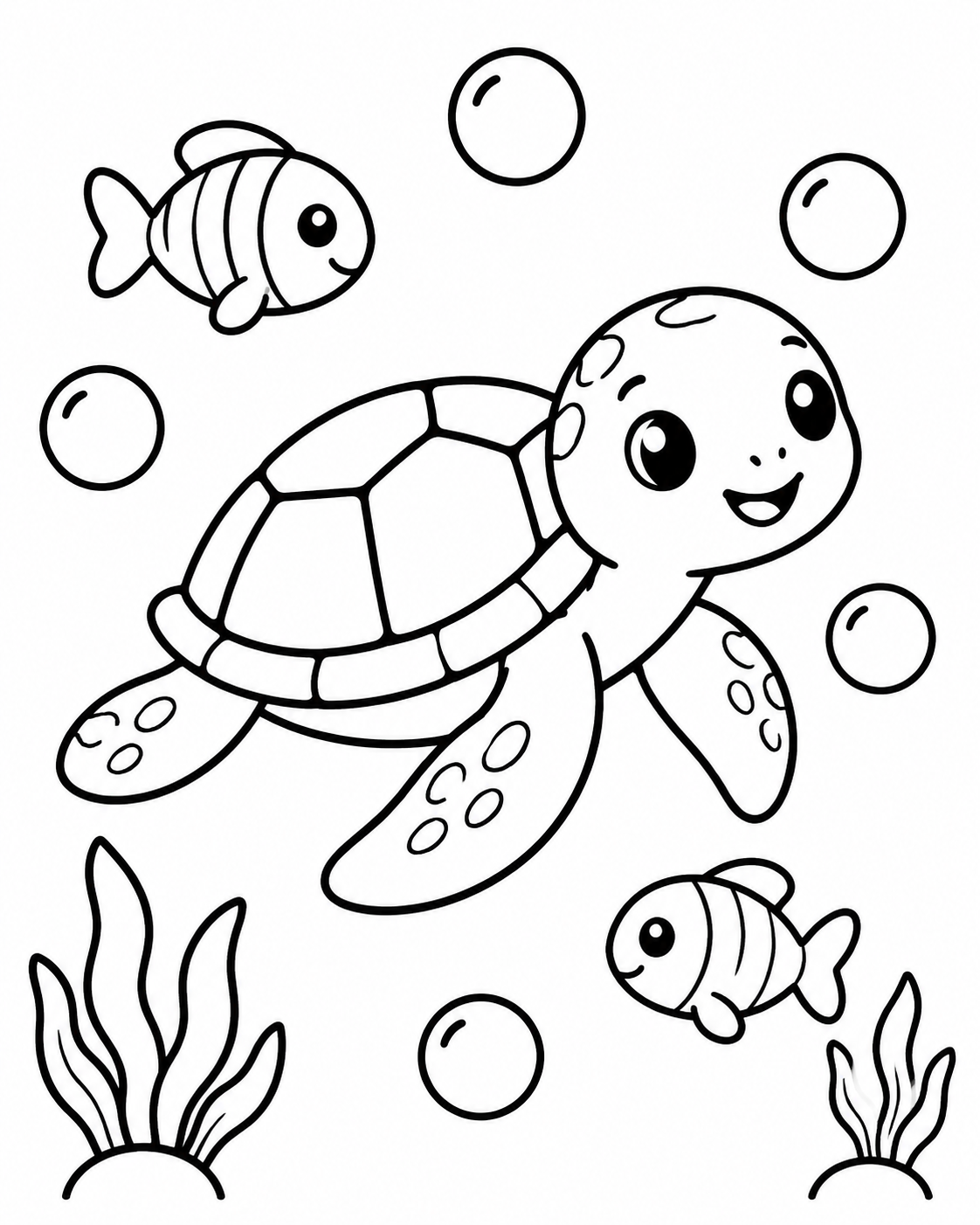
Black outline coloring page of a sea turtle, two little fish and simple sea plants
MADE WITH FAYVORO

A slow swim with friends

A calm underwater coloring scene with a simple turtle shell. The illustration is AI-created; inspect the outlines before printing.

Explore the prompt

Children-friendly coloring page of one smiling sea turtle swimming between two small fish, with two simple sea plants and five large bubbles. Broad shell sections, simple fins and roomy composition. Pure white background, wide portrait margins, clean thick black outlines and large closed shapes with empty interiors. No gray, shading, hatching, gradients, solid black fills or intricate underwater textures. No text or logos.

Download PNG
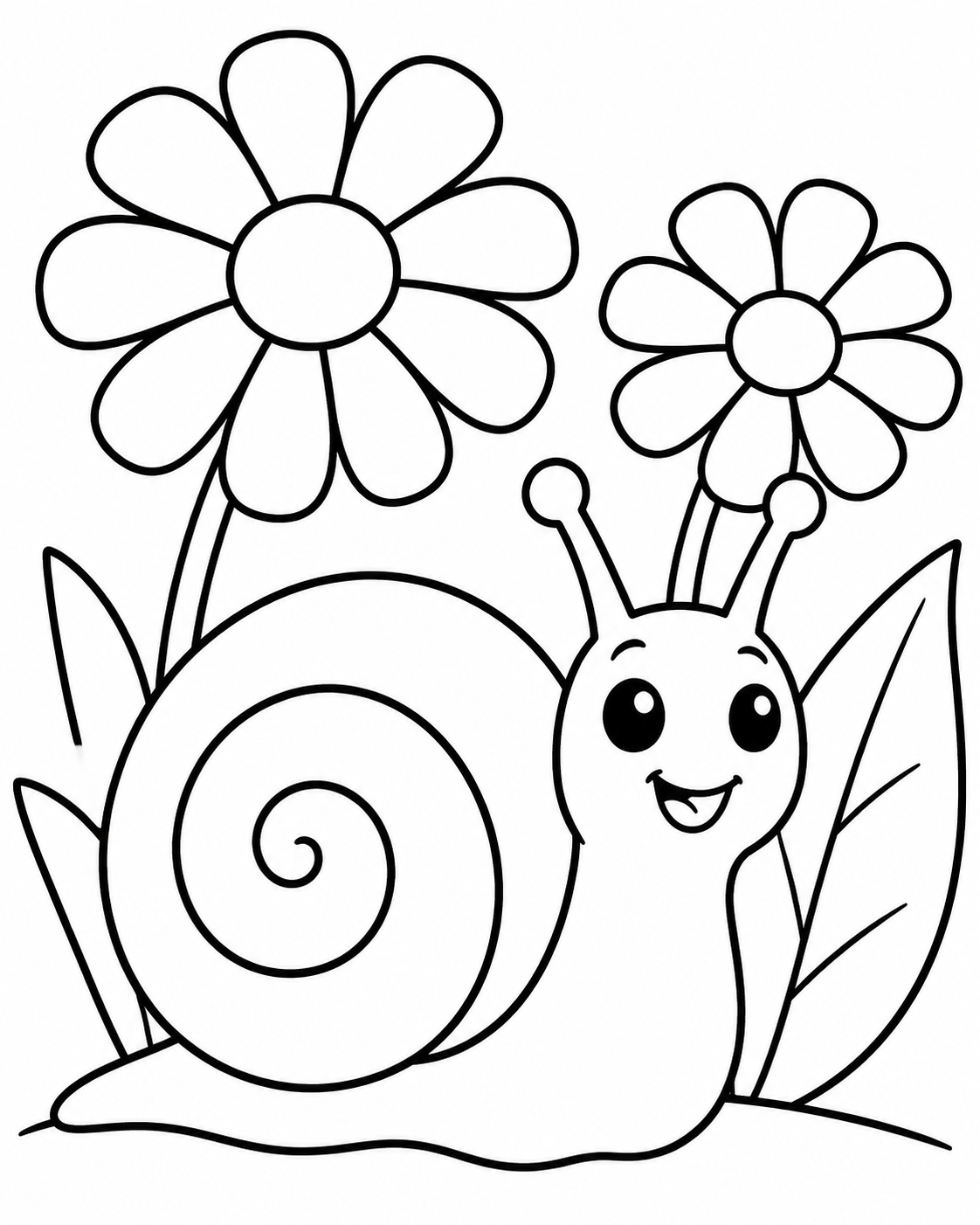
Black outline coloring page of a smiling snail with a broad spiral shell beside oversized flowers
MADE WITH FAYVORO

The snail’s flower patch

An original garden coloring page built around a snail and a few large flowers. Large spaces leave room for a child’s choice of color.

Explore the prompt

Children-friendly coloring page of a cheerful snail with one broad spiral shell beside two oversized daisies and a large leaf. Low garden viewpoint with the snail large in the foreground. Pure white background, wide portrait margins, clean thick black outlines, closed large shapes and broad empty spaces for coloring. No gray, shading, hatching, gradients, solid black fills, fine grass or intricate patterns. No text or logos.

Download PNG
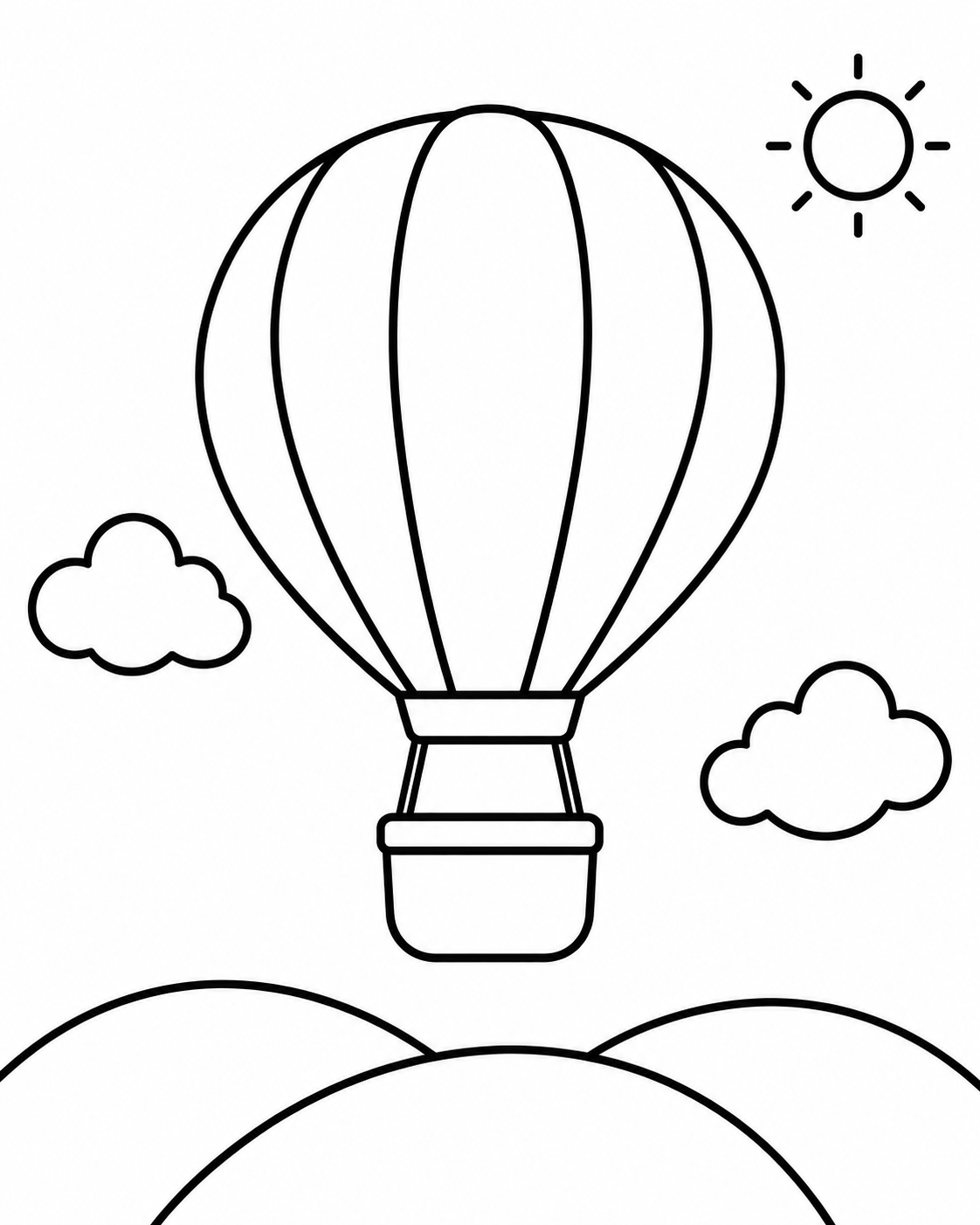
Black outline coloring page of a hot-air balloon floating above rounded hills and simple clouds
MADE WITH FAYVORO

Up above the rounded hills

A simple balloon adventure with wide panel shapes and open sky. Check the downloaded page margins before printing.

Explore the prompt

Children-friendly coloring page of a large hot-air balloon with five broad panels and a simple empty basket, floating over three rounded hills. Two puffy clouds and one small sun. Airy portrait composition, pure white background and wide white margins. Clean bold black outlines, closed large shapes and empty coloring spaces. No gray, shading, hatching, gradients, solid black fills, ropes with tiny details or patterns. No text or logos.

Download PNG
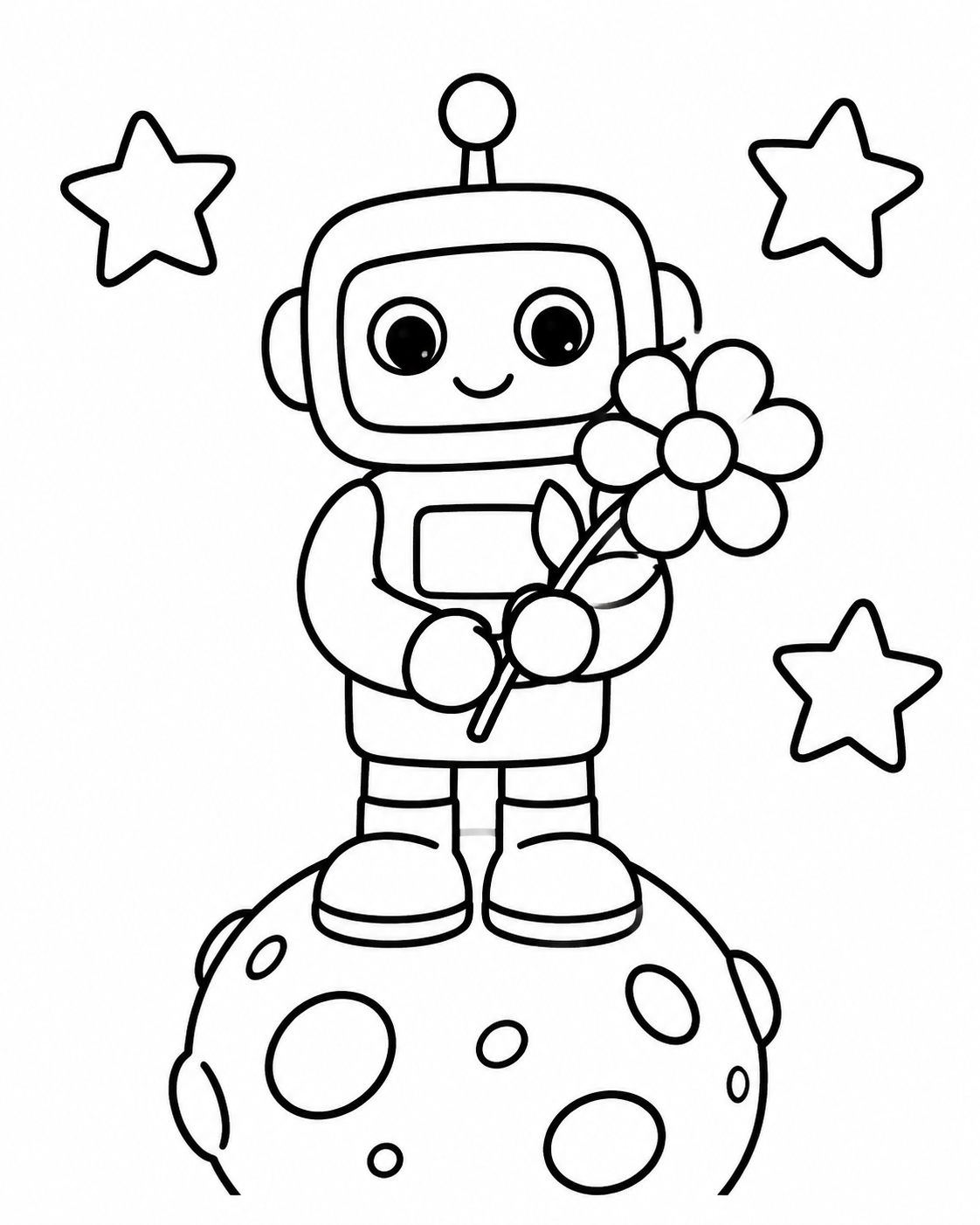
Black outline coloring page of a friendly rounded robot holding a flower on a small moon
MADE WITH FAYVORO

A robot’s first moon flower

An original robot character made from broad rounded shapes. This coloring concept does not use a branded or licensed character.

Explore the prompt

Children-friendly coloring page of a friendly rounded robot holding one large flower while standing on a small moon. Simple rectangular body, rounded arms, visible feet, outlined eyes and three large stars. Centered full-body portrait composition, pure white background and wide margins. Clean thick black outlines, closed large shapes and empty interiors. No gray, shading, hatching, gradients, solid black fills or complex mechanical details. No text or logos.

Download PNG
MAKE IT MORE YOURS

A little intention. A different image.

01

Describe the drawing before the decoration

Start with a subject, an action and a simple setting: a friendly dinosaur watering one large flower, for example. Then specify the line treatment. “Clean black outlines, broad enclosed shapes, plain white background, no gray shading” tells the image a different job from a finished painting.

Keep the first prompt focused. A single character with a few large props is easier to review than a crowded scene containing many tiny objects. The five example prompts show starting points you can change.

02

Choose how much detail someone will color

Large open areas suit a quick activity or broad crayons. More small sections invite slower work with pencils. Ask for the amount of detail directly instead of relying on a subject alone to determine complexity.

  • For a simpler page: one main subject, thick contours and generous white spaces.
  • For a more detailed page: add a few distinct objects with clear separation.
  • Keep lettering out of the image unless you are prepared to review it closely.
03

Review the lines before printing

Look for broken contours, confusing overlaps, accidental gray fills and shapes too small to color comfortably. Check hands, paws and repeated objects as well as the overall subject. Refine the prompt if the page needs a clearer outline or fewer details.

A generated image is a raster illustration. Choose 1K or 2K in the studio, then assess the downloaded image at the size you plan to print. Creating a page does not produce editable SVG paths or configure your printer.

04

Try the supplied pages while your idea takes shape

The five example PNGs and their five-page PDF are ready-made starting material. The main studio button serves a different task: creating a new drawing from your own description.

The sample PDF uses US Letter pages. Select your paper size and inspect the print preview; use Fit to page for A4. The PDF contains raster images, so it does not turn the drawings into vector artwork.

BEFORE YOU BEGIN

A few useful answers.

What should I put in a coloring-page prompt?+

Name one subject and a simple action, then describe the outlines and empty spaces: bold black contours, enclosed shapes, a white background and no gray shading. Add a clear request for simple or more detailed line work.

Can I use a photo as the starting point?+

You can switch to Reference image in the studio and ask for a coloring-page interpretation of your photo. This page’s main direction starts from text. A generated interpretation may change details; it is not automatic vector tracing.

Can I download the examples without creating a new page?+

Yes. Use the individual PNG links or the five-page example PDF. These are raster images; the PDF is prepared on US Letter pages and can be fitted to A4 in your print dialog.

How many credits does a new coloring page use?+

Standard 1K uses 1 credit and 2K uses 2 credits. New accounts receive 3 signup credits. Opening a prompt only saves an editable draft; sign in and review the cost before choosing to generate.

THE NEXT IMAGE COULD BE YOURS

Follow the idea.