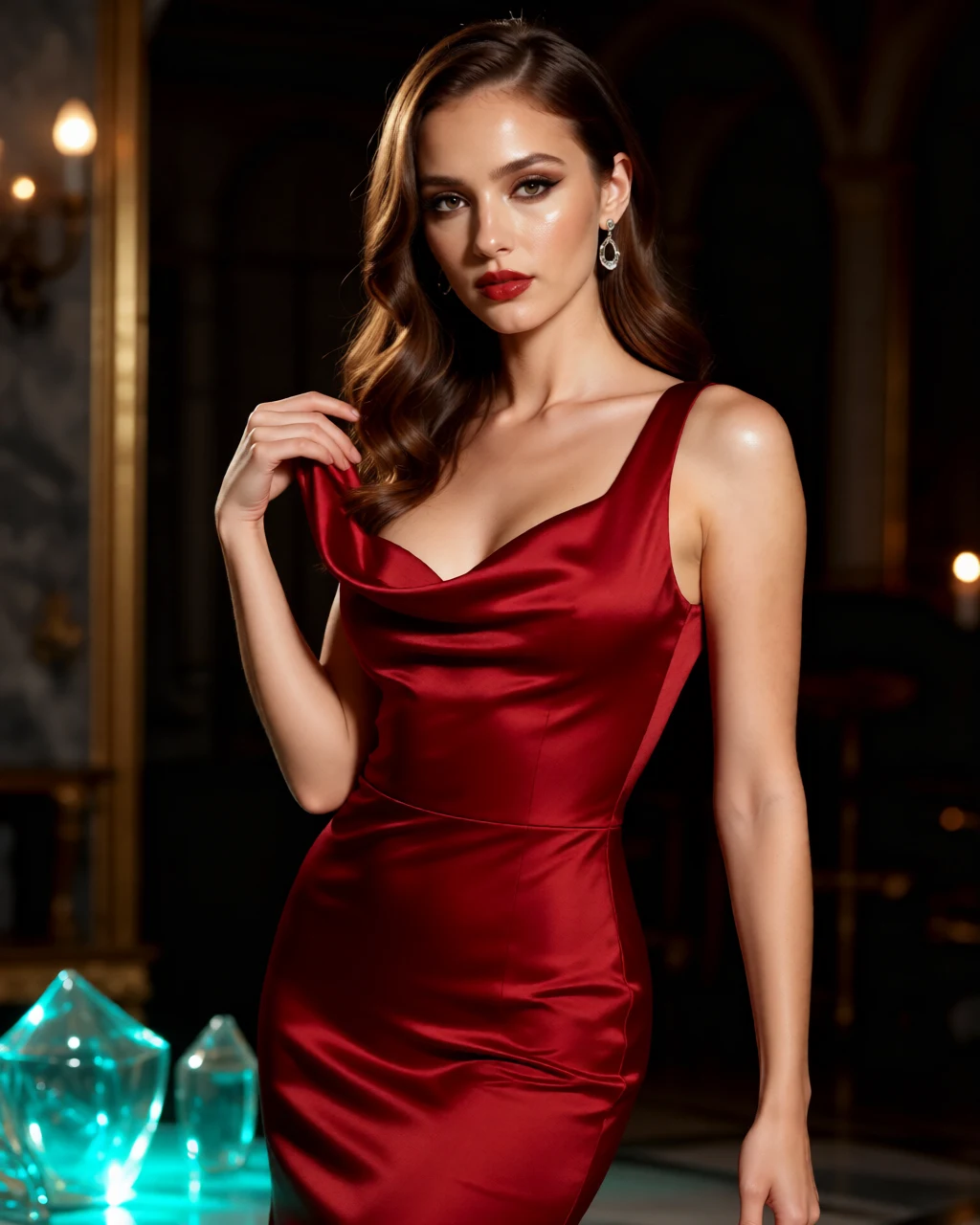
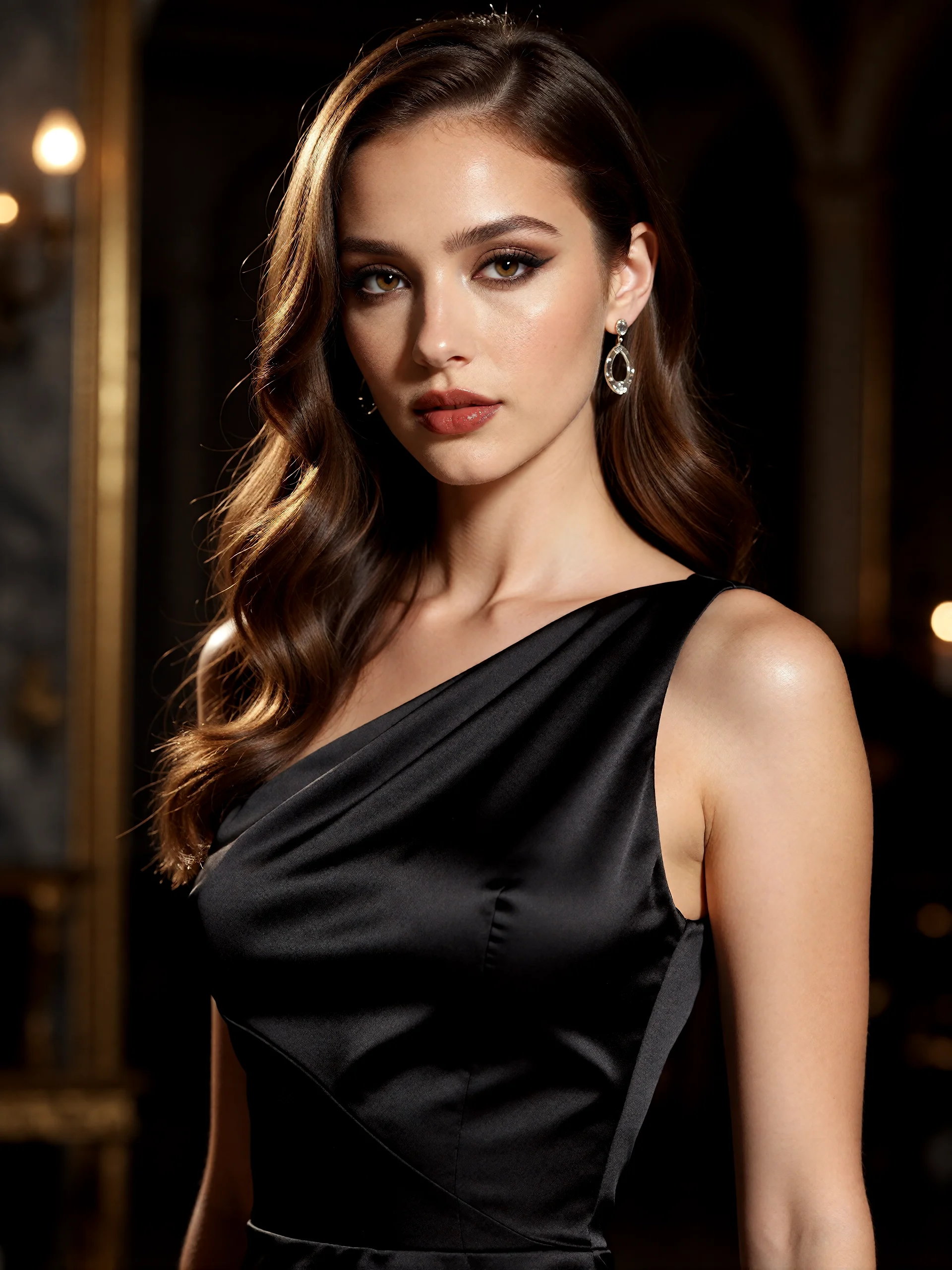
Bring a portrait, a pet photo or a scene you want to reimagine. Describe the change, choose a creative direction and review how the new image interprets your reference.
AI INSPIRATION · An AI-created edit of the fictional reference shown here. Compare the face, structure and details before using your own result.
A FEW WAYS IN
Find your direction. Change the details.
Open a prompt to see the starting idea. You choose when to generate.
AI INSPIRATION
REFERENCE
From a reference to a cover story
An AI-created edit of the fictional reference shown here. Compare the face, structure and details before using your own result.
Explore the prompt
Reimagine this adult woman as a polished color fashion editorial. Preserve her recognizable face, dark waves and adult age. Dress her in an opaque sculptural crimson satin evening dress, elegant neckline, one hand lifting a fold of fabric. Strong direct gaze, luminous skin, rich red lipstick. Cyan glass reflections and amber side light in a dark architectural studio. Waist-up diagonal composition, striking magazine photography, no text or logos.
AI INSPIRATION
REFERENCE
A portrait in full bloom
An AI-created edit of the fictional reference shown here. Compare the face, structure and details before using your own result.
Explore the prompt
Transform this adult woman into a jewel-toned botanical fantasy portrait while preserving her recognizable face, dark waves and adult age. Opaque emerald silk gown, sculptural antique-gold botanical headpiece, deep plum orchids framing her shoulders. Arresting direct gaze, warm luminous skin, delicate floating golden pollen against a deep teal garden. Close portrait with dramatic dimensional light and exceptional material detail. No text or logos.
MADE WITH FAYVORO
REFERENCE
A small companion, painted
A Fayvoro photo-to-image result from a fictional corgi reference. Check the ear shape, coat markings and expression against your own pet photo.
Explore the prompt
Turn the corgi in this reference into a warm oil-painted pet portrait. Soft visible brushwork, expressive eyes, detailed fur, gentle window light and a simple muted background. Frame the head and chest with room around the ears. No text or logos.
MAKE IT MORE YOURS
A little intention. A different image.
01
Choose a reference that makes the subject easy to read
Start with one clear subject, enough light to see its details and a crop that includes what matters. A face partly hidden by a hand or a pet with cropped ears gives the model less useful information. Upload the reference in the creative canvas after opening a photo-based example.
02
Describe what changes and what guides the result
A useful brief separates the subject from the new direction: “the adult woman in this reference, a vivid crimson fashion portrait, cyan reflections, amber side light.” Name the setting, material or mood you want to explore. Ask for important details to remain recognizable, then check whether the output actually follows them.
Choose 4:5 for a portrait, 1:1 for a compact composition or 9:16 for a tall scene. Changing the format can change the crop and the surrounding scene. If a hat, paw or prop matters, mention it and leave room for it in the composition rather than filling the frame with a close-up.
04
Compare one change at a time
Review the generated subject beside the original. Look at shape, facial details, markings and any small objects, then check the background and lighting. If the result is close, revise one part of the brief, such as the light or setting, before generating again. This makes the effect of each revision easier to judge.
BEFORE YOU BEGIN
A few useful answers.
What is image-to-image AI?+
It uses an uploaded image together with your written direction to create a new image. The reference helps guide the subject and visual structure; the prompt describes the interpretation you want to try.
Will the result keep every detail of my photo?+
Details can change, including facial features, colors, proportions and small objects. Treat each result as a creative interpretation and compare it with the reference before sharing or publishing it.
Can I start from an example on this page?+
Yes. Opening an example prepares its prompt and creative settings in the canvas. Add your own reference photo, review the settings and choose when to generate; opening the canvas does not spend credits.
How many credits does a reference-image generation use?+
A standard 1K image uses 1 credit and a 2K image uses 2 credits. A new account starts with 3 signup credits. Review the selected resolution and credit cost before generating.