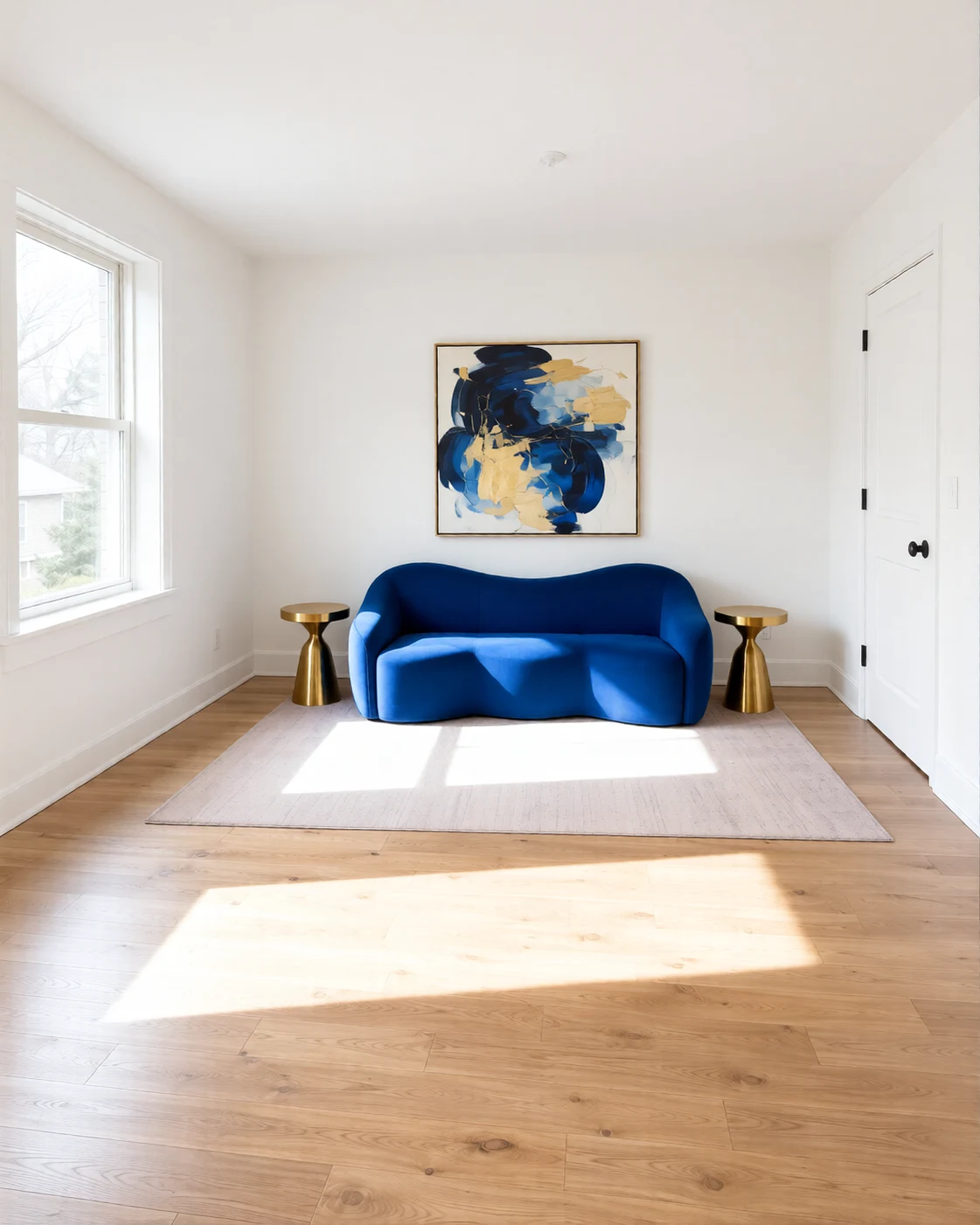
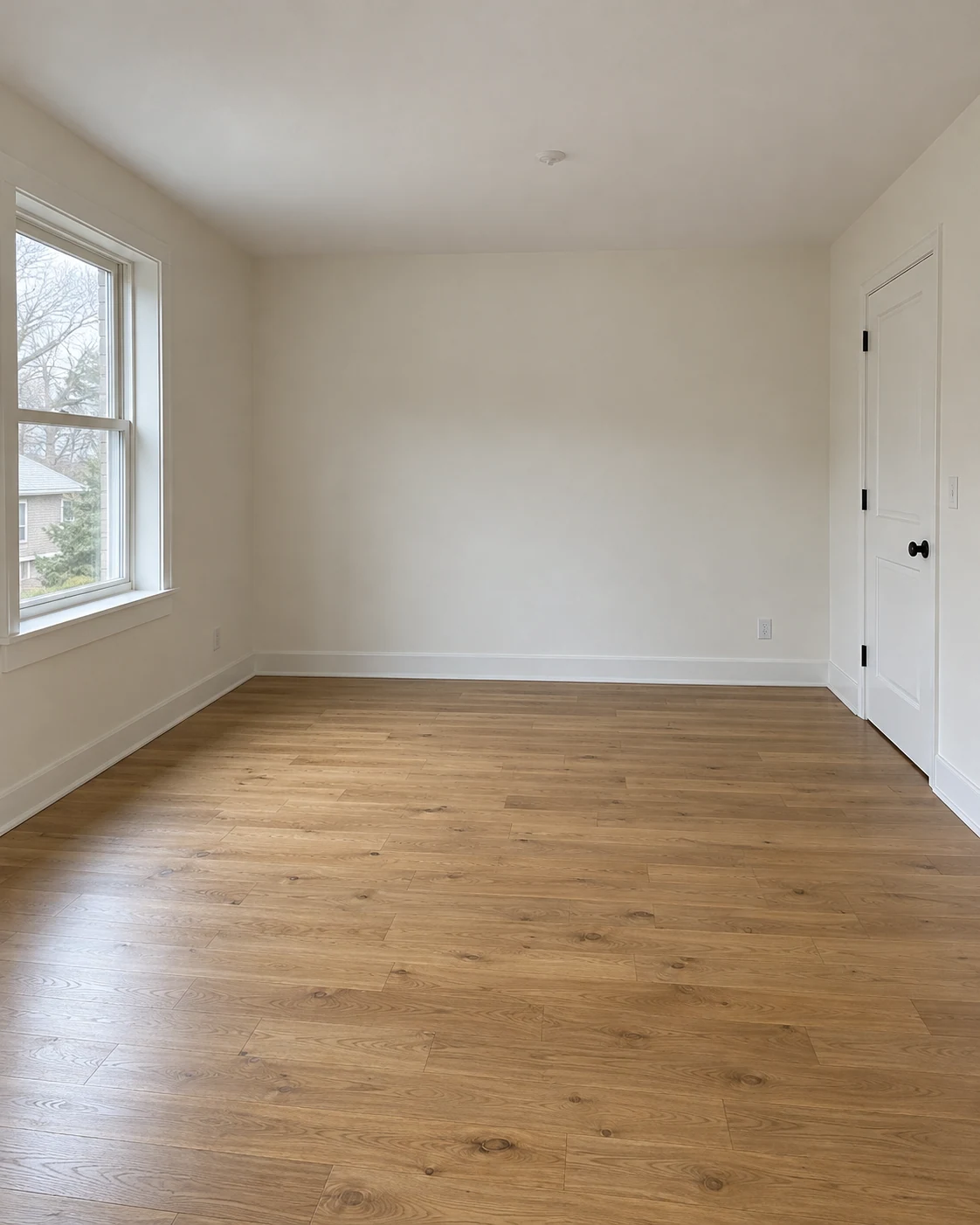
Upload a photo of an unfurnished room and describe its intended use. Generate a virtually staged concept with furniture, a rug, lighting, and a few finishing details.
JPG, PNG or WebP · Up to 10 MB
Review the prompt and credit cost in the studio before generating.
An AI-created edit of the fictional reference shown here. Compare the face, structure and details before using your own result.
A FEW WAYS IN
Explore the example. Make it yours.
Open a prompt to see the starting idea. You choose when to generate.
AI INSPIRATION
REFERENCE
A cobalt sofa in a bright gallery room
An AI-created edit of the fictional reference shown here. Compare the face, structure and details before using your own result.
Explore the prompt
Virtually stage this exact empty room as a bright art collectors salon. Keep the camera, room dimensions, oak floor, left window and right door unchanged. White gallery walls, a sculptural cobalt-blue sofa on the back wall, elegant brass side tables, a pale rug and one oversized colorful abstract painting. Airy classical gallery mood, strong daylight, realistic furniture scale, unobstructed door. Editorial interior photograph. No text or logos.
MAKE IT MORE YOURS
A little intention. A different image.
01
Give the empty space a clear purpose
An empty room is easier to imagine when its purpose is specific. Tell the model whether it should become a living room, a guest bedroom, or a small home office. Choose one main furniture grouping rather than filling every wall. A photo showing the floor and main openings helps you assess how the new pieces relate to the original space.
02
Keep furniture away from important openings
Ask for visible doorways, uncovered windows, and clear walking routes. Describe modest furniture sizes if the room is compact, and limit decorative objects so the architecture stays easy to read. The model may still alter a floor edge or window shape. Compare the staged result with the source before presenting it as a view of a particular property.
03
Label a staged presentation clearly
Virtual furniture is a suggestion of how a room could be used. It does not establish what is included with a property or confirm that a particular product fits. If you share the image in a listing or client presentation, identify it as virtually staged and follow the relevant platform’s requirements. Keep the original room photo available so viewers can understand the actual condition.
BEFORE YOU BEGIN
A few useful answers.
Should I start with a completely empty room?+
An empty or mostly empty room makes the staging direction clearer. If existing furniture is visible, describe what should stay and what the new arrangement should replace.
Will the model preserve the property exactly?+
Exact preservation is not guaranteed. Check wall edges, openings, flooring, and perspective against the original image before using the staged version.
How should I present a virtually staged image?+
Clearly identify it as virtually staged and keep an original photo available. Check any requirements that apply to the platform or listing where you plan to share it.
Are the furniture dimensions accurate?+
The image suggests an arrangement and approximate visual scale. Measure the room and compare real product dimensions before selecting or buying furniture.