Upload a clear exterior photo and describe a facade style. Generate a visual concept with alternate colors, materials, entrance details, and a coordinated outdoor setting.
JPG, PNG or WebP · Up to 10 MB
Review the prompt and credit cost in the studio before generating.
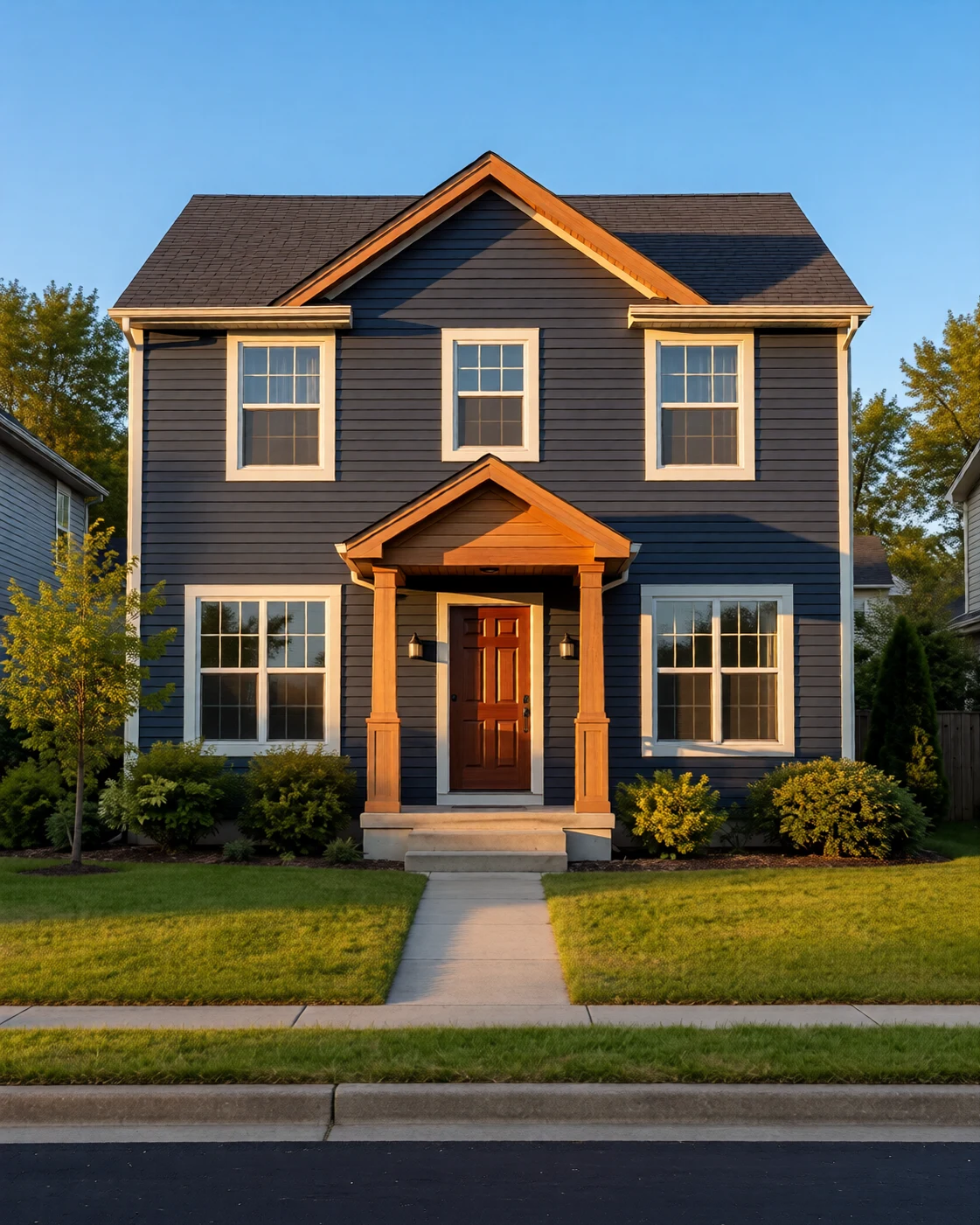
An AI-created edit of the fictional reference shown here. Compare the face, structure and details before using your own result.
A FEW WAYS IN
Explore the example. Make it yours.
Open a prompt to see the starting idea. You choose when to generate.
AI INSPIRATION
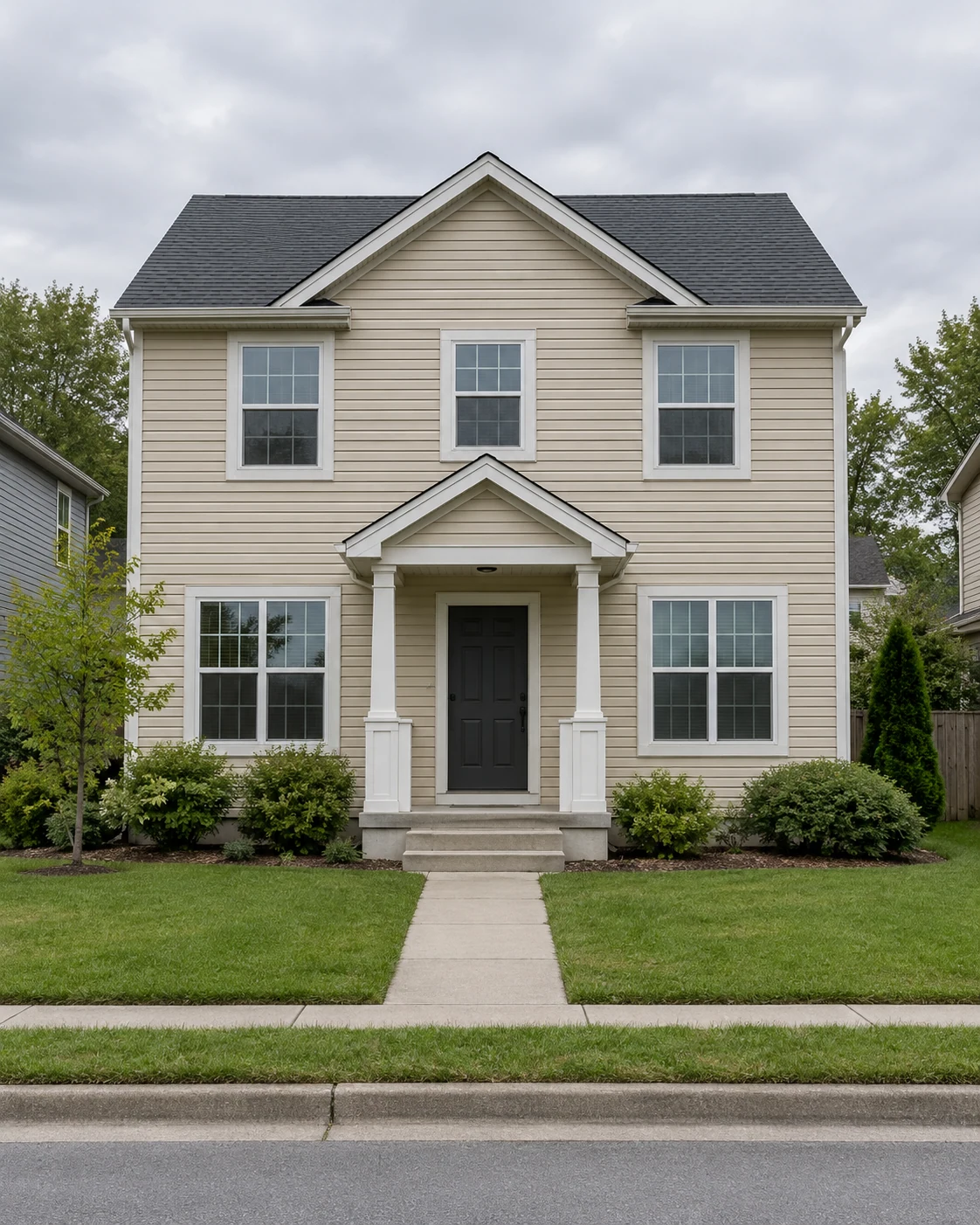
REFERENCE
Charcoal siding, a warm cedar porch
An AI-created edit of the fictional reference shown here. Compare the face, structure and details before using your own result.
Explore the prompt
Transform this exact house exterior into a striking contemporary design. Preserve camera, rooflines, building mass, every window and door opening, porch shape and path. Deep charcoal siding, warm cedar porch columns and gable accents, a rich wood front door, crisp pale window trim and restrained architectural planting. Late-afternoon golden side light, realistic home renovation photograph. Strong visible change without moving openings. No text or logos.
MAKE IT MORE YOURS
A little intention. A different image.
01
Capture the facade without hiding its shape
A clear photograph taken from across the street or garden helps show the roofline, windows, entrance, and main wall surfaces together. Avoid an angle where a parked vehicle or large tree hides most of the building. Describe which architectural features should remain. A concept based on a readable source is easier to compare with the house you actually have.
02
Use a small family of exterior materials
Start with the main wall finish, a trim color, and one accent for the entrance. Too many contrasting materials can fragment a simple facade. Ask for believable daylight so you can judge how the surfaces relate, and keep landscaping modest if your main question is the house color. Generated finishes are visual suggestions; real samples can look different outdoors. Look at those samples in both sun and shade.
03
Check the idea against the actual property
Compare window positions, roof edges, and door proportions after generation. The image may change these while interpreting the style. It does not confirm material compatibility, structural work, property boundaries, or approvals. Before proceeding, use measured information and check the requirements relevant to your property. The concept is most useful as a visual reference for conversations with a designer or contractor.
BEFORE YOU BEGIN
A few useful answers.
Can I change the siding color without changing the house?+
Ask for a color-only refresh and name the features to retain. Generation may still alter details, so compare the roofline, windows, and doors against your source photo.
Can it show a new roof or entrance?+
It can visualize a style idea, but it cannot assess structural feasibility, material performance, or approval requirements. Have those matters checked separately.
Are the generated materials specific products?+
No. They are visual approximations. Choose actual products using supplier samples, specifications, and advice appropriate to the building.
Does this create architectural drawings?+
The output is an image concept. It does not include measured elevations, construction details, permits, or installation documentation.