Upload a kitchen photo and describe your preferred cabinets, surfaces, and colors. Generate a visual concept that helps compare finishes before making renovation decisions.
JPG, PNG or WebP · Up to 10 MB
Review the prompt and credit cost in the studio before generating.
An AI-created edit of the fictional reference shown here. Compare the face, structure and details before using your own result.
A FEW WAYS IN
Explore the example. Make it yours.
Open a prompt to see the starting idea. You choose when to generate.
AI INSPIRATION
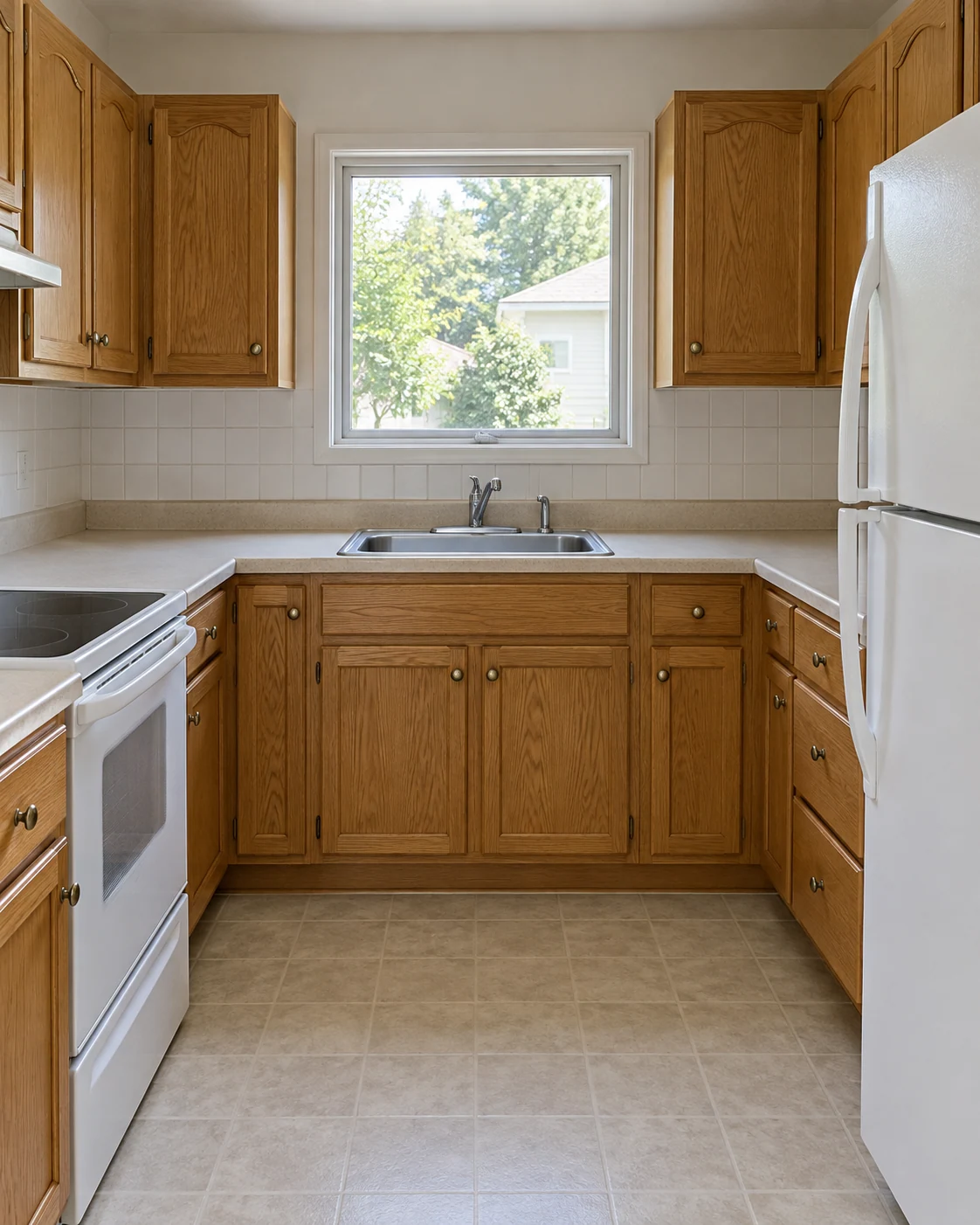
REFERENCE
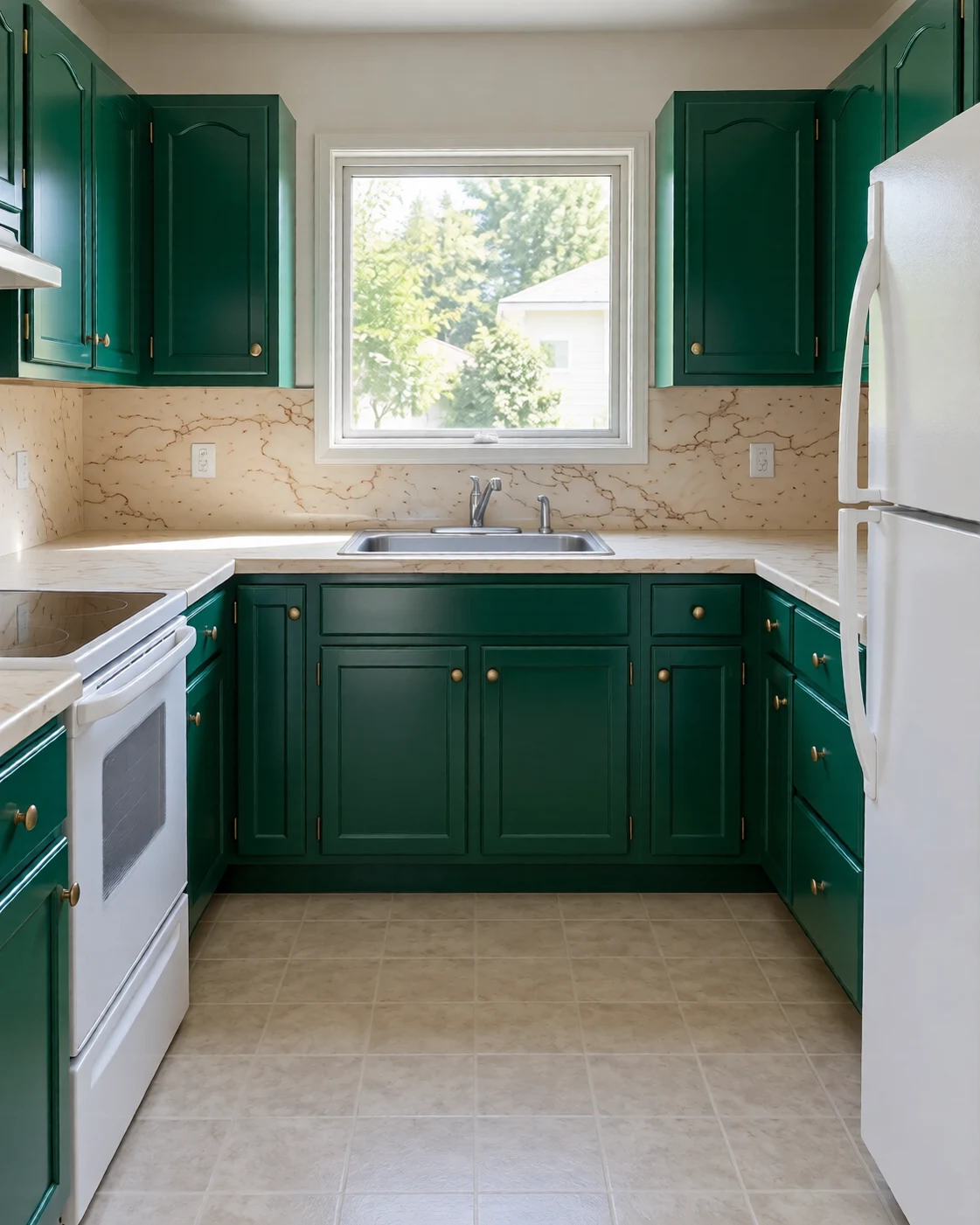
Emerald cabinets and warm brass
An AI-created edit of the fictional reference shown here. Compare the face, structure and details before using your own result.
Explore the prompt
Redesign this exact compact kitchen. Preserve camera, room size, original central window, sink under the window, stove on the left and refrigerator on the right. Change cabinets to rich emerald lacquer, brushed brass handles and tap, creamy boldly veined stone counters and backsplash, warm layered daylight. Refined jewel-box kitchen, realistic materials and practical clearance. Do not move appliances or add an island. No text or logos.
MAKE IT MORE YOURS
A little intention. A different image.
01
Photograph cabinets and work surfaces together
Use a view that includes the cabinet fronts, countertop, backsplash, and main appliances. Those surfaces influence one another, so a wide, level photo is more useful than a close-up of a handle. Mention the sink or appliances that should stay in place. If the kitchen is narrow, ask for a finish refresh without adding an island or extra cabinetry.
02
Compare finishes as a coordinated palette
Choose a cabinet color, a countertop direction, a backsplash texture, and one metal finish. Pale oak with warm white can feel softer than a high-contrast black-and-white scheme. Describe whether the surfaces should look matte, polished, or lightly textured. Treat the generated materials as visual approximations, then check real samples together in the actual light of your kitchen. Small changes in undertone can affect how the whole palette feels.
03
Separate a visual refresh from installation planning
Inspect appliance locations, cabinet alignment, and the edges around windows after generation. The model can change geometry while proposing a style, so the image cannot confirm cabinet sizes, clearances, plumbing routes, or electrical work. Use it to narrow a direction, then measure the space and have the proposed layout checked before ordering components or beginning a renovation.
BEFORE YOU BEGIN
A few useful answers.
Can I change only the cabinets and backsplash?+
Yes. Name the surfaces you want to change and ask to retain the countertop, appliances, and room openings. Review the generated image because other details may still shift.
Can it design a kitchen island that fits?+
It can visualize an island concept, but it cannot verify fit or safe clearances. Measure the room and have the layout checked before making installation decisions.
Will the sink and appliances stay in place?+
Ask to keep their positions and provide a clear source. Treat the output as a concept and compare those locations with the original photo.
Can I use the image to order cabinets?+
Use it as a style reference. Cabinet measurements, hardware details, services, and installation drawings need separate verification.