Upload a clear bathroom photo and describe the finishes you want to compare. Generate a concept image exploring tile, a vanity, mirrors, fixtures, and the overall atmosphere.
JPG, PNG or WebP · Up to 10 MB
Review the prompt and credit cost in the studio before generating.
An AI-created edit of the fictional reference shown here. Compare the face, structure and details before using your own result.
A FEW WAYS IN
Explore the example. Make it yours.
Open a prompt to see the starting idea. You choose when to generate.
AI INSPIRATION
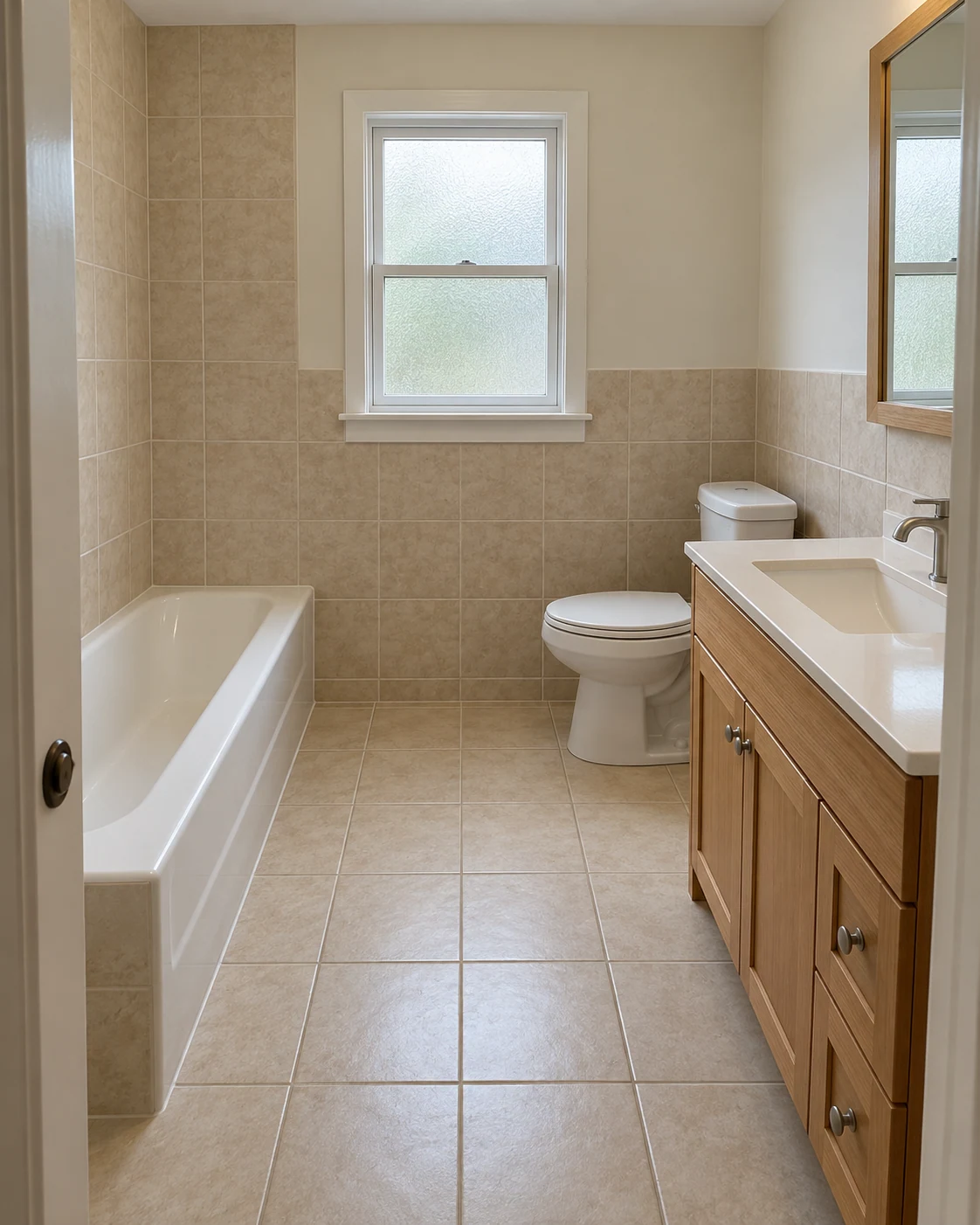
REFERENCE
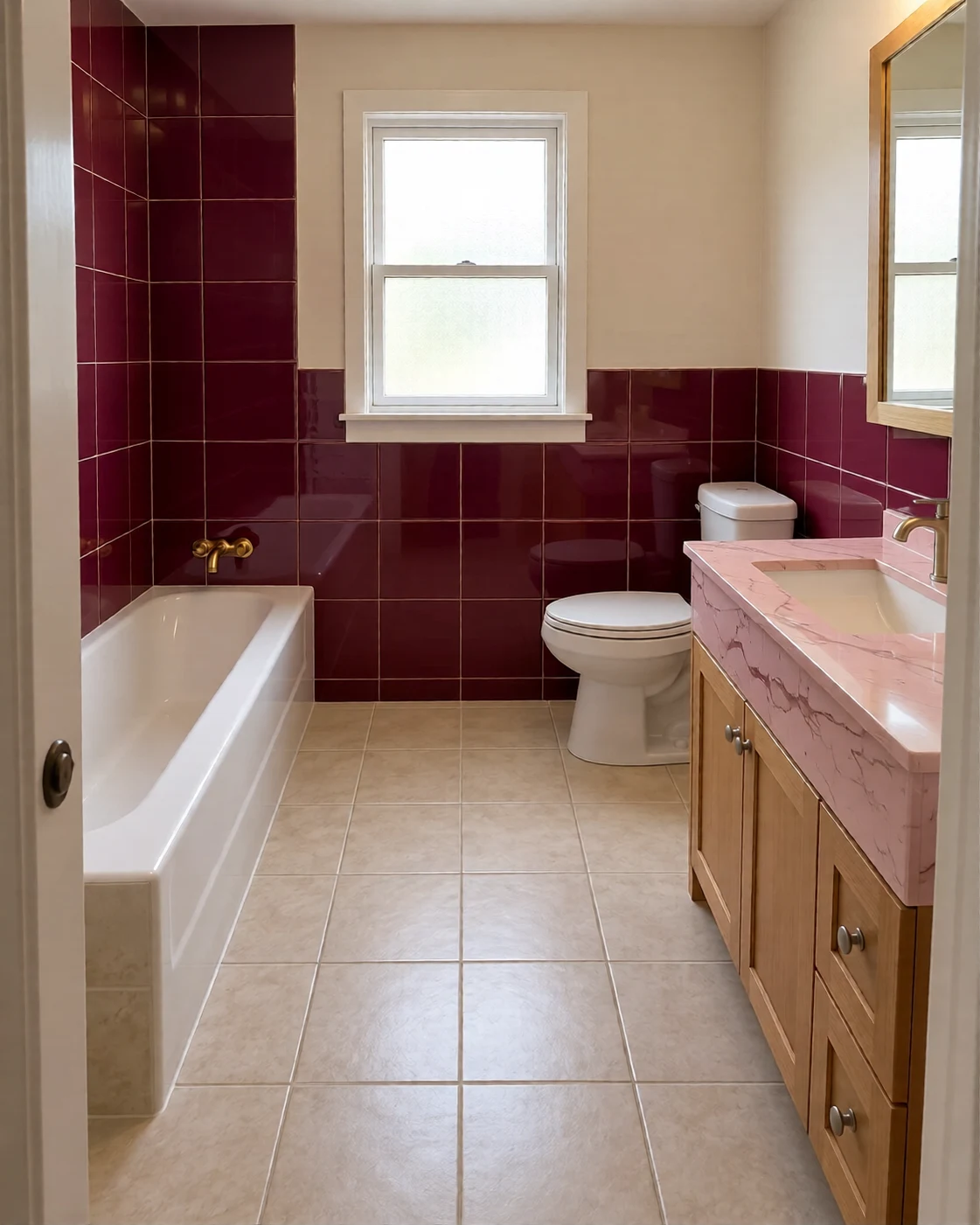
Burgundy tile and blush stone
An AI-created edit of the fictional reference shown here. Compare the face, structure and details before using your own result.
Explore the prompt
Redesign this exact small bathroom, preserving camera, dimensions, rear window, bathtub on the left, toilet at the back and vanity on the right. Rich burgundy glazed wall tiles, blush-pink veined stone vanity and tub surround, brushed brass taps and mirror frame, warm flattering daylight. Sophisticated boutique-hotel color and tactile materials, realistic plumbing and proportions. Keep all fixtures in place. No text or logos.
MAKE IT MORE YOURS
A little intention. A different image.
01
Show the fixtures and the room edges
A useful bathroom photo includes the vanity, shower or bath, and enough wall and floor to understand their relationship. Keep the camera level and take care with mirrors that create confusing reflections. Name the fixtures that must remain in place. In a compact room, a simple material refresh can be easier to evaluate than a concept that moves every object.
02
Coordinate tile, storage, and light
Describe the size and visual character of the tile, the vanity finish, and the metal color you prefer. A rounded mirror and soft light can create a different mood from dark stone and sharp lines. Ask for a realistic amount of storage rather than decorative shelves everywhere. Check the generated mirror and reflective surfaces for objects or openings that do not belong.
03
Bring the idea to a qualified installer
The concept can make a palette easier to discuss, but it cannot determine waterproofing, drainage, ventilation, slip resistance, or electrical placement. Nor does it confirm that a fixture fits the photographed space. Compare the output with the original room and use actual product specifications and measurements when planning work. Technical details need a separate check before any renovation begins.
BEFORE YOU BEGIN
A few useful answers.
Can I keep the shower and toilet in place?+
Yes. State that their locations should stay and use a photo where they are visible. Compare the generated concept with the original because positions may still change.
Can it help compare small-bathroom styles?+
Yes. Ask for modest fixture sizes, clear circulation, and a restrained material palette. The visual concept does not verify actual clearance or fit.
Does it specify waterproofing or plumbing?+
No. It generates a visual design direction. Waterproofing, plumbing, ventilation, and electrical details require appropriate professional planning.
Why should I inspect mirrors carefully?+
AI-generated reflections can introduce extra objects or inconsistent geometry. Check the mirror, shower glass, and polished surfaces before sharing the concept.