How do I make an OnlyFans profile picture from my photo?+
Choose your own clear adult photo and continue to the studio. Edit the prepared portrait prompt, review the square ratio and displayed credit cost, then generate. Compare the result with your original before downloading and uploading it yourself.
What makes a useful profile-picture composition?+
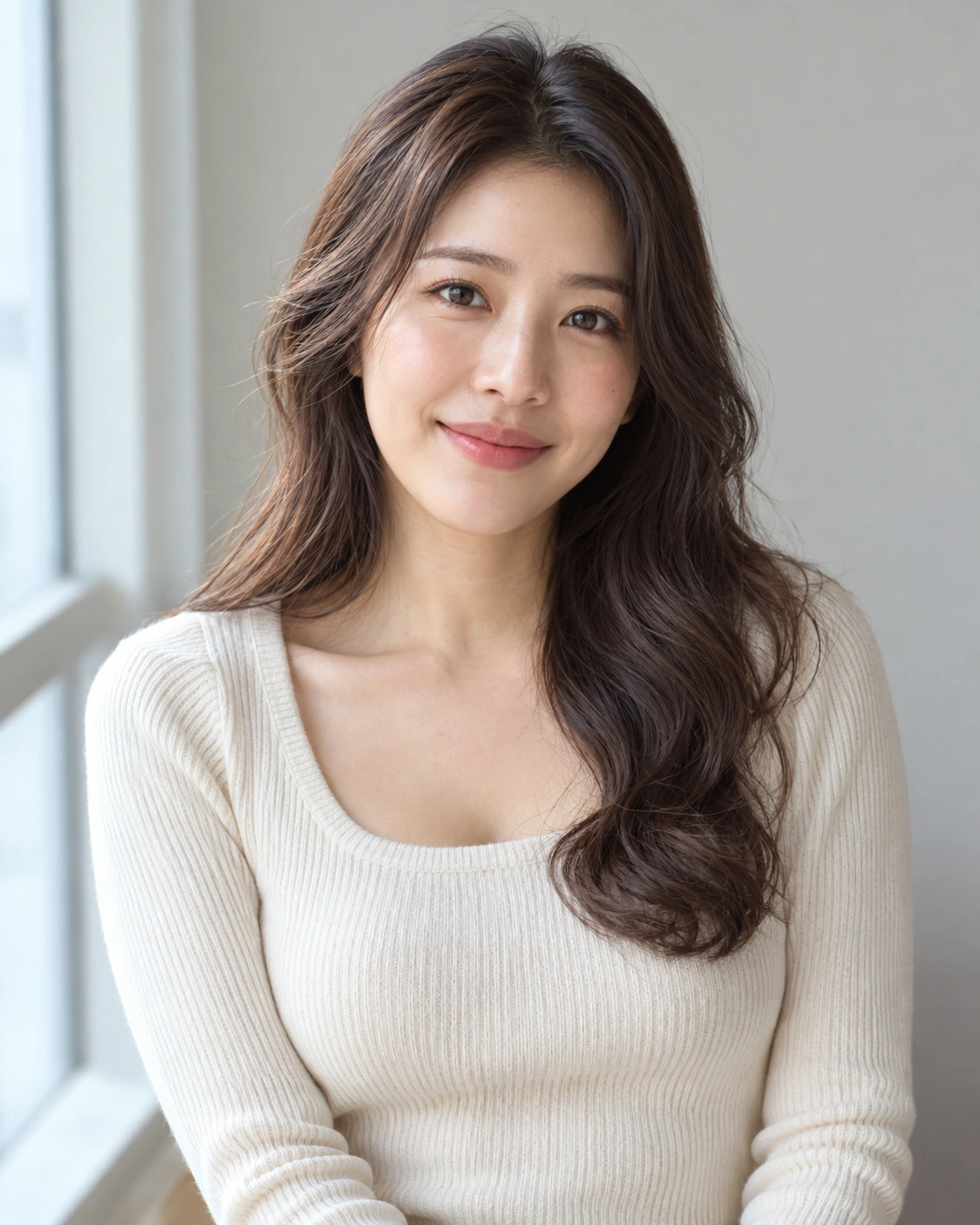
A visible face, clear eyes, a simple background and room around the head help at small sizes. The draft uses a 1:1 composition. Preview the actual circular crop on your destination; this page does not provide a precision crop editor.
How do I make the portrait feel bolder?+
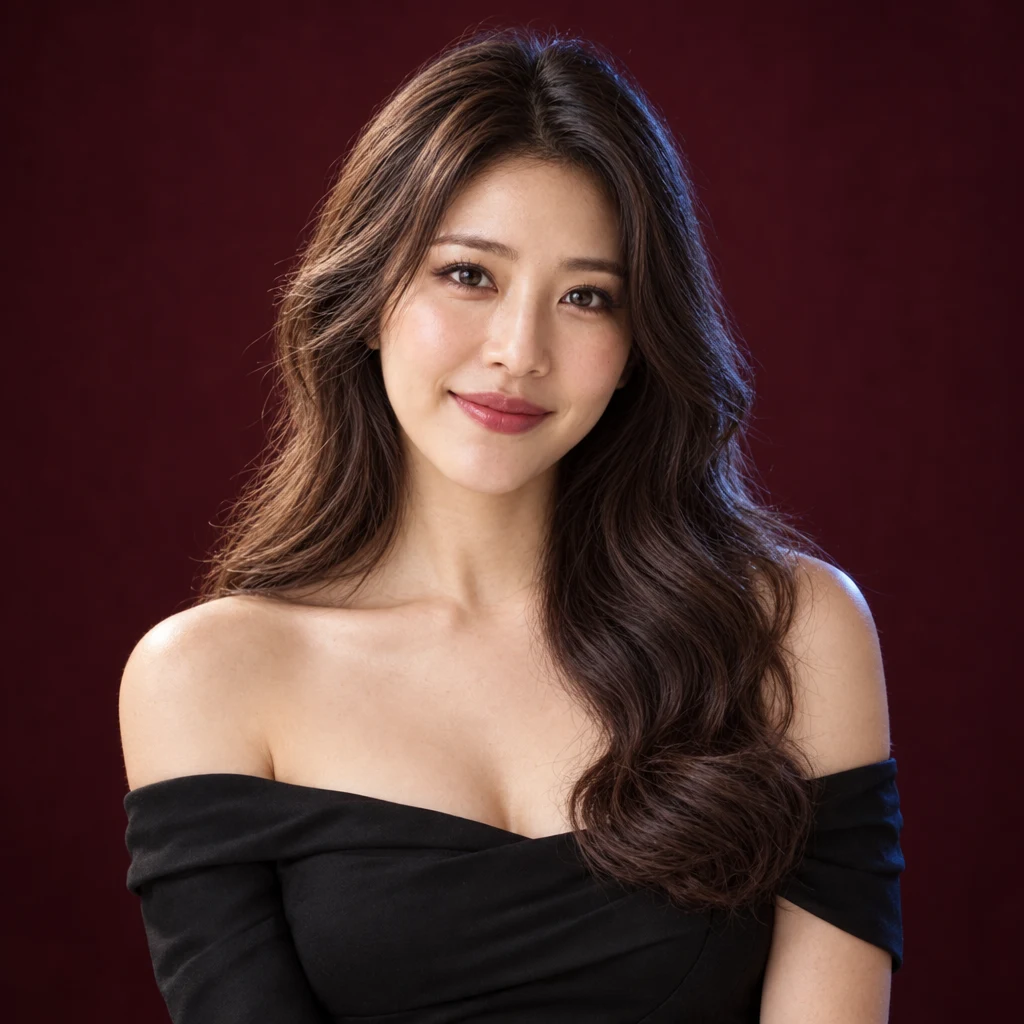
Try an off-shoulder evening gown, smoky eye makeup, stronger lip color and dark studio contrast, or choose a halterneck dress with bronzed makeup and golden side light. Keep the face clear and change one styling choice at a time.
What are the OnlyFans rules for AI-edited photos?+
OnlyFans requires AI-edited content to clearly feature the verified creator and carry an AI label, such as #ai or #AIGenerated. Check its current terms before publishing. Those are platform rules, not a Fayvoro certification or a guarantee of approval.
Will the edited portrait preserve my face exactly?+
Exact likeness is not guaranteed. A reference guides the result, but facial features, hair, skin and apparent age can change. Compare the full image and a small avatar preview with your source, and use only a result that represents you accurately.
Can I try a profile picture before buying credits?+
New accounts receive 3 signup credits. These prepared Standard 1K portraits use 1 credit per image. Choosing a photo or opening the draft does not spend credits; review the displayed cost before generating.